How to Draw Lifelike Character Skin in Digital Art?
If you're new to digital art, it's easy to think skin is just one color. White skin = paint white. Dark skin = paint black. Add a little blush, and you're done. But if you actually do that, your coloring will probably look flat and messy.
So, how do you paint skin well? Check out our short article — it offers simple, friendly tips to help you get natural-looking skin.

In this article, you will learn:
How to Draw Character Skin?
Let's first look at the piece below. Why do some parts of the face look a little greenish and others a bit purple? Why paint them that way? Where do those colors come from, and where should you put them?
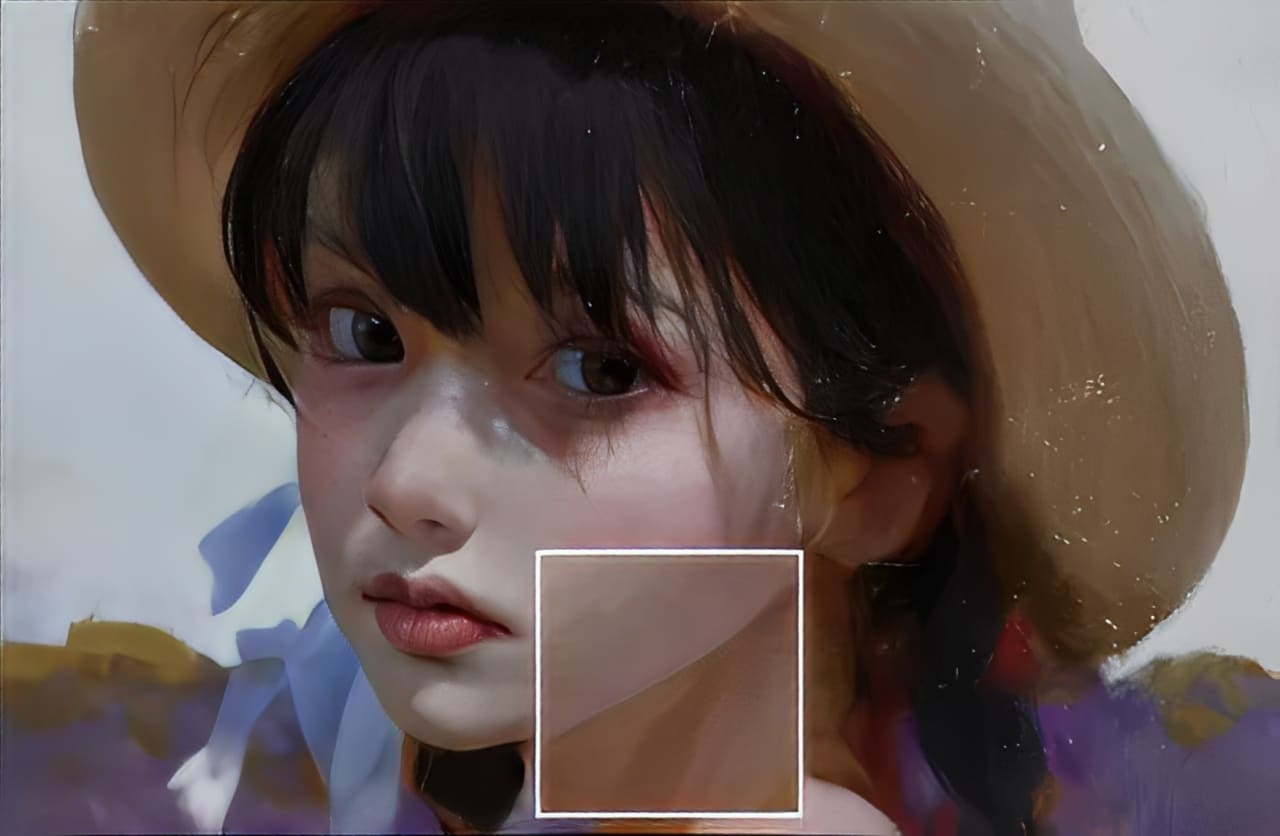
Besides a character's basic skin tone, we often ignore other colors that sit under the skin. A common example: dark circles under the eyes are actually bluish-purple.
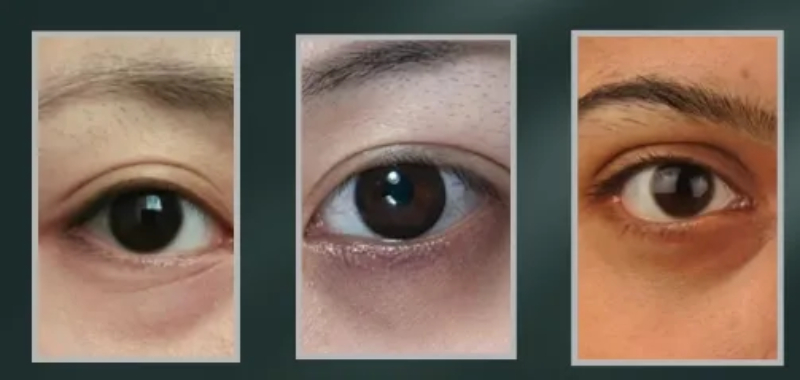
Also, the chin often has a cooler tint. If someone has stubble, that cool tone becomes more noticeable.

These subtle shifts on the skin are called warm–cool changes, or color-temperature shifts.
Let's explain with a simple example. We'll use the face below (a light-skinned character) to show what skin color temperature is.
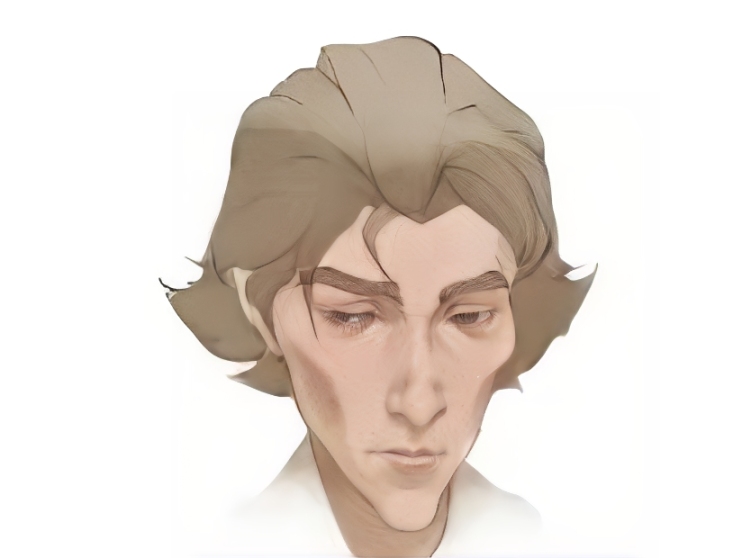
First, we divide the face into three color zones: yellow, red, and blue.
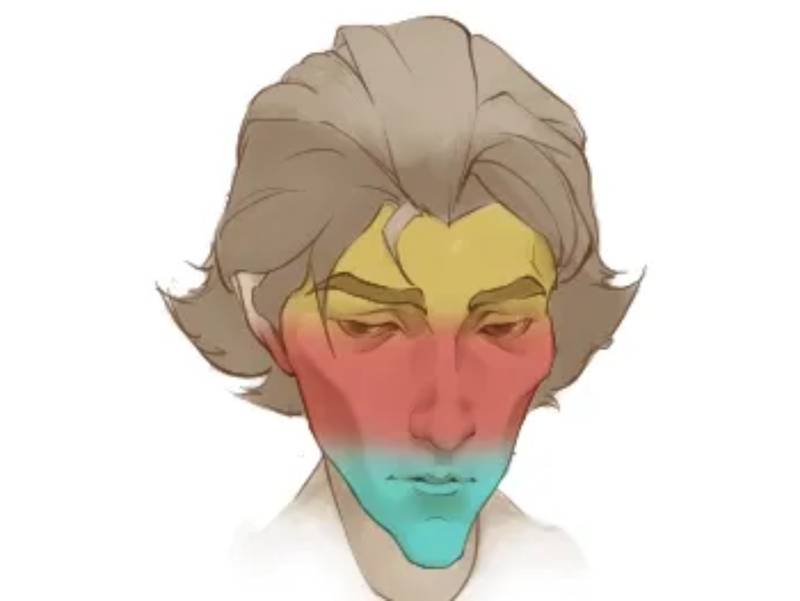
How should you think about these three colors? On skin, they act like a synergy — together they do more than anyone alone. In other words, 1 + 1 > 2.
Combine the base skin color with these temperature shifts, and the result is stronger than either part by itself.
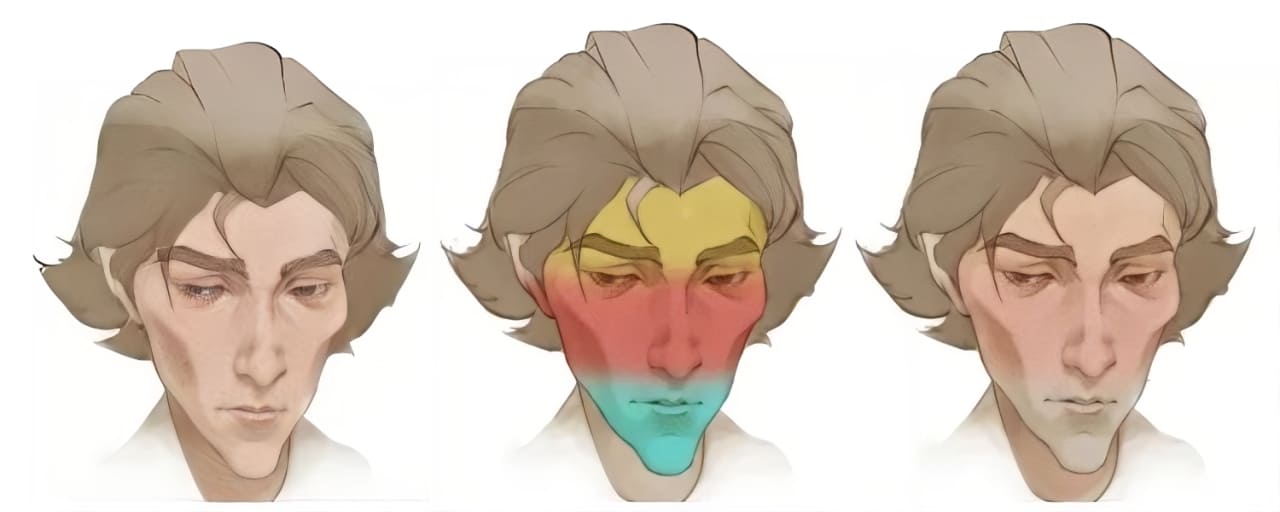
Where do these skin colors come from? Take the forehead: for light skin, it tends to be more yellow. That's because there isn't much blood there, so it looks closer to the base skin tone.
The middle of the face is warmer. Our cheeks have lots of capillaries and blood flow, so they look rosy.
Especially in winter — go outside for a bit and then check a mirror — or in films when a character is drunk, you’ll notice the cheeks and tip of the nose get much redder.
Below the nose, the color gets cooler. Blue-green veins are more concentrated there, so the area often reads as blue or greenish-blue.
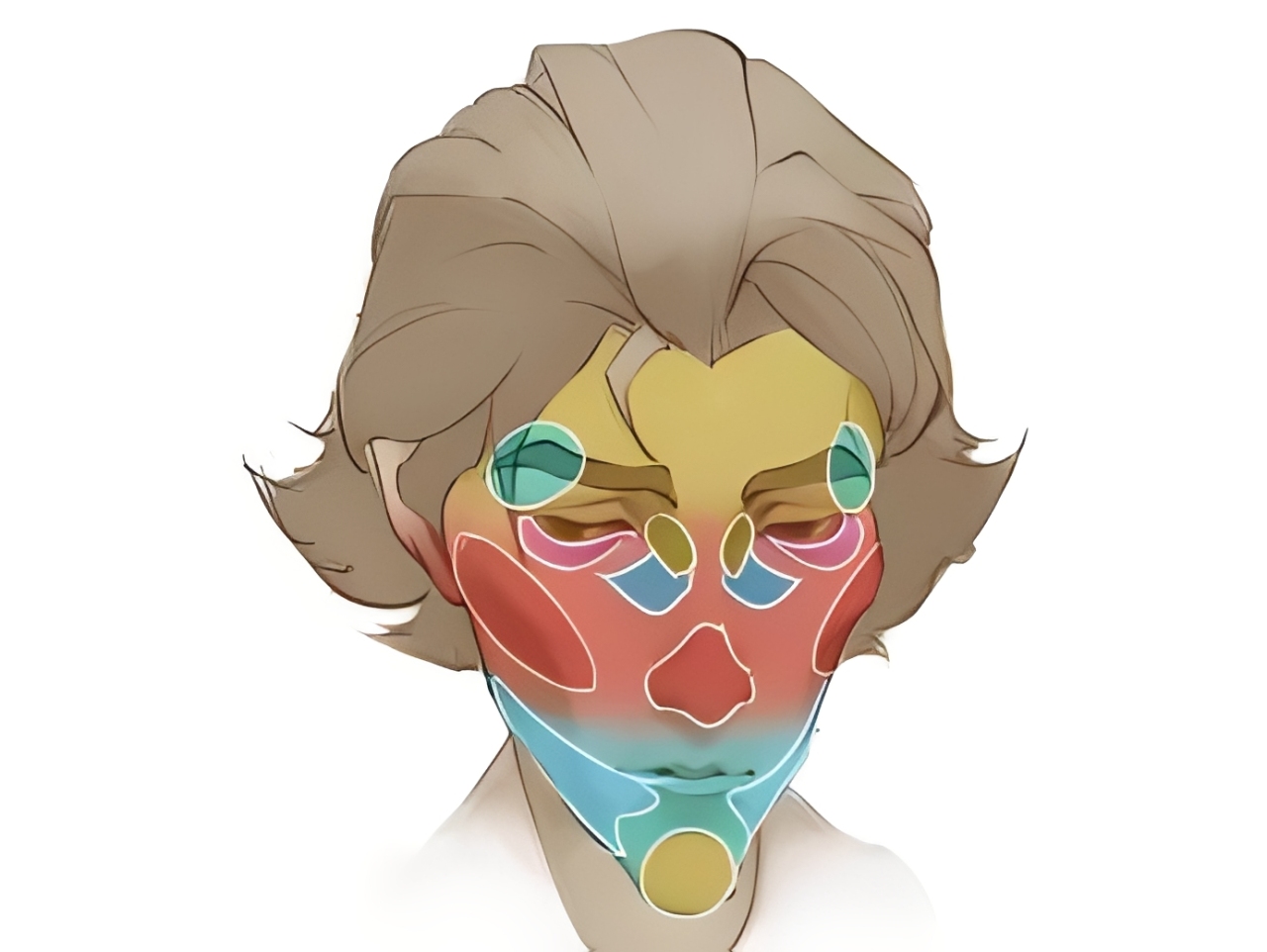
Of course, splitting color temperature this simply is a bit crude. You can subdivide the map and add finer details like this. That makes the character's skin richer and more interesting.
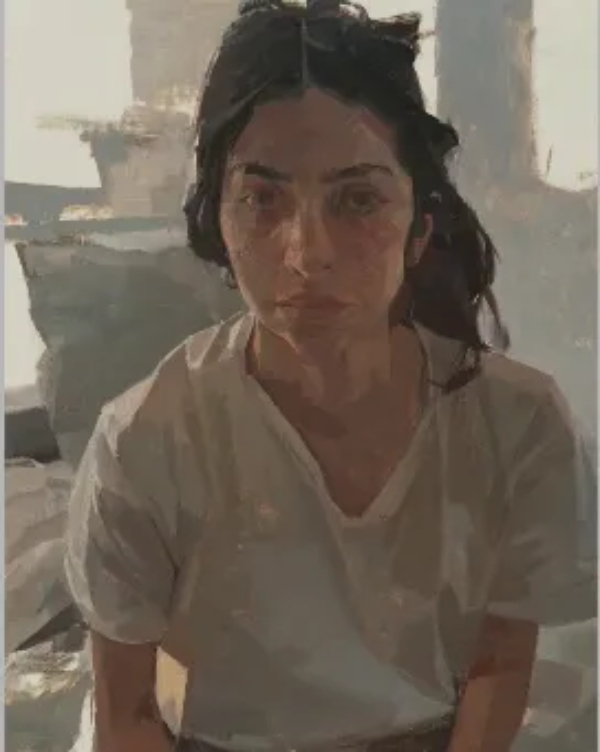
In oil painting, we actually see this kind of change a lot. For example, the painting below uses a very rich range of colors.
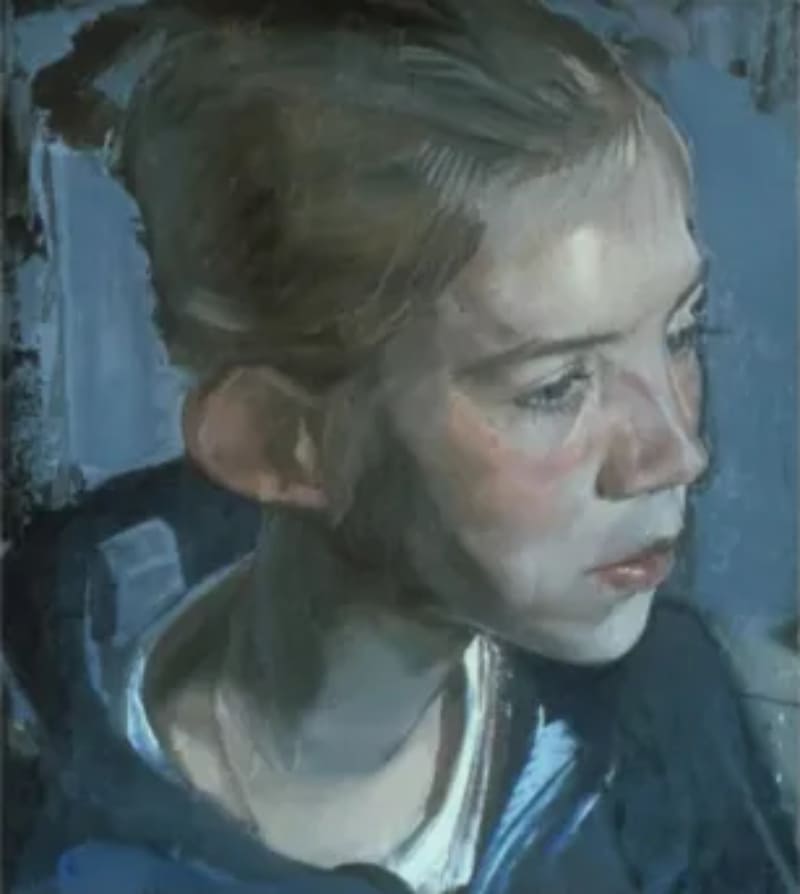
The figure's forehead in the painting is clearly yellow. The three areas from the forehead down to the chin are exactly the yellow, red, and blue zones we just talked about.
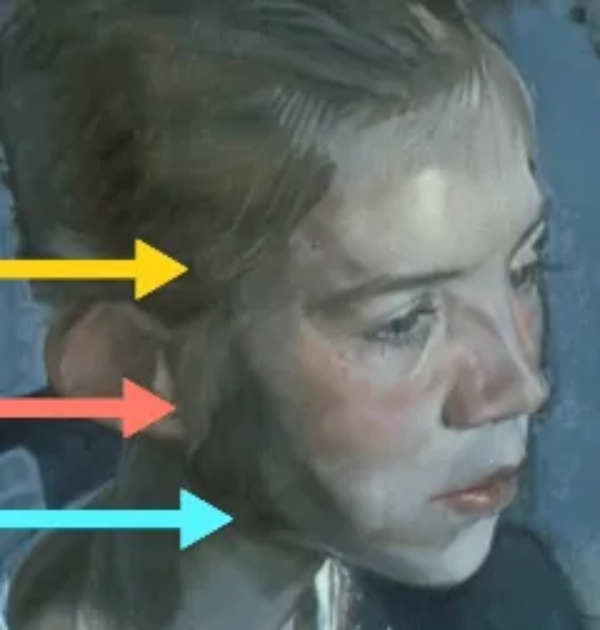
If we zoom in on the eyes, we can see purple. Is there a bit of cool color on the jaw? Look a little closer, and you'll find even more colors.
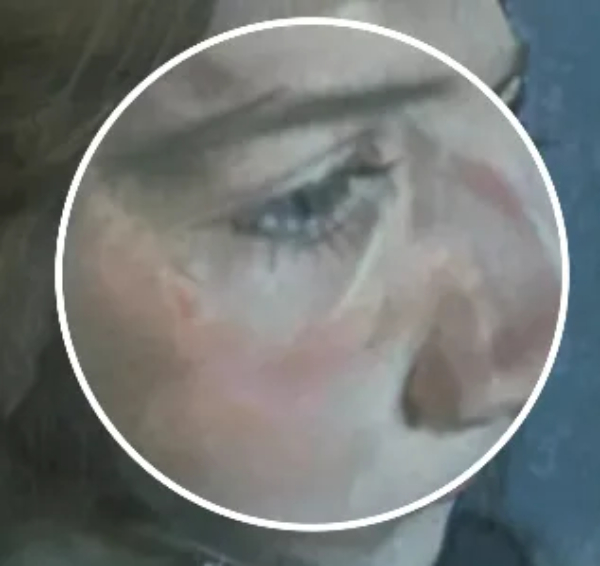
In the oil painting below, from a distance, the figure clearly looks like they have yellow skin.
But when we zoom in and look closely at the bridge of the nose, the cheekbones, and the brow ridge, you can see green accents. The artist even painted a green stroke at the corner of the eye.
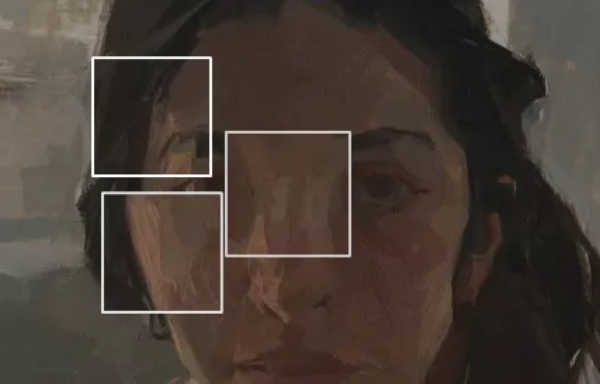
Does that feel jarring? Not really. So don't be afraid to use lots of colors because you think it's too extreme. Be bold with color — your painting will look more vibrant and cooler.
A Concrete Demo of Painting Skin in Digital Art
Next, we'll use a specific example to show how to paint a character's skin in digital art.
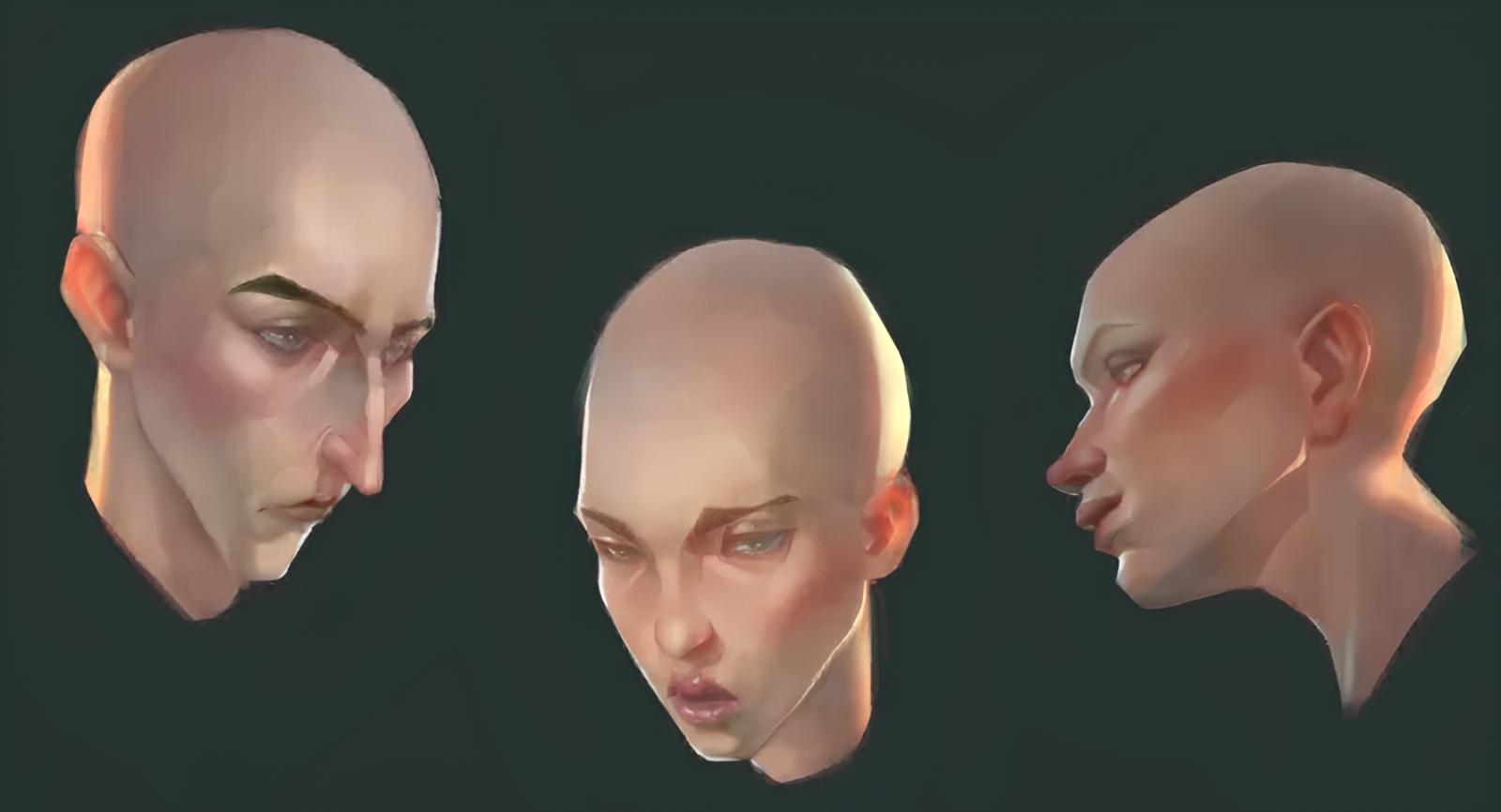
First, we draw the basic structure for three heads. To save time, the values (black-and-white) are already done. We'll color using layer blend modes so it's easier to follow.
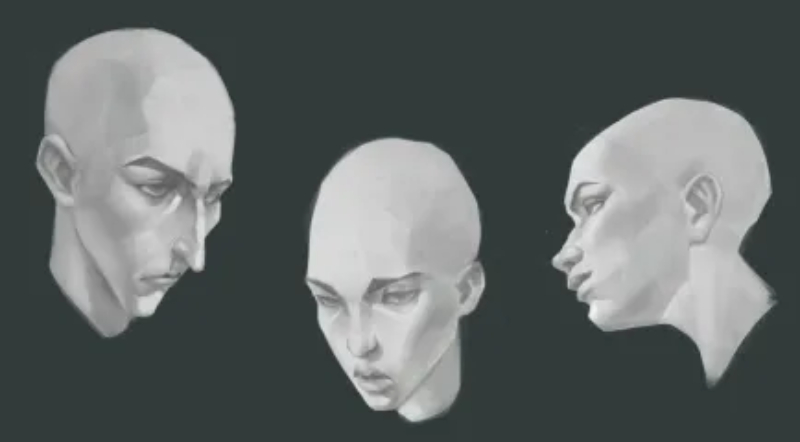
First, on a layer set to Multiply, paint the base skin color.
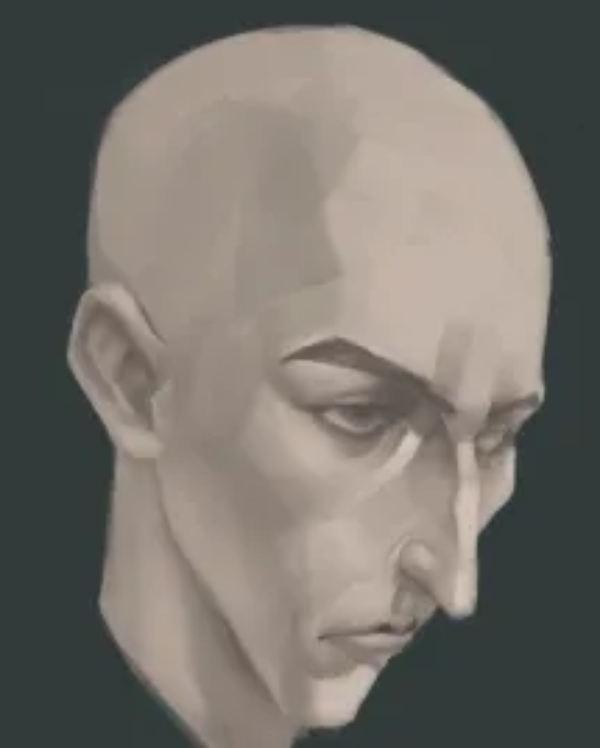
Then make a new layer set to Overlay and paint the three zones we mentioned: yellow, red, and blue. Don't worry if the colors look bold or jumpy. It's fine to be loose with your brush. We'll lower this layer's opacity later so it blends more naturally.
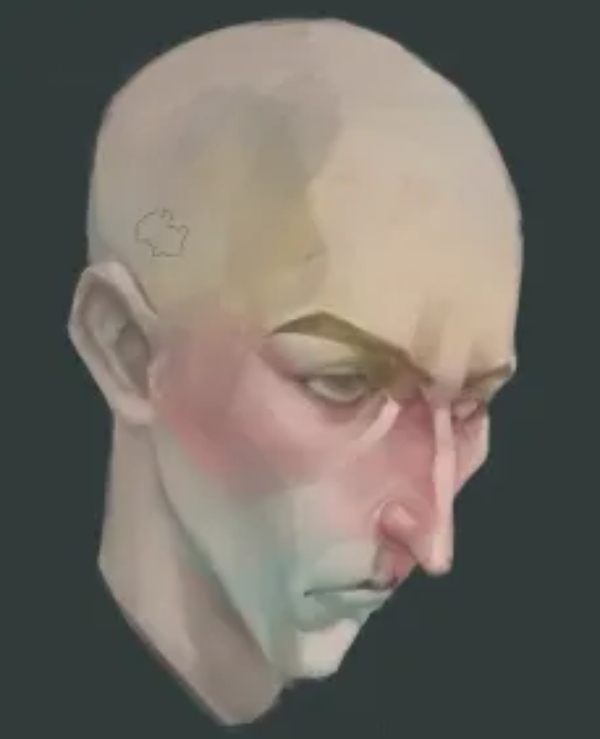
Next, add more skin details. Create another layer and set it to Soft Light, then paint the finer details. Keep your hand relaxed — a few marks are okay. Don't be afraid to make mistakes, and don't limit your color choices. Be a little flexible.
For example, the bridge of the nose was blue in earlier examples, but here you can use a slightly purple tone. That works fine.
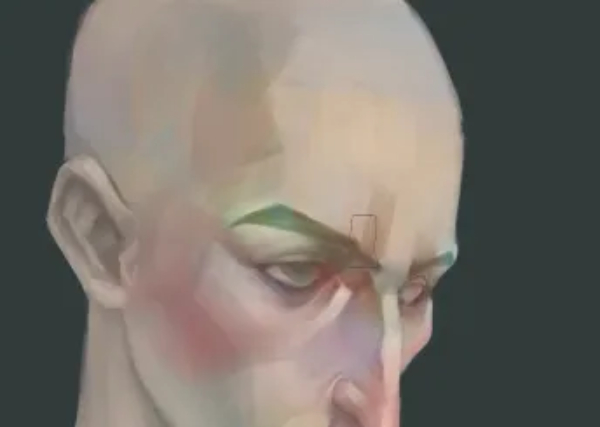
If the base looks too gray, raise the base layer's saturation a bit — it will feel more realistic. Don't put too much pressure on yourself to get it perfect in one pass. You can adjust as you go.
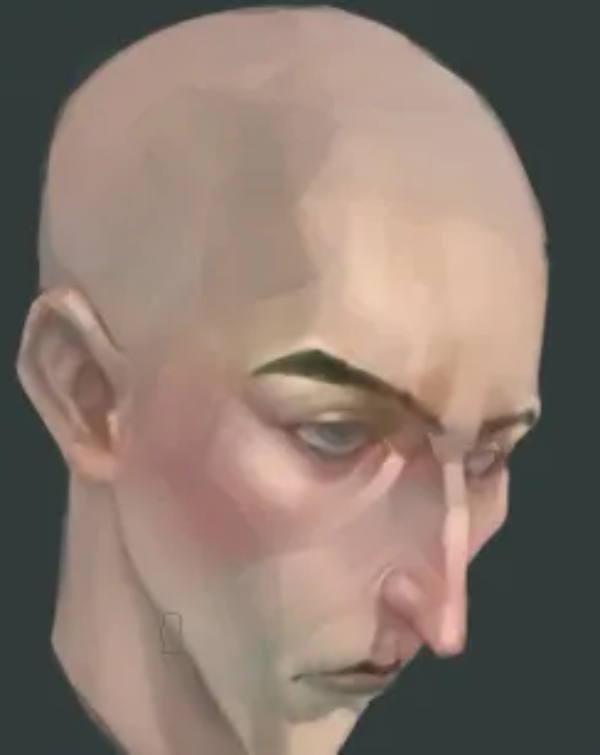
When painting female skin, the cool tone on the chin is usually less obvious than on males. You can push the blush a bit more and make the lips rosier. In short: give her a simple makeup touch to make her look a little prettier.
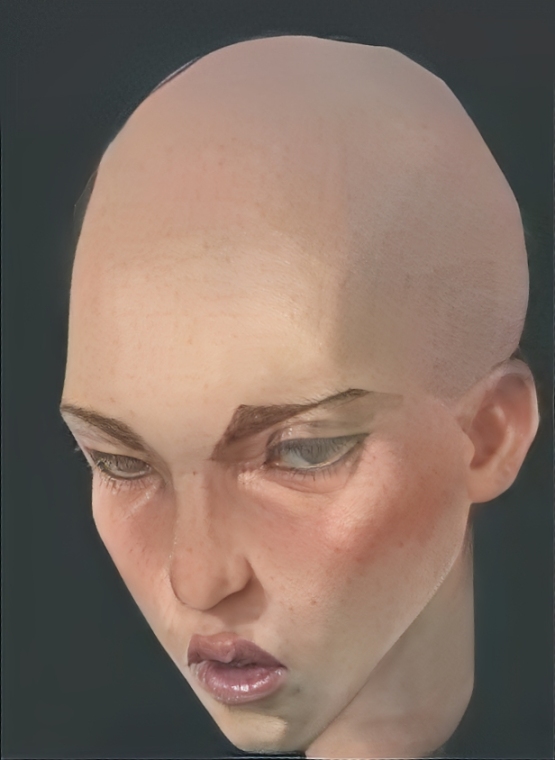
Finally, the side-face example follows the same idea. Apply the yellow–red–blue temperature map, follow the steps above, then brighten the highlights, and you're basically done.
Conclusion
In this article, we shared tips on painting skin in digital art. One important tip is learning how skin color temperature changes. That makes your image richer and your characters more alive.
You usually can't see these subtle colors in everyday life. But that's the big difference between art and a photo: artists exaggerate and amplify things people don't normally notice. That makes the picture more interesting to look at.
Finally, we want to recommend a creative controller many digital artists love: TourBox. Creating a piece can take a lot of time, and a lot of that time may be wasted on small, repetitive actions. So finding ways to speed up your workflow and make the creative process smoother is very important for digital artists.

Think of TourBox as a highly customizable controller. You can map your most-used shortcuts and functions to its physical dials and buttons. It works a bit like a gamepad — faster and more intuitive — so you can focus on creating.

TourBox is more than just a shortcut mapper. It has built-in special features that open up more ways to work. If you like using a tablet, the TourBox Elite Plus works on both desktop and tablet. Check our Digital Painting page to learn more about TourBox.


