Video Resolution Guide — Which Video Resolution Should You Use?
Still confused by numbers like HD, 2K, 4K, and 8K on your screen? These numbers may seem complicated, but they actually decide how clear and lifelike the "world" your eyes see is. For content creators, understanding these technical terms can help you make work that gives viewers the best possible visual experience.
Let's get straight to the point. Today, we'll share some things you need to know about video resolution and what resolution content creators should choose.

In this article, you will learn:
- What Is Video Resolution?
- Common Video Resolution Standards
- Video Resolution Choices and Takeaways for Creators
- Conclusion
What Is Video Resolution?
First, meet the basic unit that makes up every image: the pixel. You can think of a pixel as a tiny colored light bulb. They sit close together and light up the screen. Together, they form every picture you see.
Video resolution is the number of pixels across and down in the image — the "width × height" pixel count. For example, a common resolution of 1920×1080 means the image is 1920 pixels wide and 1080 pixels tall.
Higher resolution means more pixels in the image, so in theory it can show more detail. In other words, higher resolution usually looks sharper.
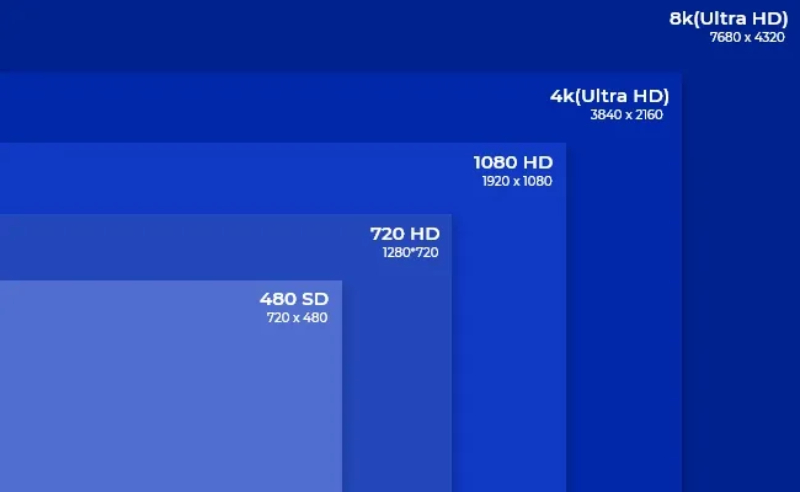
Note that "pixels" here refers to the physical pixel points on the screen. The actual result also depends on screen size and how far you sit from the screen.
Common Video Resolution Standards
Higher resolution means each frame contains more pixels. It can show richer detail and make images sharper. But the actual result also depends on screen size and viewing distance. For example, on the same large screen, 4K can show finer detail than 1080p. But if the screen is very small or you sit far away, the human eye often can't tell the extra pixels.
Resolution is only one factor that affects image quality. Light, color depth, contrast, and compression quality are also important. Higher resolution gives you more image space and more flexibility in editing, but it also puts higher demands on your display and on transmission bandwidth.
In short, higher resolution is theoretically more detailed, but it doesn't always mean a better visual experience. You should weigh your real needs and conditions. So, what are the main video resolutions?
1. HD: the High-Definition Era — Say Goodbye to Pixelation
HD, short for "High Definition," means high clarity. It marks the move from fuzzy Standard Definition (SD) to a much clearer picture.
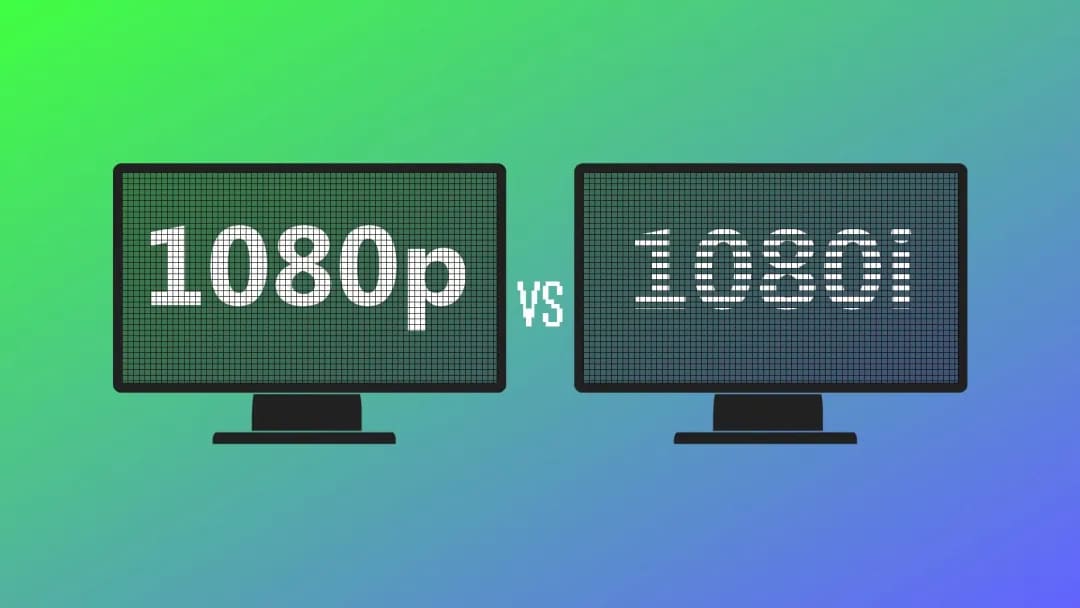
- 720p (HD Ready): resolution is 1280 × 720 pixels. This is one of the earliest HD standards. Even though it says "HD," the total pixel count (about 1 million) is actually less than 1080p (Full HD). The "p" stands for "progressive scan," which gives smoother motion.
- 1080p (Full HD): resolution is 1920 × 1080 pixels, also known as "Full HD." Both width and height have 50% more pixels than 720p. The total pixel count is over 2 million, 2.25 times that of 720p.
Today, 1080p is still the mainstream standard for many TVs, Blu-ray players, and online video. If you want good image quality but don't want to deal with the hardware needs of 4K, 1080p is a very cost-effective choice.
2. 2K: a "Standard" in Film, a "Label" in Consumer Products
The term "2K" can mean different things in different fields, which makes it easy to get confused.
- DCI 2K (Digital Cinema 2K): this is the film industry's 2K standard, with a resolution of 2048 × 1080 pixels. Its aspect ratio (about 1.90:1) is a little wider than the common 16:9 on TVs. The total pixel count is about 2.2 million. DCI 2K is mainly used for making and projecting digital movies.
- Consumer 2K (often refers to QHD / 1440p): on computer monitors and some higher-end laptops, "2K" usually means 2560 × 1440 pixels (also called Quad HD, or QHD). That's about 3.7 million pixels, much sharper than Full HD.
DCI 2K is mostly used in movie production, so most creators and consumers rarely deal with it directly. The consumer 2560 × 1440 (QHD) resolution is great for people who want better image quality but don't want the hardware load of 4K — for example, gamers and creators who need more screen space.
It gives finer images while keeping GPU demands relatively light, a good balance between quality and performance.
3. 4K: The Mainstream of Ultra High Definition (UHD), Bringing Details to Life
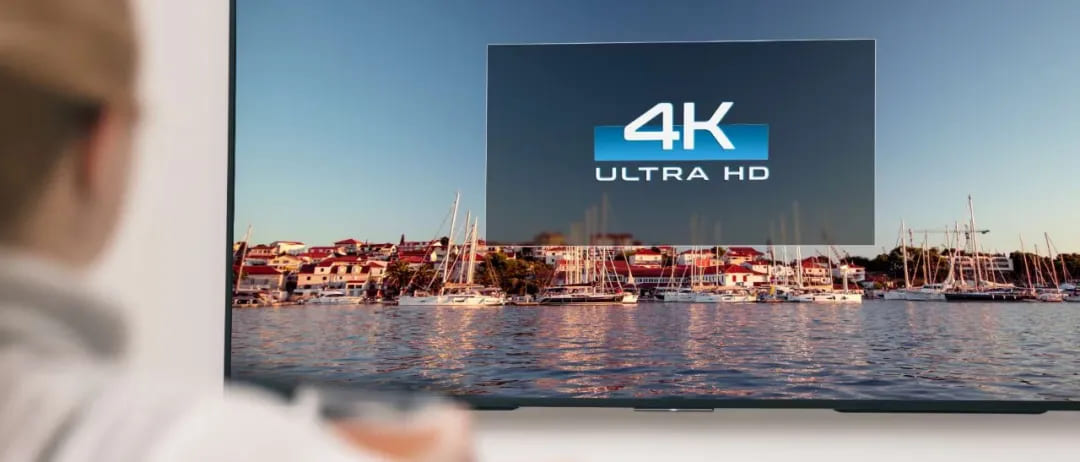
"4K" has now become synonymous with "Ultra High Definition"(UHD). It is also the mainstream choice in the consumer market.
- 4K UHD (TVs/monitors): resolution is 3840 × 2160 pixels. It is twice 1080p in both width and height, and four times the total pixels of 1080p — about 8.3 million pixels. The 16:9 aspect ratio fits modern TVs and monitors perfectly.
- DCI 4K (Digital Cinema 4K): the film industry standard, with a resolution of 4096 × 2160 pixels. The total pixel count is about 8.85 million, and the aspect ratio is also around 1.90:1.
The spread of 4K has changed how we watch videos. Imagine watching a 4K HDR film: the picture shows so much detail it can amaze you — skin texture, fabric weaves in clothing, even the outlines of buildings far away are clearly visible.
For large TVs and screens, 4K at high refresh rates keeps images very smooth and sharp. Even when you sit close, you can hardly see individual pixels. Today, streaming services (like Netflix and YouTube) and game consoles (PS5, Xbox Series X) strongly support 4K content.
4. 8K: The Cutting Edge — an Ambition for Extreme Image Quality
"8K" is the top of current commercial resolutions. It points to the future direction of image tech.
- 8K UHD (TVs/monitors): the resolution reaches 7680 × 4320 pixels. It is twice 4K UHD in width and height. The total pixel count is an astonishing ~33.2 million — four times 4K and sixteen times 1080p.
- 8K DCI (Digital Cinema 8K): the film industry standard, with a resolution of 8192 × 4320 pixels. The total pixel count is about 35.4 million.
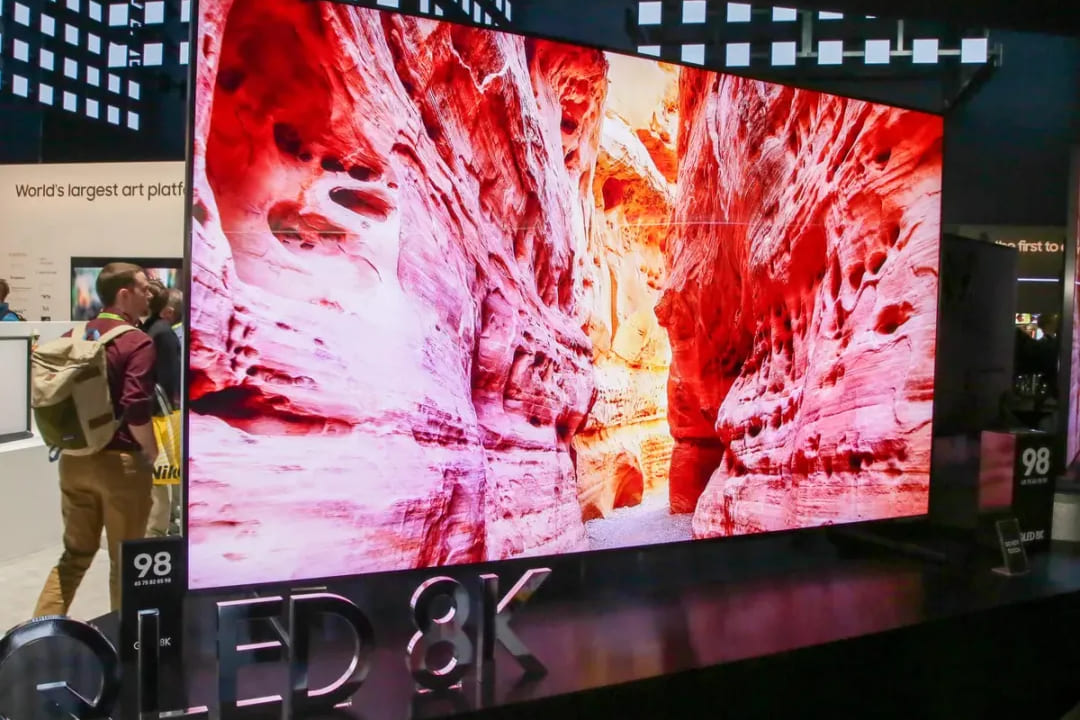
Right now, 8K is still in its early stages. Brands have released 8K screens, but they are expensive. Native 8K content is still rare. Much of what we call 8K today is actually upscaled from lower resolutions. Upscaling can improve the picture, but it is not true native 8K.
The real strength of 8K is its extreme detail and nearly invisible pixels. Even on very large screens or at very close viewing distances, the image stays smooth and detailed. In professional fields — like high-end film post-production, medical imaging, and large video walls — 8K has huge potential.
Video Resolution Choices and Takeaways for Creators
For creators, resolution not only affects image sharpness. It also changes shooting flexibility, post work, storage, and delivery costs, and the viewer's experience. Below, we break the key points about resolution into practical tips and a decision flow. This will help you make balanced choices for different shooting situations.
1. Shooting Stage: Consider Higher Resolution (for Example, 4K)
For more flexibility in post, shoot in 4K. That lets you crop, push/pull, do digital zoom, or stabilize footage without losing noticeable detail. This is very useful for vlogs, documentaries, or any footage that needs repeated zooms or reframing.
Also, when you downscale high-resolution footage to 1080p in post, the image usually looks cleaner and sharper. This is called the "oversampling" effect.
Plus, higher-resolution source files make future re-releases easier (for example, if 8K becomes common later).
Of course, higher resolution has costs: files are bigger, you need more storage and backups, editing needs more CPU/GPU power, and shooting on phones uses more battery and generates more heat. Before you shoot, confirm that your gear, storage, and workflow can handle these demands.
2. Post-Production and Workflow: How to Trade off Speed and Quality
If your computer stutters with 4K, a common and efficient compromise is to edit with low-resolution proxy files and export the final master in 4K.
Further Reading:
If you need to color grade, prioritize higher bit depth and better codecs (for example, 10-bit, Log, or RAW). These improve final image quality and give more grading latitude more than simply raising resolution.
Quick ad break. If you're a content creator, you probably know how important an efficient post-production workflow is. A lot of raw footage not only needs to be organized, but it also needs to be edited and color graded. Lots of repetitive, tedious tasks add to your fatigue and take away the joy of creating.

Maybe you need a TourBox. Especially if you edit and color-grade large amounts of video, TourBox gives you a highly customizable workflow. It maps common actions — timeline navigation, cutting, zooming, track and parameter adjustments, and more — into intuitive one-handed controls instead of tedious mouse-and-keyboard work.

If you're interested in TourBox, check out our Video Editing page to see how TourBox can change your creative workflow.
3. Delivery and Platform Matching: Choose Resolution by Platform
On long-form platforms like YouTube, if you want long-term value and high quality, shoot and upload in 4K (or at least keep a 4K master). Most viewers still download/cache 4K less often, but a 4K master is useful for future reuse.
On short-form platforms like TikTok or Reels, which are usually vertical, fast-paced, and mobile-first, 1080 × 1920 (vertical 1080p) is enough. Only shoot at higher resolution if you need to crop in post or do multi-camera compositing.
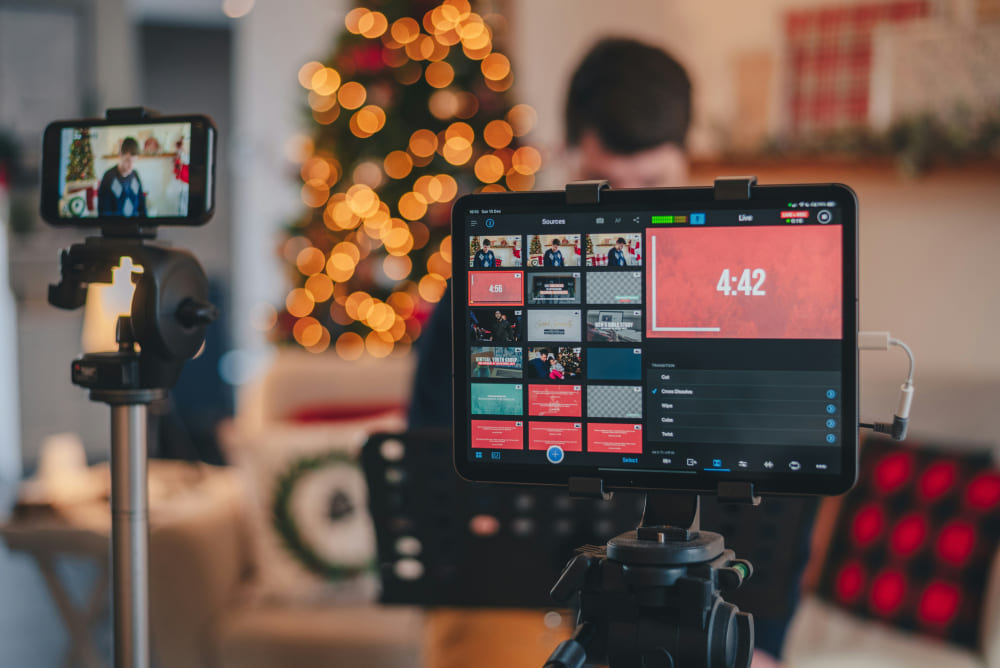
For live streaming, prioritize smooth real-time delivery and viewer bandwidth. Common choices are 720p or 1080p (depending on upload bandwidth). 4K live needs high bandwidth and strong encoding gear, so it's usually used only for special events or pro platforms.
4. Practical Tips (Quick Decision Guide)
- If you're a solo vlogger or need fast output (short-form), favor 1080p (vertical short video: 1080 × 1920). Shoot in 4K only for key shots when needed.
- If you make long-term brand work, films, or documentaries, keep a 4K (or higher) master for easier reframing and archiving.
- If you do live or real-time interaction, follow your network bandwidth. 720p or 1080p is usually safer.
- If you work for commercial clients or ads, follow the client's specs and delivery standards (usually set by the playback medium and distribution platform).
Conclusion
If your goal is maximum post flexibility and long-term value, keep a higher-resolution master (like 4K). If you need fast output mainly for mobile viewers, 1080p is often the most practical choice.
When deciding, weigh these four things: image-quality needs, device capability, storage/bandwidth cost, and target platform — then pick the best balance.


