Why Mac Is Better for Video Editing?
If you visit a film company, an ad shoot, or look at independent short-form creators, you'll spot something interesting: more often than not, an editor has a Mac on their desk.
Why is that? There are three simple reasons people choose Macs for editing: stability, color accuracy, and speed. Keep reading to learn more about each of these advantages.

In this article, you will learn:
- Stability — Your Work Shouldn't Be Interrupted by Crashes
- Color Accuracy — What You See Is the Final Look
- Efficiency — Save Every Minute
- Is a Mac the Perfect Choice for Video Editors?
Stability — Your Work Shouldn't Be Interrupted by Crashes
Video editing is a marathon, not a sprint. With hundreds of gigabytes of footage, many stacked tracks, and lots of effects and color work, a crash can erase hours of work.
One of macOS's biggest strengths is stability. Apple tightly controls hardware drivers and system updates, so you see far fewer blue screens and driver conflicts than on Windows.
Apple's own M-series chips and deep system optimizations help, too — even long 4K exports rarely freeze or crash.
For editors, that means you can focus on creating instead of constantly worrying that your computer will crash.
Color Accuracy — What You See Is the Final Look
Color grading is a big part of video editing. If your display is not color accurate, the colors you spent hours fixing can look wrong on other devices.
Mac's Retina display has an advantage here:
- P3 wide color gamut shows richer, more vivid colors. Compared with standard sRGB, it can display about 25% more colors. That helps images look closer to real life and lets pros match colors more accurately.
- Higher brightness and uniformity keep highlights and shadows clear. Text edges stay smooth, and textures and color transitions look natural. Overall, the picture just looks better.
New Macs are color-calibrated from the factory, so you don't have to tweak the screen as your first step. Many pro colorists still use an external reference monitor, but for most editors and creators, a Mac's built-in screen is accurate enough for the finished video.
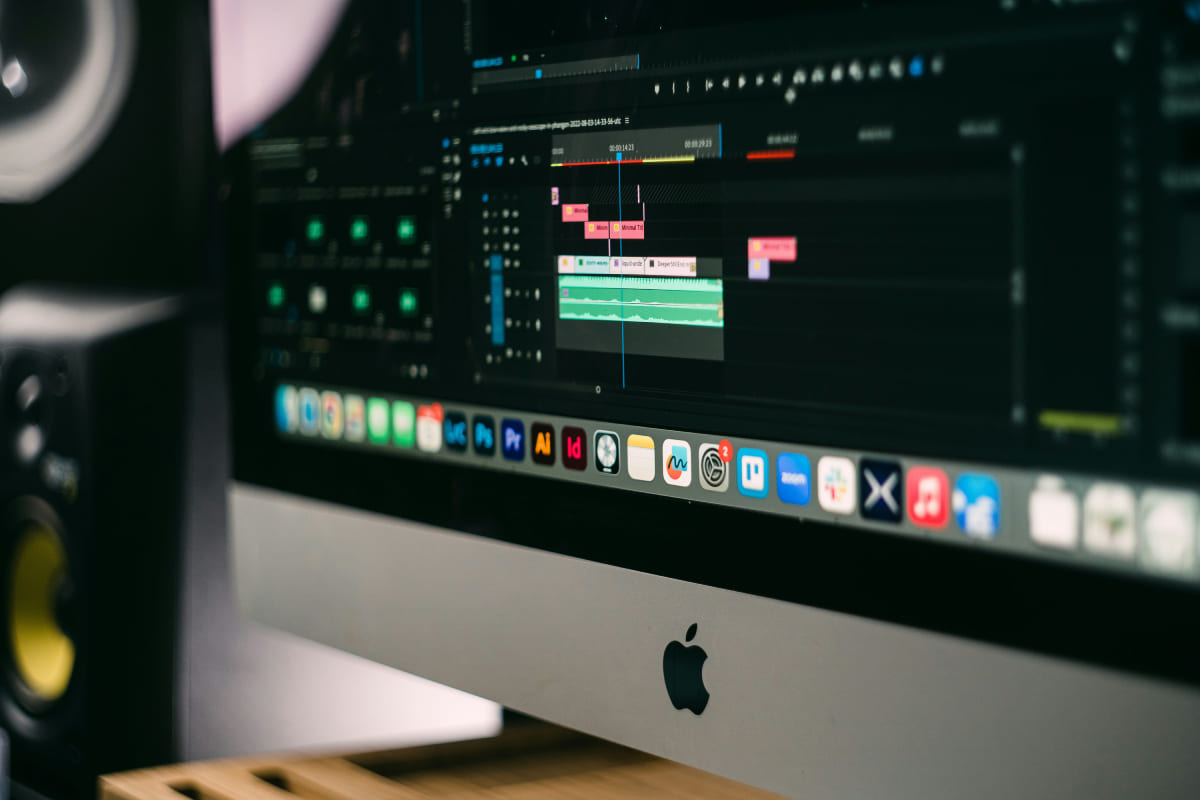
Efficiency — Save Every Minute
For video editors, time is everything. Mac speeds up your workflow in three main ways:
- Software Optimization: Final Cut Pro on Mac can scrub and play 4K footage smoothly. Multi-track playback feels almost lag-free. Even when you use Premiere Pro or DaVinci Resolve, macOS gives you hardware acceleration. Old M1 Macs can still handle 4K editing in Final Cut Pro years later.
- Codec Support: macOS natively supports formats like ProRes and HEVC, so importing and exporting is faster.
- Ecosystem Handoff: Footage shot on your iPhone can be AirDropped straight to your Mac. No waiting to copy files from an external drive.
Those small conveniences add up. The time you save can be used for more creative work.
If you're tired of editing with just a mouse and keyboard, try TourBox, a creative controller many editors and creators love.

TourBox speeds up your edits and makes the whole process more fun. Editing with it feels a bit like using a game controller, smooth and satisfying, and your hands stay comfortable even during long sessions.

If you edit on an iPad, check out the TourBox Elite Plus. It supports both PC and iPad, so editing on your tablet is easy and smooth. If you want to learn more, visit our Video Editing page to see how TourBox can simplify every step of the process.
Is a Mac the Perfect Choice for Video Editors?
Not really. Macs have downsides too:
- Price. Macs cost a lot more than Windows machines with similar specs. Joke aside — it sometimes feels like the RAM is gold-plated.
- Limited upgradeability. You need to pick your specs when you buy. If you can afford it, max out the RAM. If you buy a laptop, plan to get a large external monitor for editing — working on a small screen gets uncomfortable.
- Some Windows-only effects and plugins don't work well on Mac.
Still, if your main work is video editing, not heavy 3D rendering or game capture, a Mac is a low-stress choice. If you want to spend your time on the content instead of fighting the machine, a Mac can be a reliable long-term partner.
That's why many editors pick Mac: it's not just a trend, it's a practical choice for productivity.


