What Does a Yellow Filter Do in Photography?
Today we're talking about a special lens accessory: the yellow filter. Generally, these filters often show up on old cameras, as shown in the picture below.
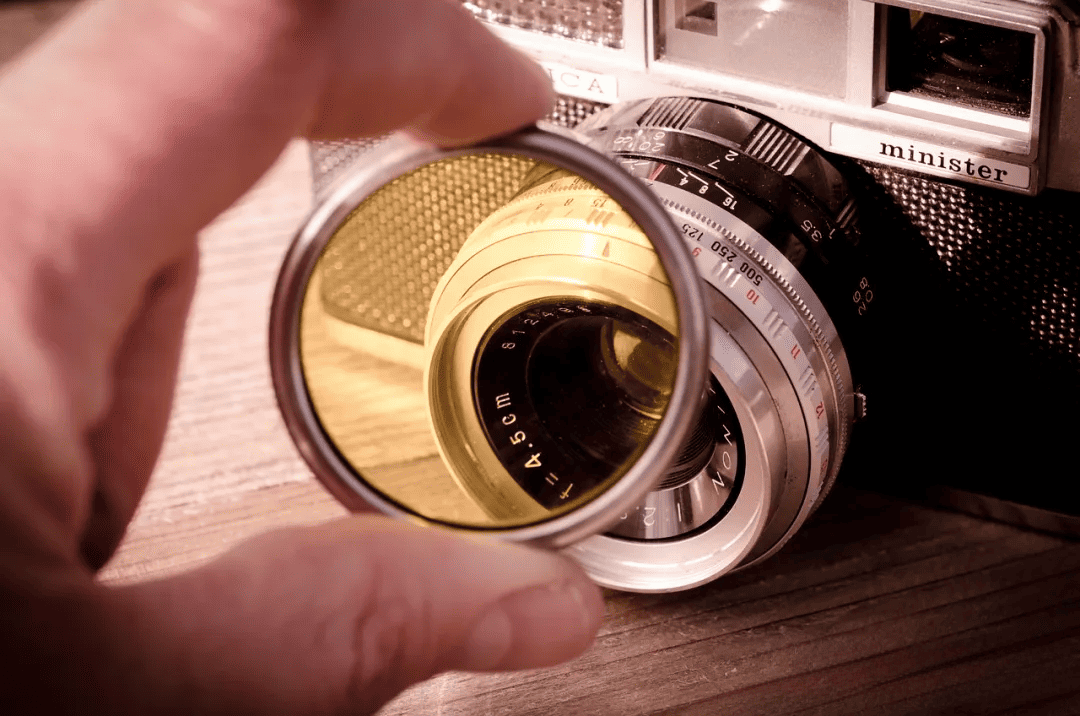
So what does a yellow filter do, and should you buy one to add to your camera bag? Find out in our blog.

In this article, you will learn:
What Is a Yellow Filter?
Simply put, a yellow filter is a piece of yellow glass.
A common yellow filter is the screw-in circular filter that mounts on the front of a lens:
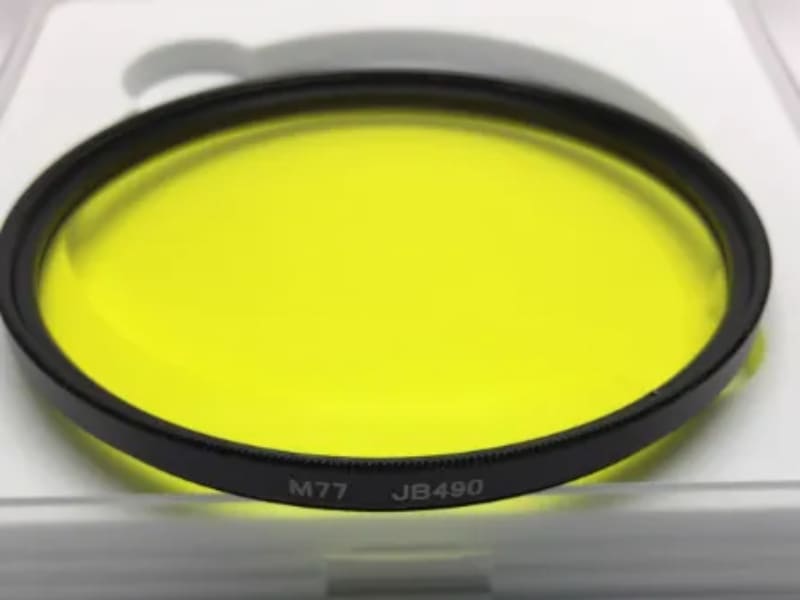
There are also square filters that fit into a holder in front of the lens:
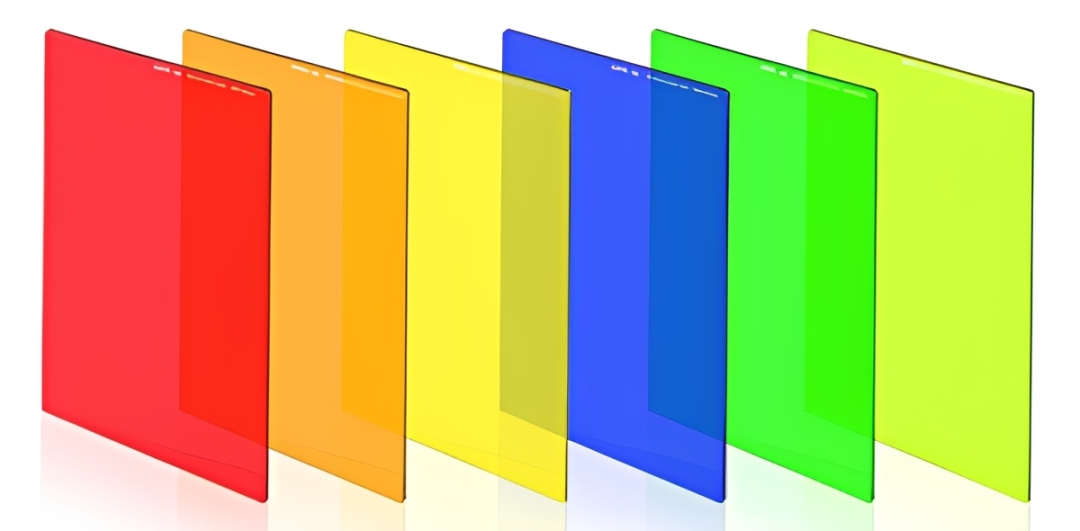
But at the end of the day, whether it's a round yellow filter or a square filter, it's basically a piece of yellow glass. The main difference is how it mounts to the lens. The purpose of this glass is to block certain kinds of light from entering the lens.
Generally, a yellow filter absorbs blue and violet wavelengths and lets green, orange, red, and yellow light through. In other words, it keeps shorter wavelengths out of the lens.
Because it blocks some light, you need to add exposure compensation when shooting. As a general rule, adding a yellow filter to the front of the lens usually calls for about +1 stop of exposure compensation (for reference only).
What Does a Yellow Filter Do in Photography?
So what do yellow filters do in photography?
Yellow filters were originally used for black-and-white photography. But after color film became common, they gained different uses in color photography too.
1. Yellow Filters in Black-and-White Photography
In black-and-white photos, there are no colors. You only get shades of black, white, and gray. In this case, a yellow filter is not used to change color. It works like a UV filter to reduce certain light from entering the lens.
As we said earlier, a yellow filter absorbs blue-violet light and passes green, orange, red, and yellow. The key value of a yellow filter is that it controls how different colors show up as tones of gray on the final photo.
Common uses include:
a. Emphasizing Clouds in Landscape Photos
Our eyes and black-and-white film react to blue differently. The human eye is most sensitive to green. It is less sensitive to red and blue. Black-and-white film, however, is more sensitive to blue.
The chart below shows the wavelength response curve for T-Max 100 black-and-white film. You can see that the film is much more sensitive to light below 500 nm. That range is in the blue-violet band.
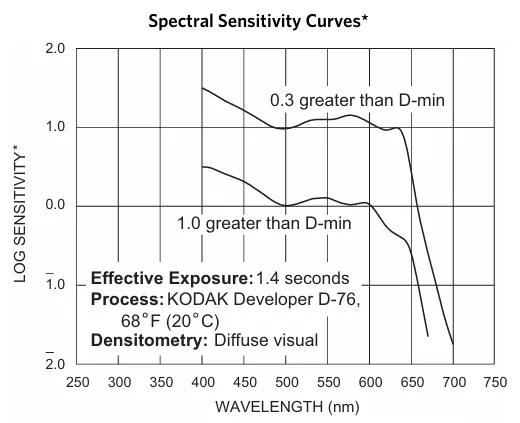
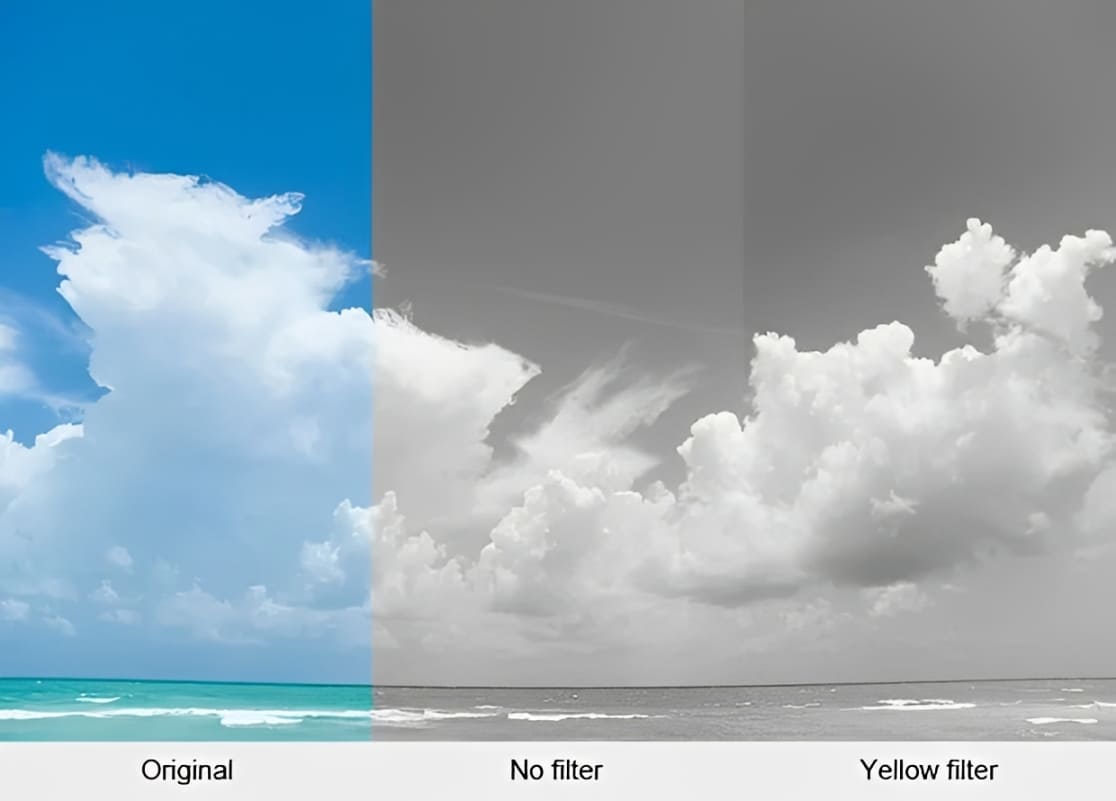
So in landscape shots, a blue sky often looks too bright in black-and-white photos without a filter. That makes white clouds lose contrast. A yellow filter absorbs a lot of the blue-violet light that the film loves. This makes the sky register as a darker gray and helps the white clouds stand out.
In the comparison below, compared with the color photo on the left, the middle photo without a filter shows the blue areas as fairly light gray and hard to tell apart from the clouds. The photo on the right used a yellow filter. The blue areas are darkened, and the white clouds are more defined.
b. Reducing haze in distant scenes
The principle is the same. Haze and mist in the air mainly scatter blue-violet light. A yellow filter absorbs those wavelengths. That reduces the haze effect in distant scenes. It improves clarity and helps separate layers in the image.
Note that the two yellow-filter effects we mentioned above are based on film photography, where black-and-white film is more sensitive to blue light. Whether this holds true for digital photography depends on how the sensor responds to different wavelength bands.
A sensor's spectral response can amplify or reduce the effect in digital black-and-white images. But on a digital camera, the basic principle of a yellow filter for B&W still applies. The way you achieve it and how you use it can be a bit different.
A physical yellow filter in front of the lens weakens blue light and relatively raises the brightness of warm tones. So when you convert a color image to black-and-white, the sky will go darker, clouds will look more three-dimensional, and warm foregrounds (skin, plants, buildings) will look brighter. That increases depth and separation in the image.
In a digital workflow, you can also mimic the same effect precisely by using RAW black-and-white mixes or channel mixing (more flexible and reversible). But a real filter gives you that straight-out look right away, and this is especially obvious on location or in scenes with strong reflections.
So many photographers who like shooting black-and-white carry a thin yellow filter in their bag. The reason is simple: it gives a subtle, natural boost to warm tones and darkens the sky right on the spot. That's useful when you want to deliver images without heavy editing or when you need to judge a monochrome composition while framing.
On the other hand, if your workflow is mainly RAW-based post-processing and you prefer to fine-tune with channel mixes on a computer, a physical filter is not essential. Post work can more flexibly and reversibly reproduce almost the same effect.
Quick ad. If you like adding stylized looks to your photos in post, using TourBox can greatly speed up your organizing, editing, and color grading workflow.

You can map common functions and shortcuts to TourBox's physical buttons and dials. That gives you a controller-like feel when you edit, like using a gamepad. You can also use built-in features, such as the Dynamic Panel made for Lightroom, to replace slow, traditional editing and color workflows with a faster, more direct process.

If you're interested in TourBox, click our Photo Editing page to learn more.
2. Yellow Filters in Color Photography
When color photography arrived, the photo world became colorful. Film was no longer plain black-and-white. Color film used multiple emulsion layers to record different color bands.
At this time, the yellow filter's job was to shift the image toward a yellow tone. It was used to simulate dusk, create a nostalgic look, or give a dreamlike feel, as shown below:
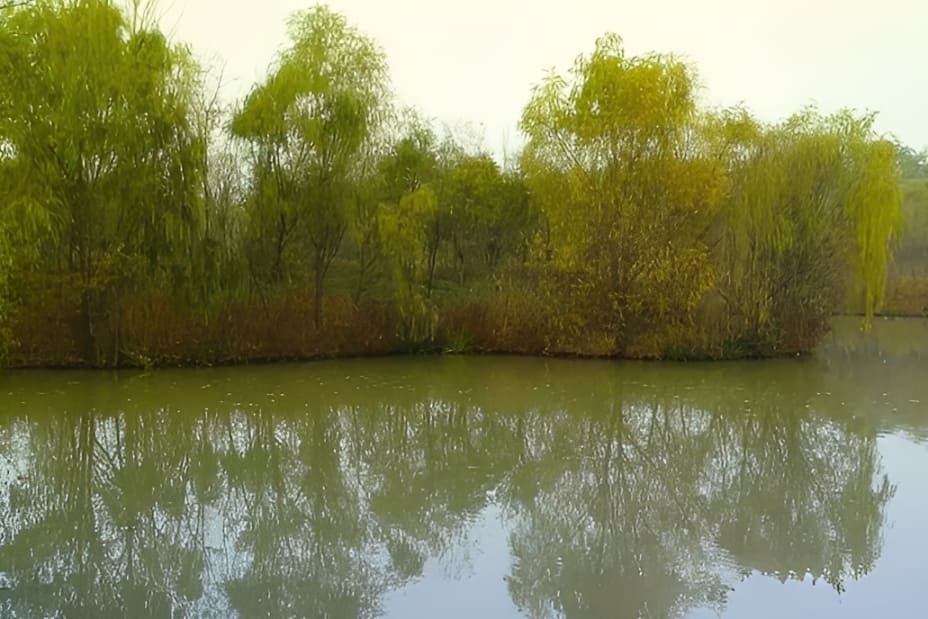
A yellow filter adds a bit of warmth to the image (not strong). It is mostly used for tone control or to match the color rendering of certain films.
In the digital camera era, a yellow filter is not required when shooting because white balance and post-processing can achieve similar effects more flexibly. But in some creative situations, it can still be used to change the straight-out color or to reduce blue reflections.
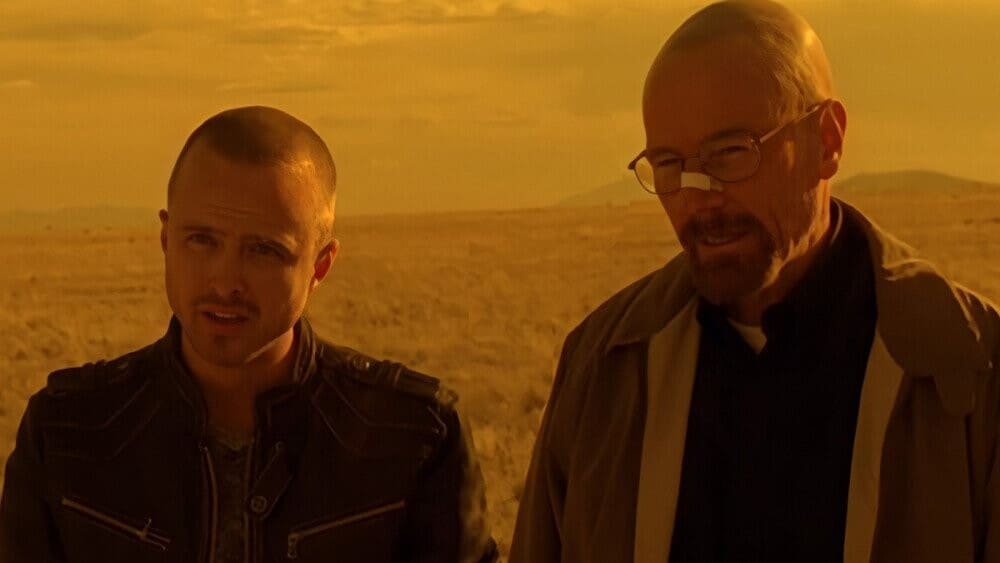
The hit TV show Breaking Bad is a typical example of using a yellow filter. Whenever the show's white protagonist nears the U.S. southern border and goes into Mexico, the picture turns straw-yellow. The look is so strong that fans began calling this the "Mexico filter."
Conclusion
The yellow filter is a lightweight but very useful tool. In black-and-white landscape photography, it can make the sky more dramatic and the scene more defined, while its effect on portraits and color work is gentler. In the digital age, you can achieve the same effect in post, but using a filter while shooting still gives a unique, straight-out look and a hands-on feel.
So if you like black-and-white photography, or you enjoy the hands-on, straight-out result of using filters while you shoot, consider adding a yellow filter to your camera bag.


