Speed-Aware Timeline Control
Use knobs and wheels to intuitively control the timeline - move the playhead, zoom, and scrub through footage.
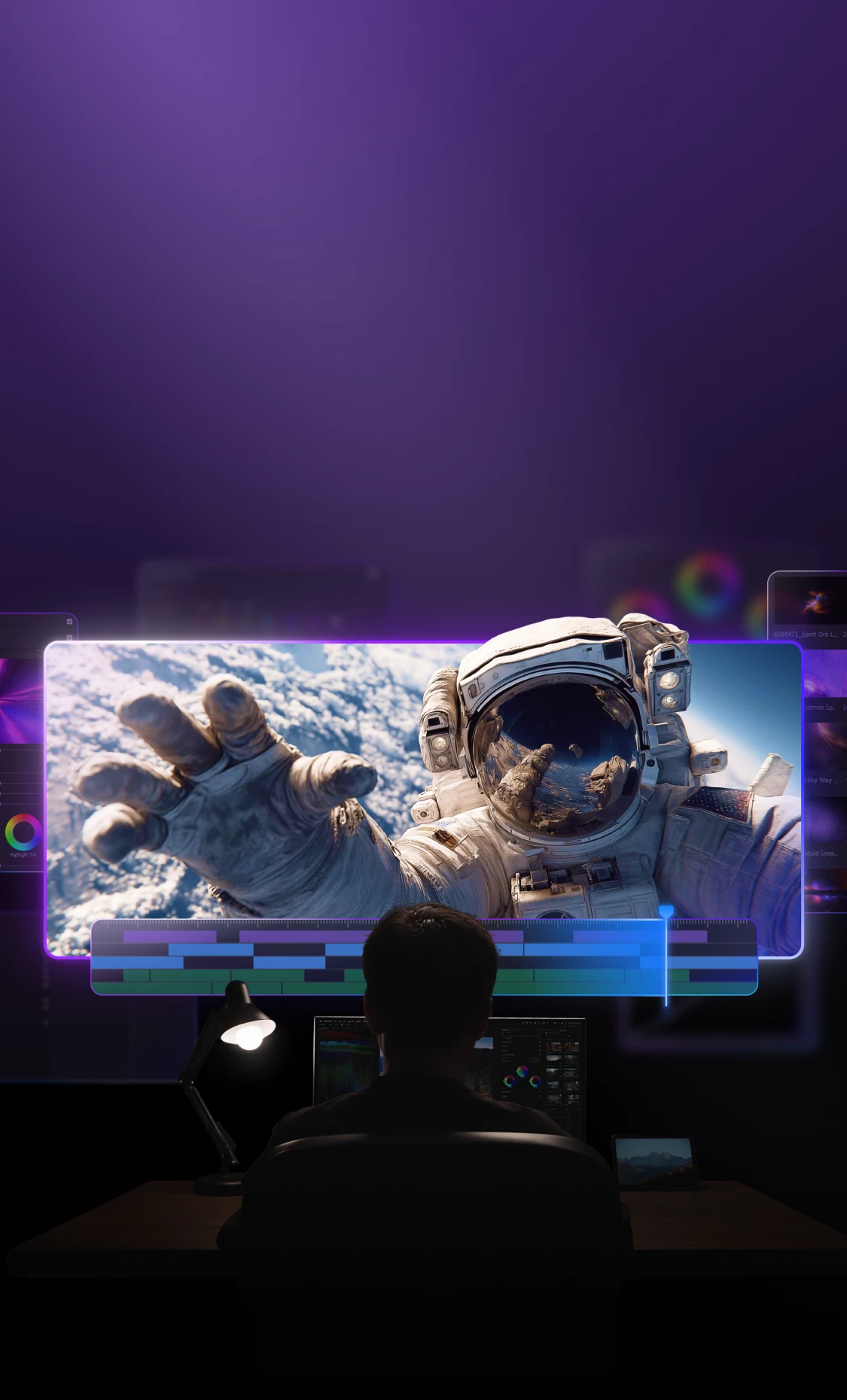
Your Ultimate Video Editing Console
Use knobs and wheels to intuitively control the timeline - move the playhead, zoom, and scrub through footage.
Powerful multi-button combos in a compact body. Effortless one-handed control.
Position, Scale, Rotate, Anchor, Crop, Opacity - adjust them all fast.
No more hunting for sliders. Leave mouse dragging behind.
Zoom and move the timeline, jump several frames, or step through frame by frame. Two fingers provide smooth, continuous control with no wrist movement.
Built-in acceleration makes a quick spin move the playhead fast, and a slow spin move it precisely. Optimized control logic makes timeline navigation smoother and more responsive than traditional keyboard shortcuts.
The rotation controls have three speed modes: fast, medium, and slow. You can switch between them based on your task or editing style. Paired with the haptic feedback on the Elite / Elite Plus models, it gives you more precise control and a more immersive editing experience.
Everything is within reach. Control different functions with one hand, without moving your hand or breaking your flow.
No looking down, no moving your hand. Jump to the previous or next clip, scroll through the timeline, fine-tune, cut, delete, undo, or redo. Everything with one hand, all in one smooth flow.
By combining buttons with the D-pad, you can access many tools without switching controls, which reduces wrist movement. The on-screen HUD shows function hints, so there's nothing to memorize. Just pick it up and start using it.
Quickly preview your clips and mark in and out points to select the parts you want.
Bring up a floating Dynamic Panel anywhere. Scroll to choose a control, then turn the dial to adjust the value.
Pick your most-used controls and add them to the Dynamic Panel. Arrange and group them however you like to match your workflow.
Pick your favorite color controls and add them to a Dynamic Panel. Set it up your way so it fits your workflow and is easy to use right away.
You can also map different sliders to buttons. Press a button to switch sliders, then turn the dial to adjust the value.
Imagine your fingers gliding with ease. Zooming and moving the timeline, switching smoothly between controls.
Everything is within reach, with flexible button combinations and a layout built for comfort. TourBox fits perfectly in your hand, letting you control your whole workflow with one hand.
Custom-built for Adobe Premiere Pro, giving you a flexible workflow so you can edit the way you like.
TourBox isn't just a controller — it becomes part of how you create.
Customize knobs, dials, and buttons to build a workflow that's truly yours. Your tools should work the way you do.
From rough cuts to the final export, TourBox supports your entire editing process.
Move, trim clips, add transitions, sync audio and video - everything you need is at your fingertips.
Seamlessly switch between iPad, Android tablets and desktop with consistent controls. Exclusive gesture support in Procreate for rotation, zoom, and more.
For professional creators seeking power and deep customization. Haptic feedback simulates tactile steps for precise control.
Standard layout with versatile inputs, deeply optimized for creative workflows.
A simple layout designed to boost efficiency and lower the learning curve for creative software. Perfect for casual and lightweight creation.
Imagine your fingers gliding with ease. Zooming and moving the timeline, switching smoothly between controls.
Everything is within reach, with flexible button combinations and a layout built for comfort. TourBox fits perfectly in your hand, letting you control your whole workflow with one hand.
Custom-built for Adobe Premiere Pro, giving you a flexible workflow so you can edit the way you like.
TourBox isn't just a controller — it becomes part of how you create.
Customize knobs, dials, and buttons to build a workflow that's truly yours. Your tools should work the way you do.
From rough cuts to the final export, TourBox supports your entire editing process.
Move, trim clips, add transitions, sync audio and video - everything you need is at your fingertips.
Seamlessly switch between iPad, Android tablets and desktop with consistent controls. Exclusive gesture support in Procreate for rotation, zoom, and more.
For professional creators seeking power and deep customization. Haptic feedback simulates tactile steps for precise control.
Standard layout with versatile inputs, deeply optimized for creative workflows.
A simple layout designed to boost efficiency and lower the learning curve for creative software. Perfect for casual and lightweight creation.
Ricevi tutte le ultime notizie da TourBox
