

USD$9.5 OFF

1/8
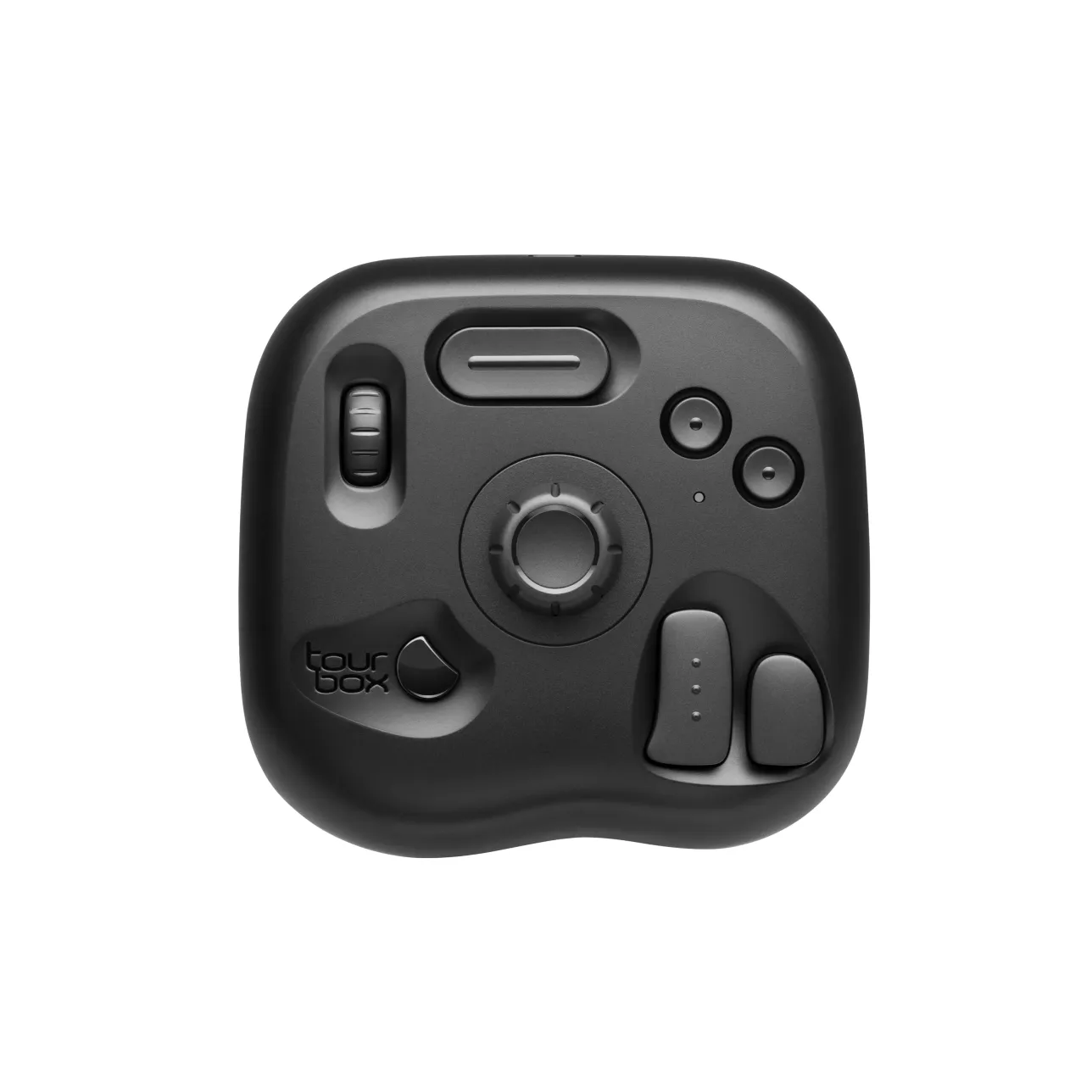
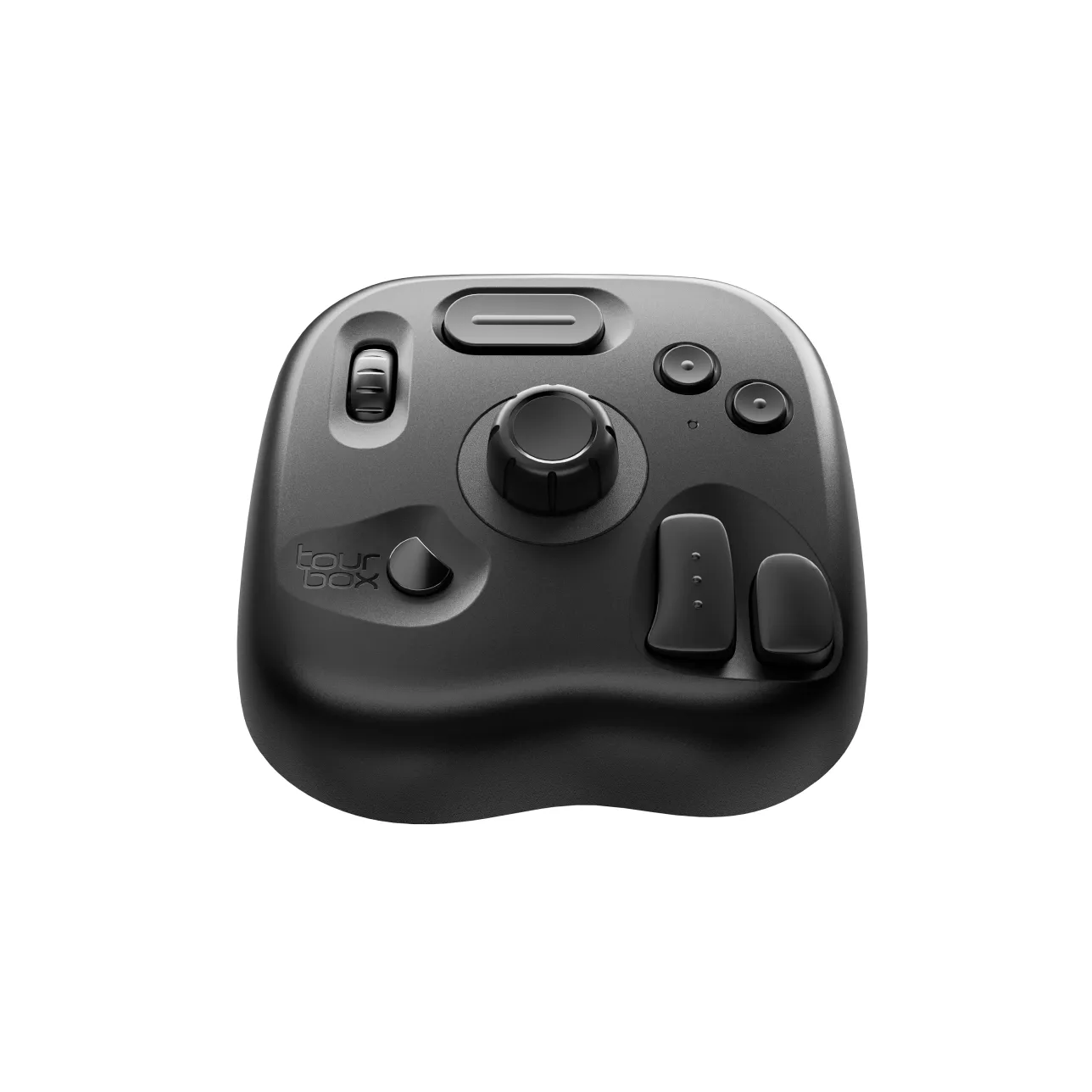
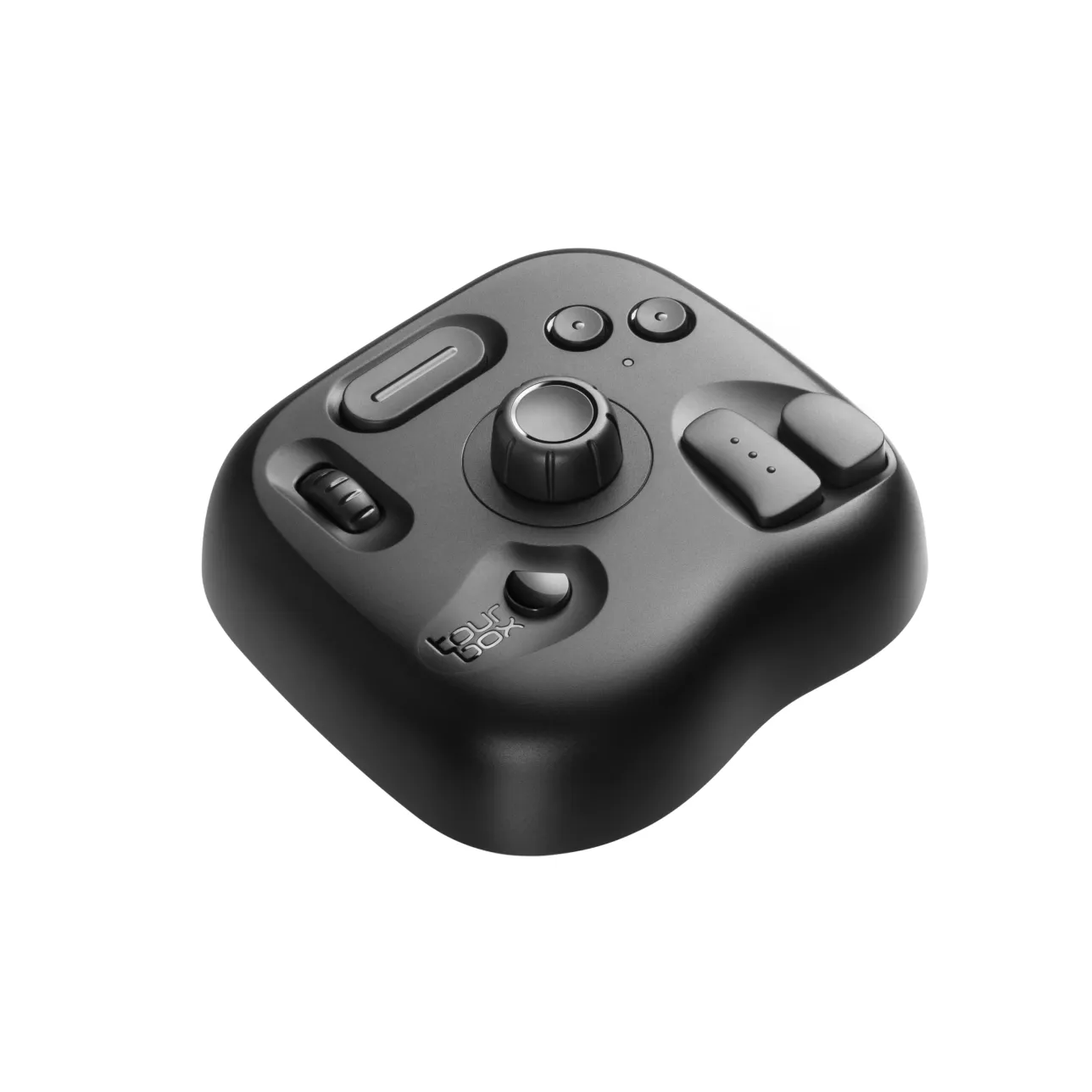
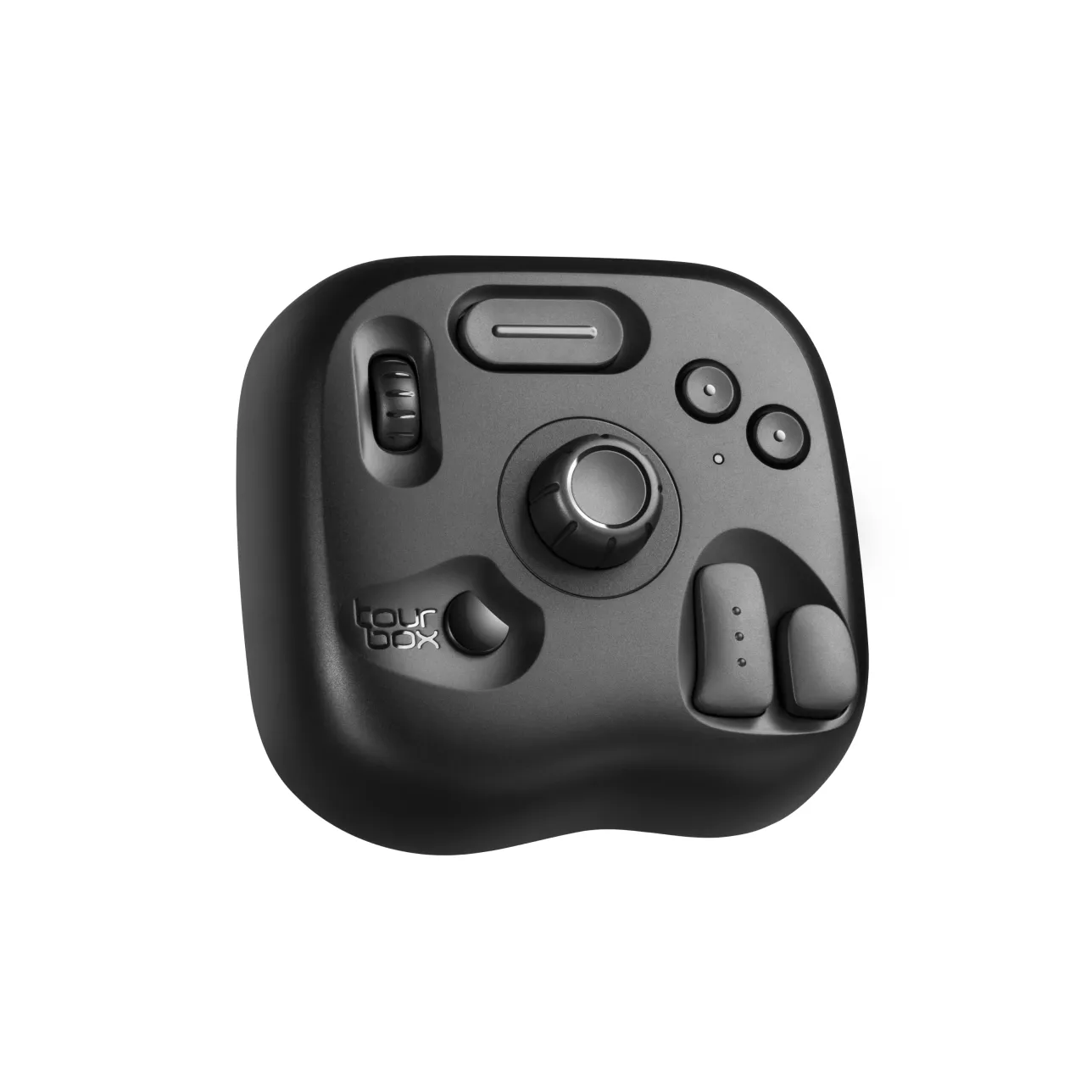
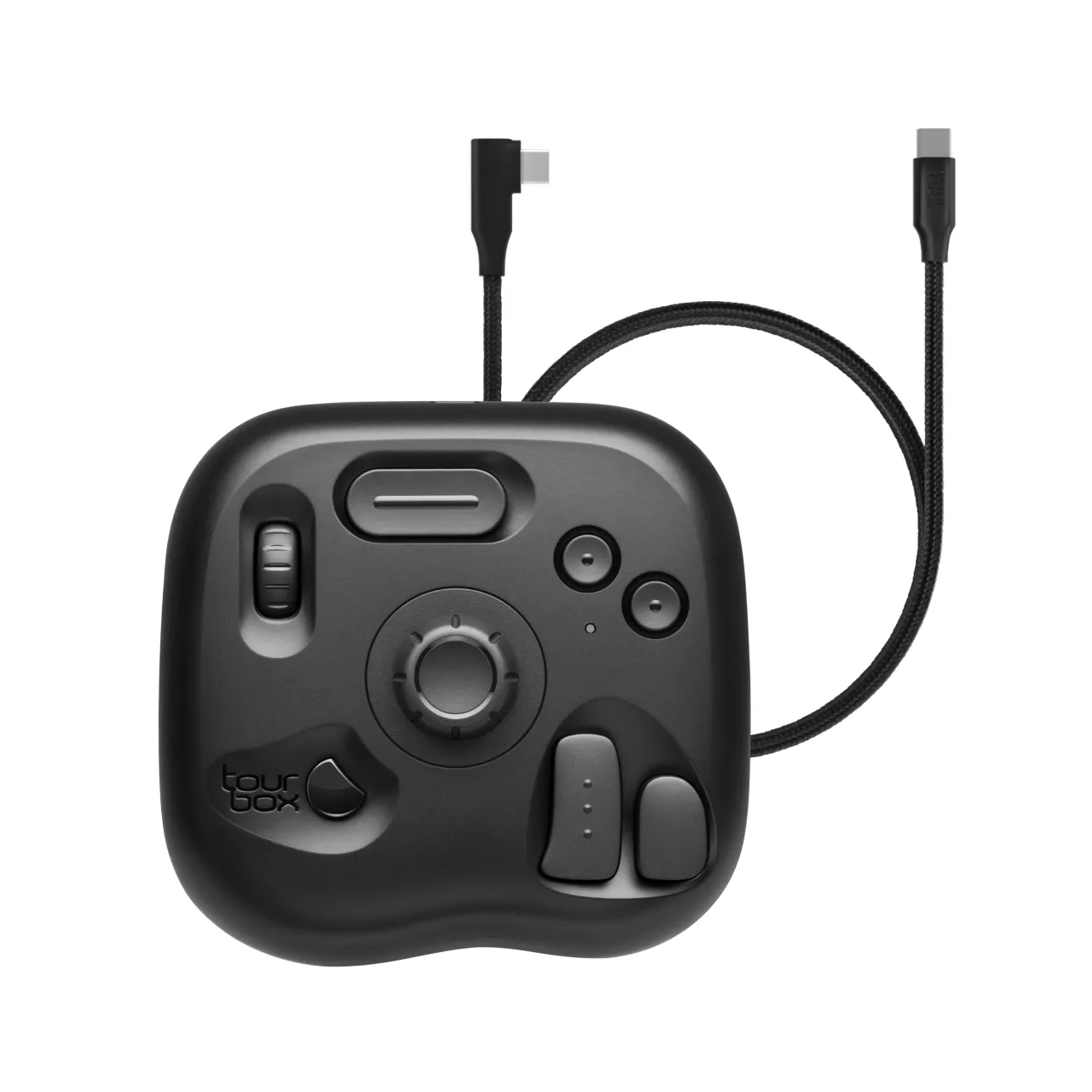
TourBox Lite
USD$85.49USD$94.99

Promotion

Save USD$9.5 Instantly
Free Shipping
30-day Refund Guaranteed
1-year FREE NEW-REPLACEMENT for faulty devices
Customer service within 24 hours on weekdays.
Choose your model
Bundle Now, Save Big.
Travel Case
USD$18
USD$35
Frequently Bought Together

Naoki Saito - 1 month illustration improvement program《Complete set》
USD$9.9
USD$30

Naoki Saito - Improves illustration in 6 days -《The Secret of Illustration》
USD$9.9
USD$20
Save USD$9.5
Total
USD$94.99
USD$85.49
Estimated dispatch within 2 business days
Multiple payment methods: Credit/Debit cards, PayPal, Affirm
You may also like
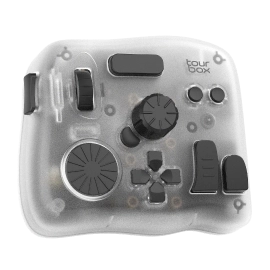
Top-tier model with added iPad support and enhanced components for ultimate cross-platform control.
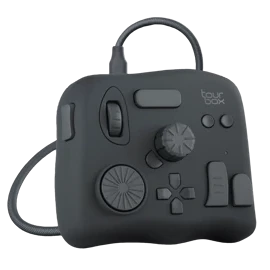
A versatile creative console for emerging professionals seeking precision and control.
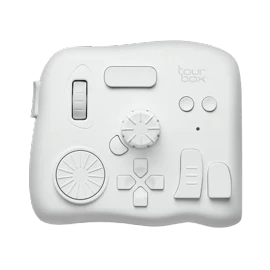
High-performance model built for professionals who demand the highest level of precision and efficiency.
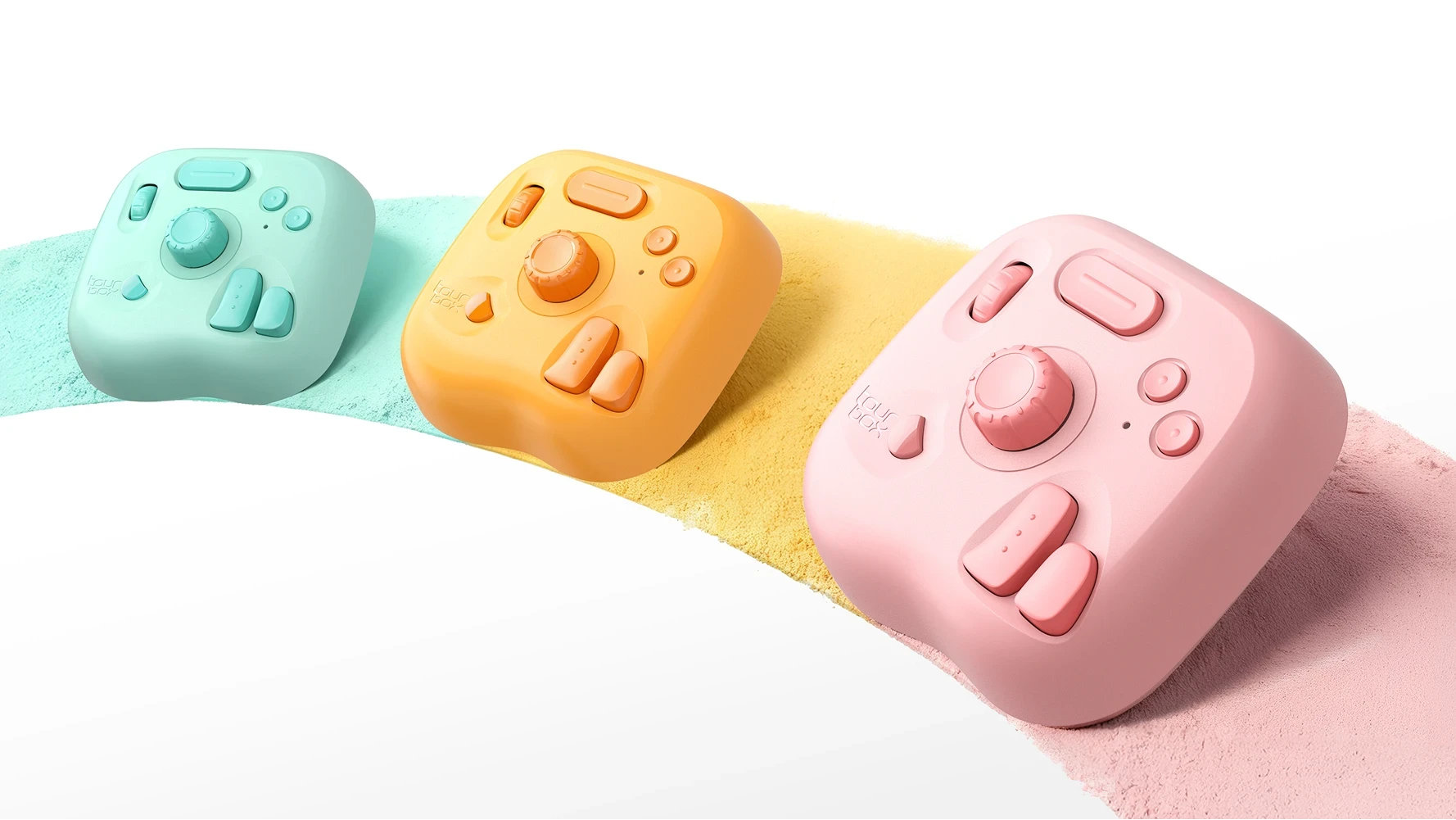
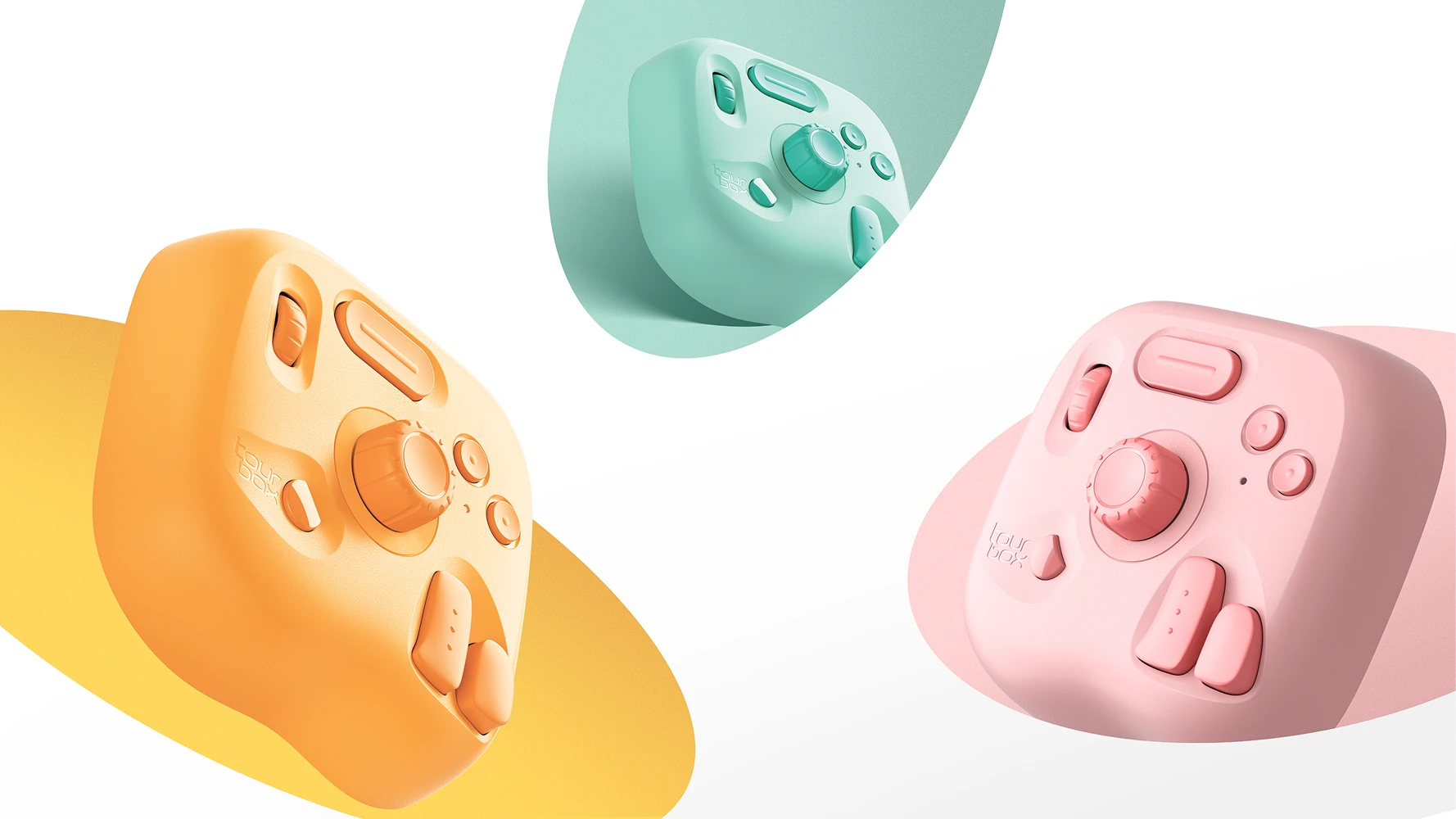
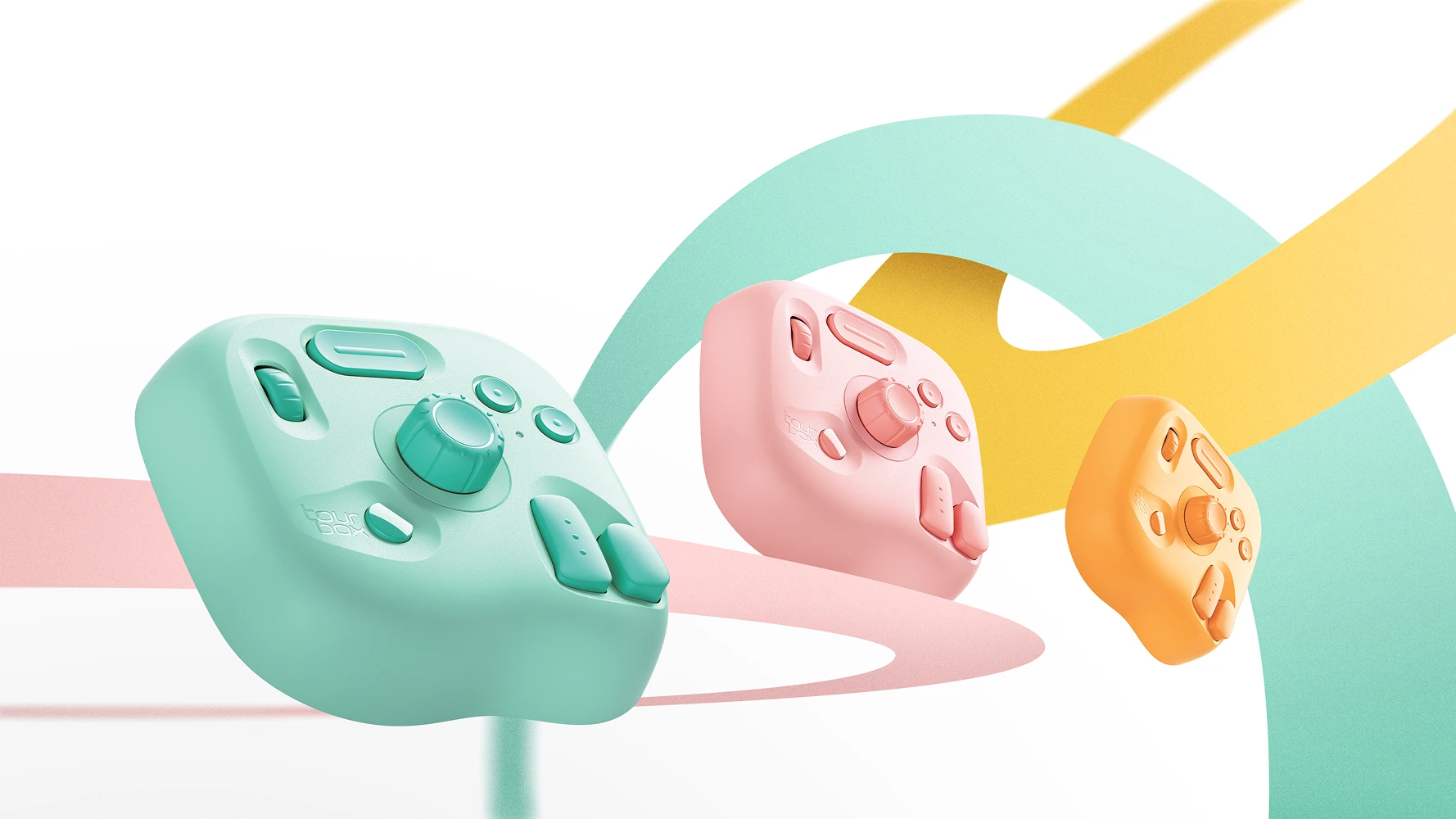
New Color
Oasis Series
Why Choose TourBox Lite for Drawing?
Efficiency, Creation, Reinvented
Compact Yet Powerful
8Buttons
50+Actions
200+Functions
Skip the Setup Hassle
Create Seamlessly with TourBox
Auto-Switch
Presets
Software Keeps
Evolving

User-friendly, customizable software –TourBox Console is rapidly evolving, expanding app compatibility, adding new features, and perfecting the creative workflow from start to finish!
Reduced movements, instantly noticeable Efficiency Jumps by 170%
*Using hand-tracking tech, we measure Green322's (X@green322green) hand movements as he creates, displaying the data digitally.
TourBox Exclusive Features - Made for Creators
Custom Macros Program keys for color pick, undo, and more
TourBox Exclusive Features - Made for Creators
Custom Macros Program keys for color pick, undo, and more
Who's using TourBox Lite?
Digital Art Enthusiasts
Freelance Video Editors
YouTubers & Content Creators
Photobloggers & Social Shooters
Notion & Productivity Fans
Spreadsheet Wizards
Workflow Optimization Geeks
Can Left-Handed Artists using TourBox?
Yes! Rotate the device however you like; Button functions automatically adjust to match your workflow.
Left hand
Right hand
Upside down
Streamline All Workflows & Daily Tasks
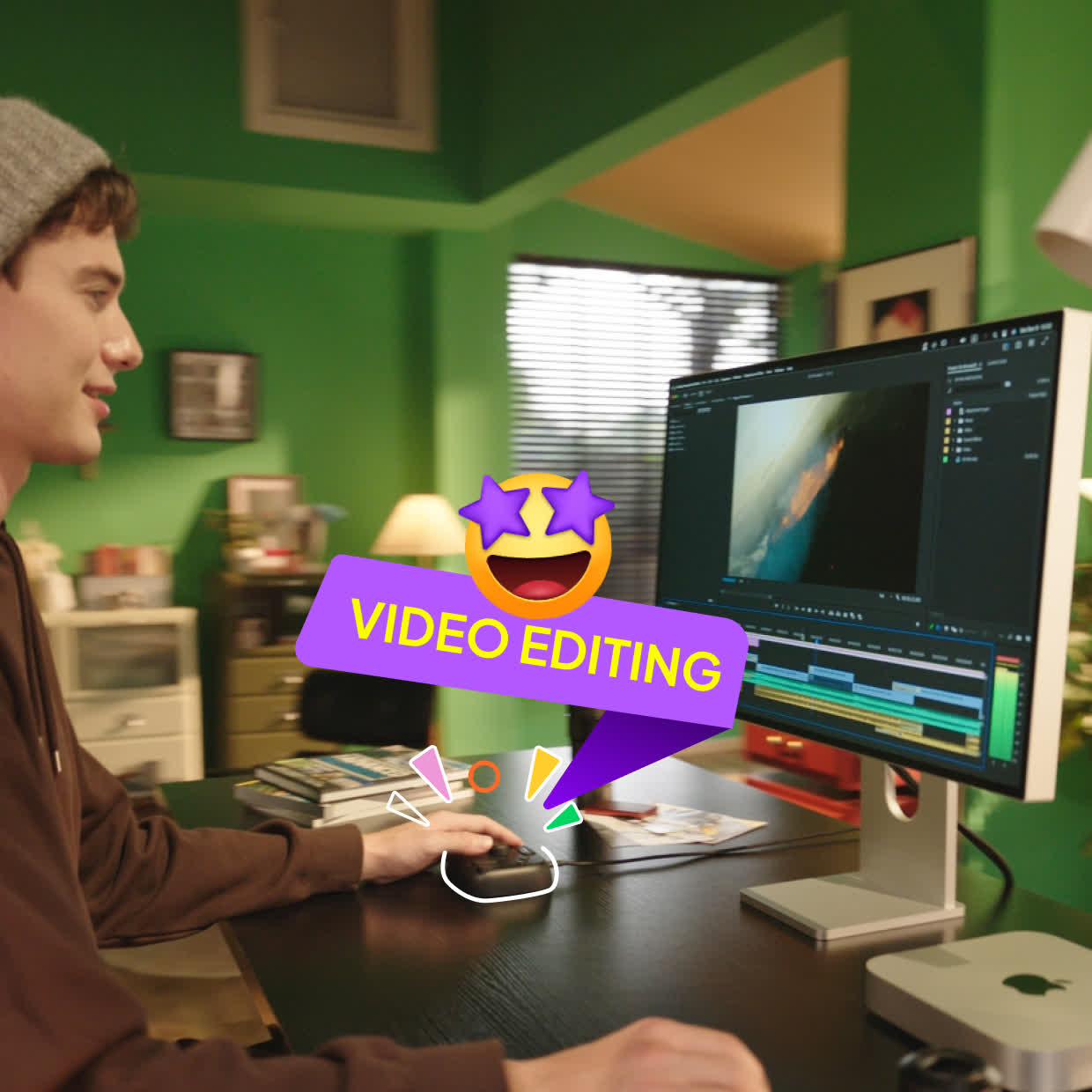
Video Editing
Get Started, So Easy!
- Efficient Asset Management
- Intuitive Video Editing
- Smart Color-Grading Workflow
- Presets Auto-Switch Intelligently
More
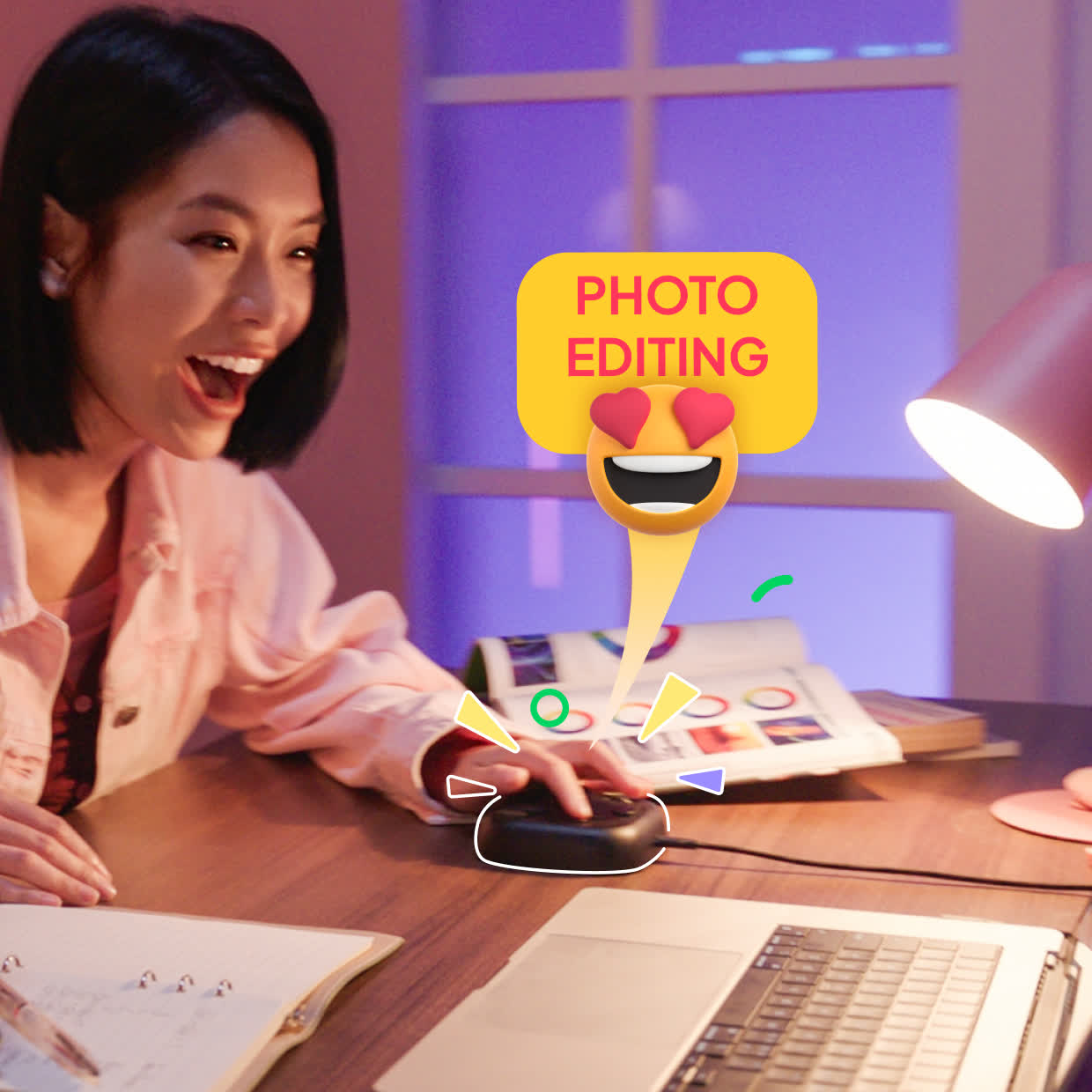
Photo Editing
Faster Than Ever
- Single-hand control: rotate to select/rate images
- Built-in color grading tools & HUD for Lightroom, Capture One, and more
- Macro functions for batch editing
- Retouching as easy as gaming
More
Office, Meetings, Email
Master Any Task with TourMenu
Office Work
Meetings
Emails
Forget complex shortcuts; navigate & present with ease
Mute, switch mic/camera with one click -no interruptions
Browse, watch, and control tools efficiently
Music, Streaming, Gaming & Everyday Apps
Media Control
Adjust volume, scrub videos with a twist
Music Production
Streamline editing with TourBox combos
Need More?
Button + Knob
More Knobs
Double Click
More Buttons
Button + Button
More Combo Actions
WHAT SETS TOURBOX APART?
TourBox
 Ergonomics LayoutOne-Hand ControlZero Wrist StrainProgrammable ButtonsMulti-Dimensional Controls
Traditional Keyboard
 Combo Key MishapsTwo-Hand HustleHand FatigueToo Many Shortcuts to RememberConstant Workflow Breaks

TourBox
 Built-in Presets Ready to GoVariable Speed ControlAdvanced Macro CustomizationPresets Auto-SwitchOne-Click AutomationVisual Color Panel and Menu
Single-Function Keypad
Complicated SetupFixed Speed OnlyBasic Shortcut MappingNo Advanced CustomizationNo Auto-Scene DetectionNo Visual Feedback
FAQ
Q
Can TourBox Lite Wireless be used with iPadOS?
No. TourBox Lite Wireless (2025) works with macOS 10.13+ and Windows 7 (64-bit)+. Only TourBox Elite Plus supports iPadOS.
A
Q
What’s the difference between TourBox Lite Wireless (2025) and the wired version?
Both share the same ergonomic design & controls. Wireless model supports bothwired connection & Bluetooth; The wired model only supports cable connection.
A
Q
Is Bluetooth connection stable for daily use?
Yes. Low-latency Bluetooth ensures smooth brush strokes, timeline scrubbing, and real-time editing without lag.
A
Choose Your Creative Flow: Wired or Wireless
Experience all the power of TourBox Lite we've released in 2024, and now even with dual connectivity and true cable-free creative freedom.
TourBox Lite (USB)
Wired connection for simple and stable operation
TourBox Lite (Bluetooth)
Energy-Efficient & Wireless Freedom
TourBox Lite (Bluetooth)
Oasis Series

Painting

Video

Photo

Work

Design

Music

Animation
What's Included
TourBox Lite
Safety Instructions
Quick Start Guide
Specification
Product Name
TourBox Lite(Bluetooth)
Dimensions
111x106x39mm
Weight
300g
Outer Material
ABS
Button Material
PC+ABS
Manufacturing Process
Material Injection Molding, Laser Texture + Matte Finish (No Spray Coating)
Connection Method
USB Type-C cable or Bluetooth connection
Processor
Low Power MCU
Input Power
USB connection:DC 5V 50mA
Bluetooth connection:DC 1.5V 50mA
Bluetooth connection:DC 1.5V 50mA
Cable Connection Requirement
Type-C terminal (USB 2.0 or later) or Bluetooth 5.0
What's Included
TourBox Lite
Safety Instructions
Quick Start Guide
USB Cable with Adapter
Specification
Product Name
TourBox Lite
Dimensions
111x106x39mm
Weight
329g
Outer Material
ABS
Button Material
PC+ABS
Manufacturing Process
Material Injection Molding, Laser Texture + Matte Finish (No Spray Coating)
Connection Method
Wired connection via Type-C
Processor
Low Power MCU
Input Power
DC 5V 30mA
Cable Connection Requirement
Type-C interface (USB 2.0 and above)
Product Review