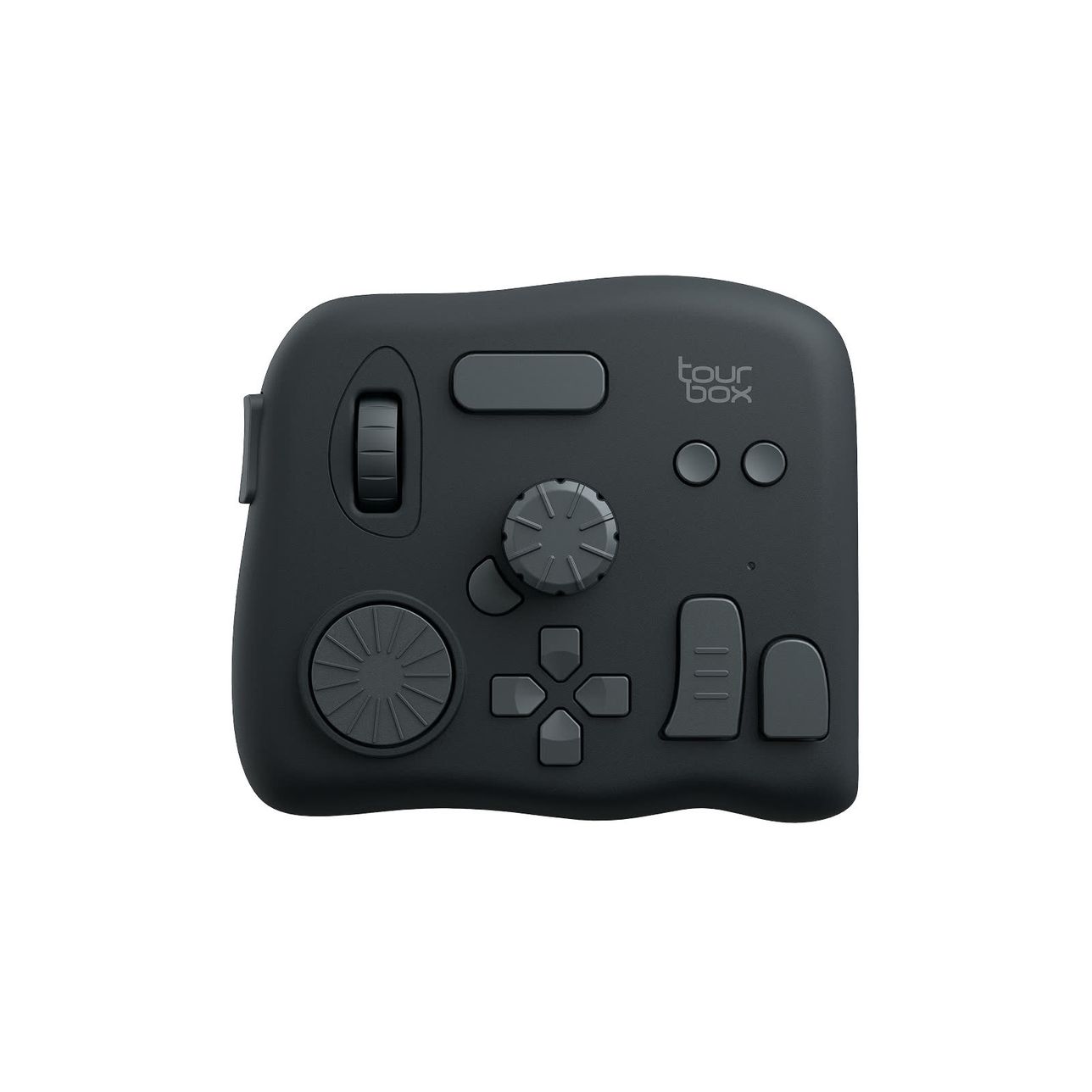
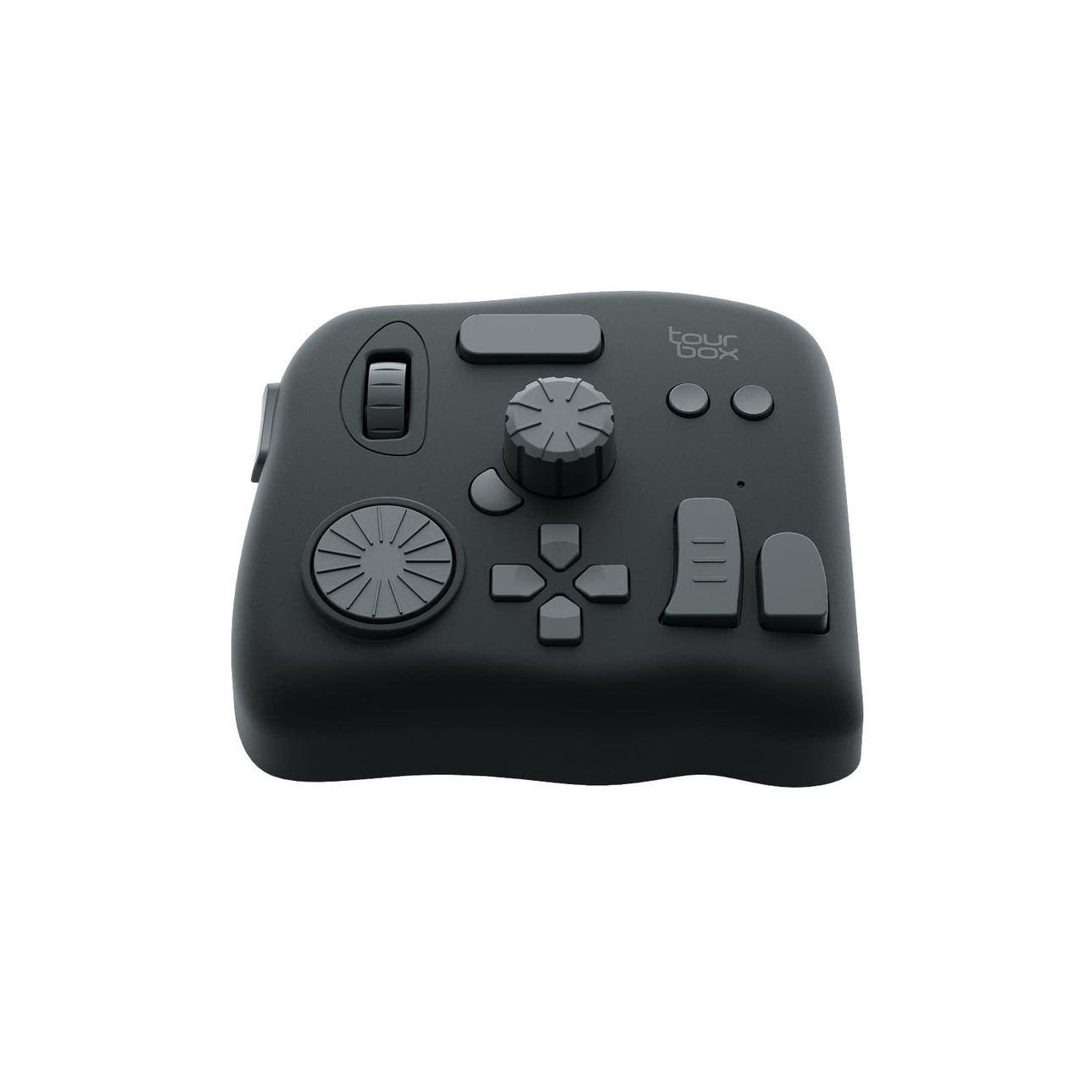
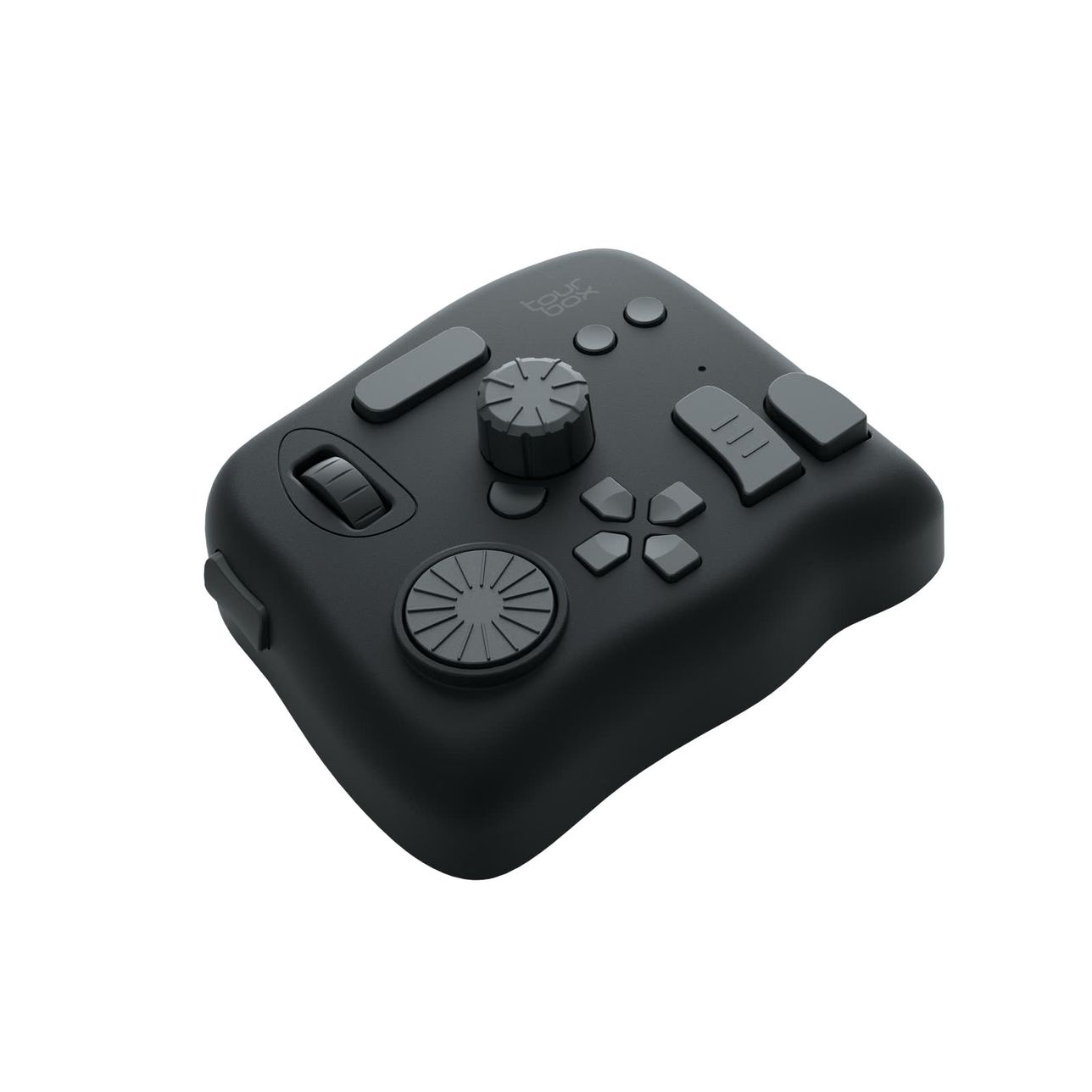
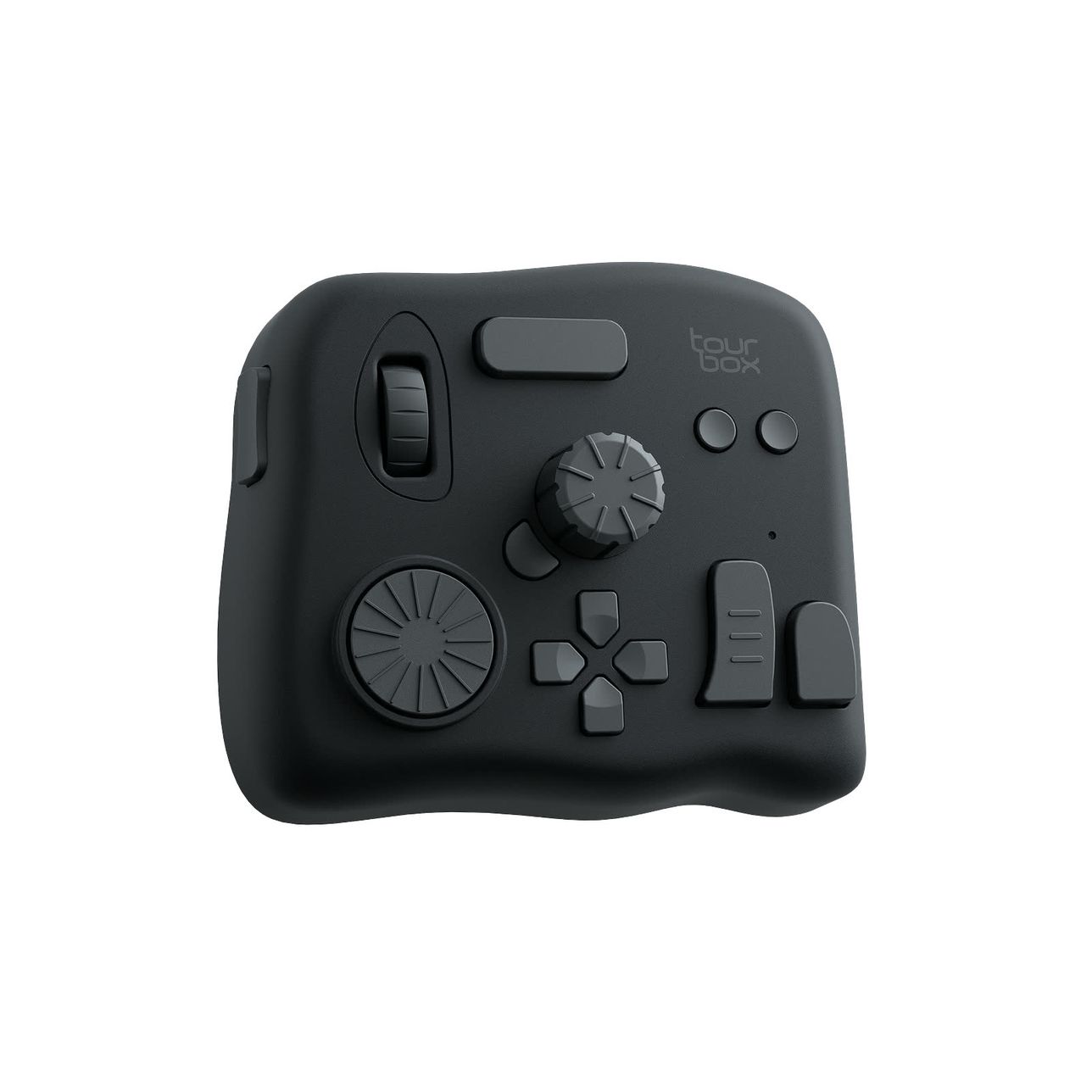
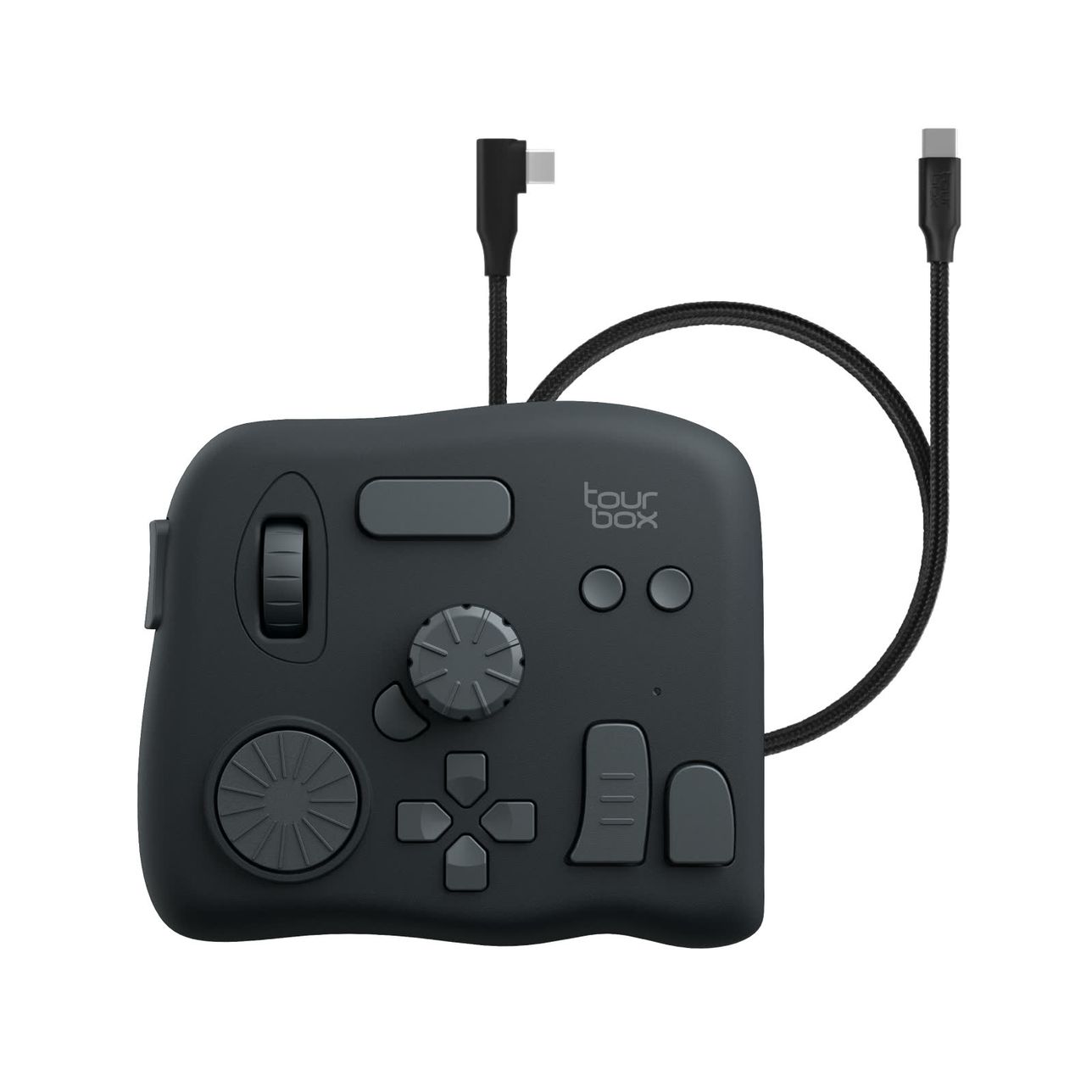
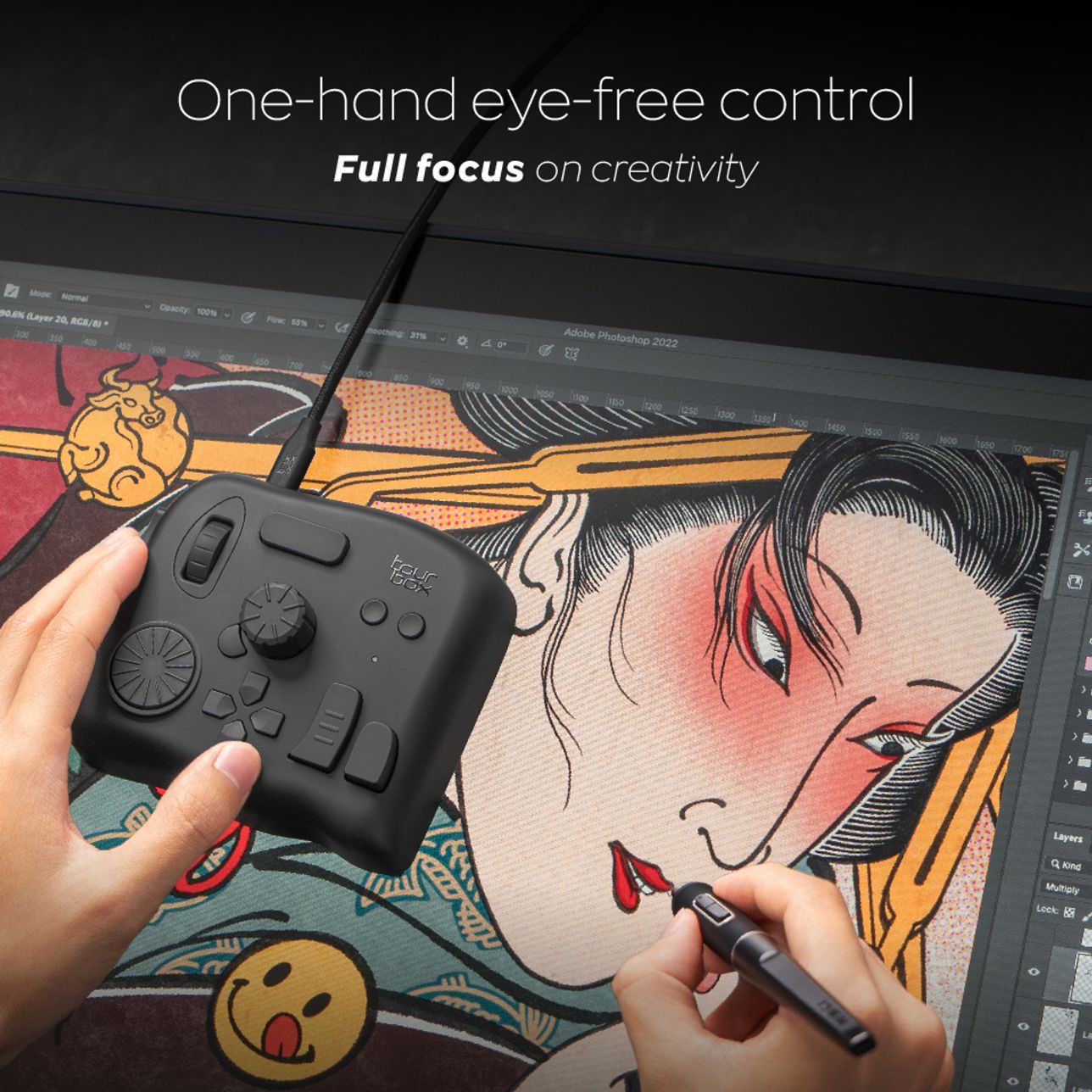
TourBox NEO

Bundle Now, Save Big.
Travel Case
CAD$25
CAD$50
Frequently Bought Together
Naoki Saito - 1 month illustration improvement program《Complete set》
CAD$14
CAD$41

Naoki Saito - Improves illustration in 6 days -《The Secret of Illustration》
CAD$14
CAD$30
Total
CAD$238
Estimated dispatch within 2 business days
Multiple payment methods: PayPal, Credit/Debit cards
You may also like
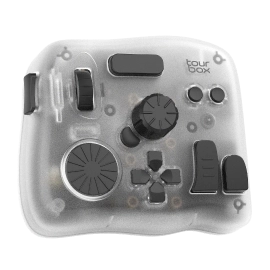
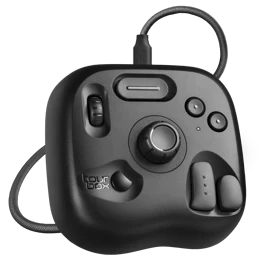
Top-tier model with added iPad support and enhanced components for ultimate cross-platform control.
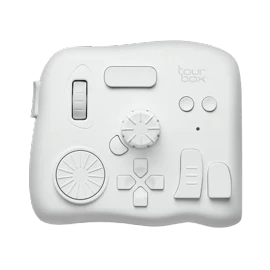
The lite-edition creative console easy to adapt and feel the change instantly.
High-performance model built for professionals who demand the highest level of precision and efficiency.
INTRODUCING TOURBOX NEO
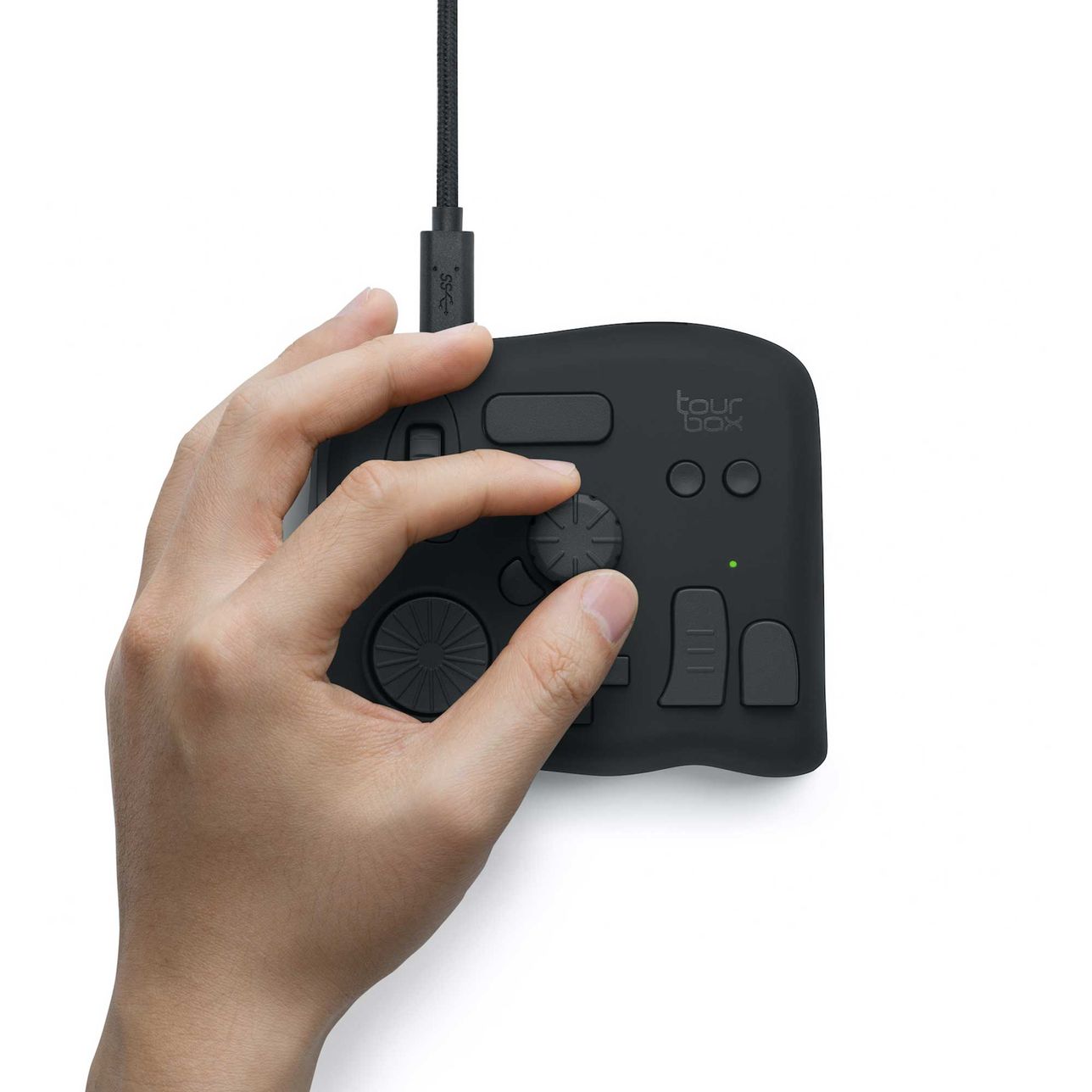
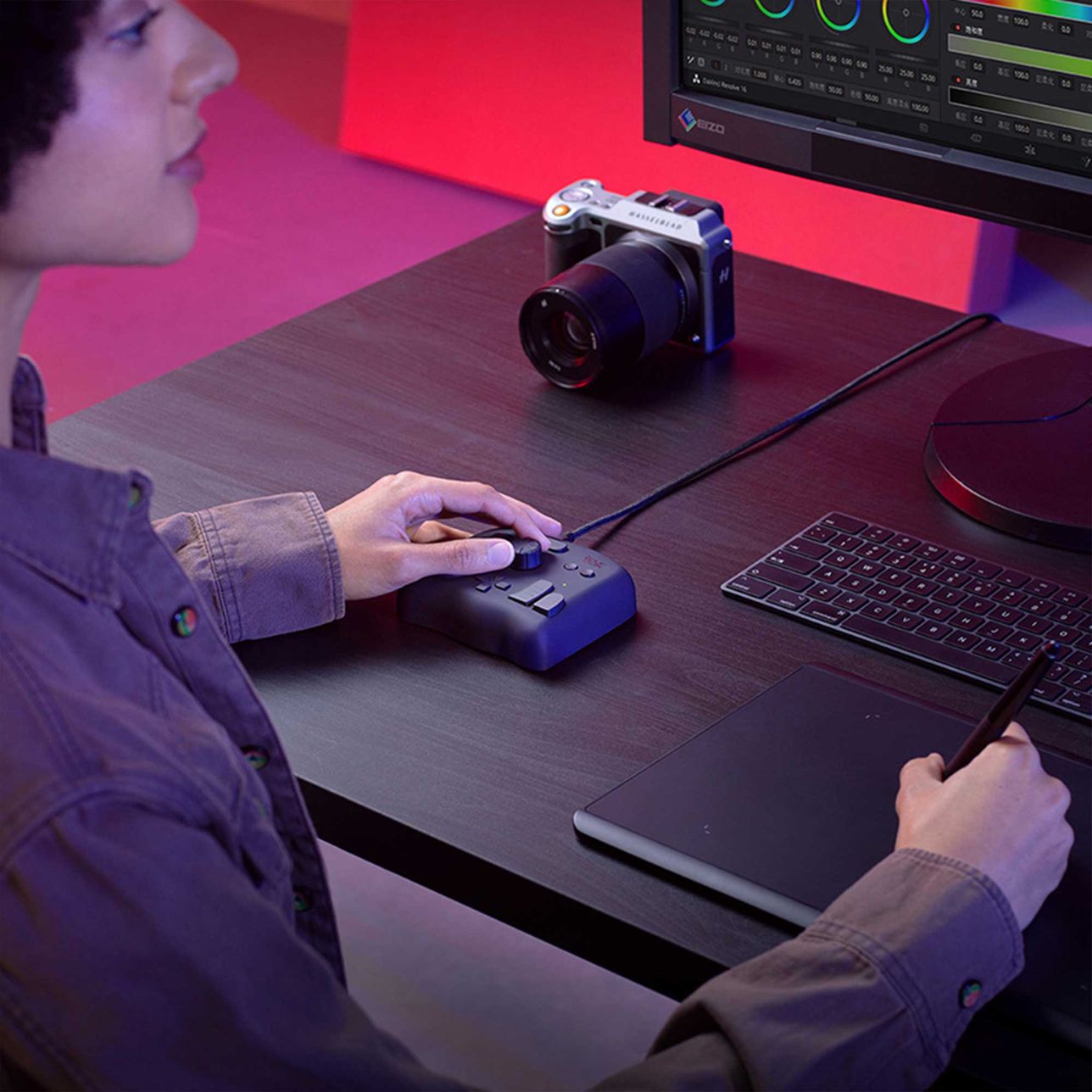
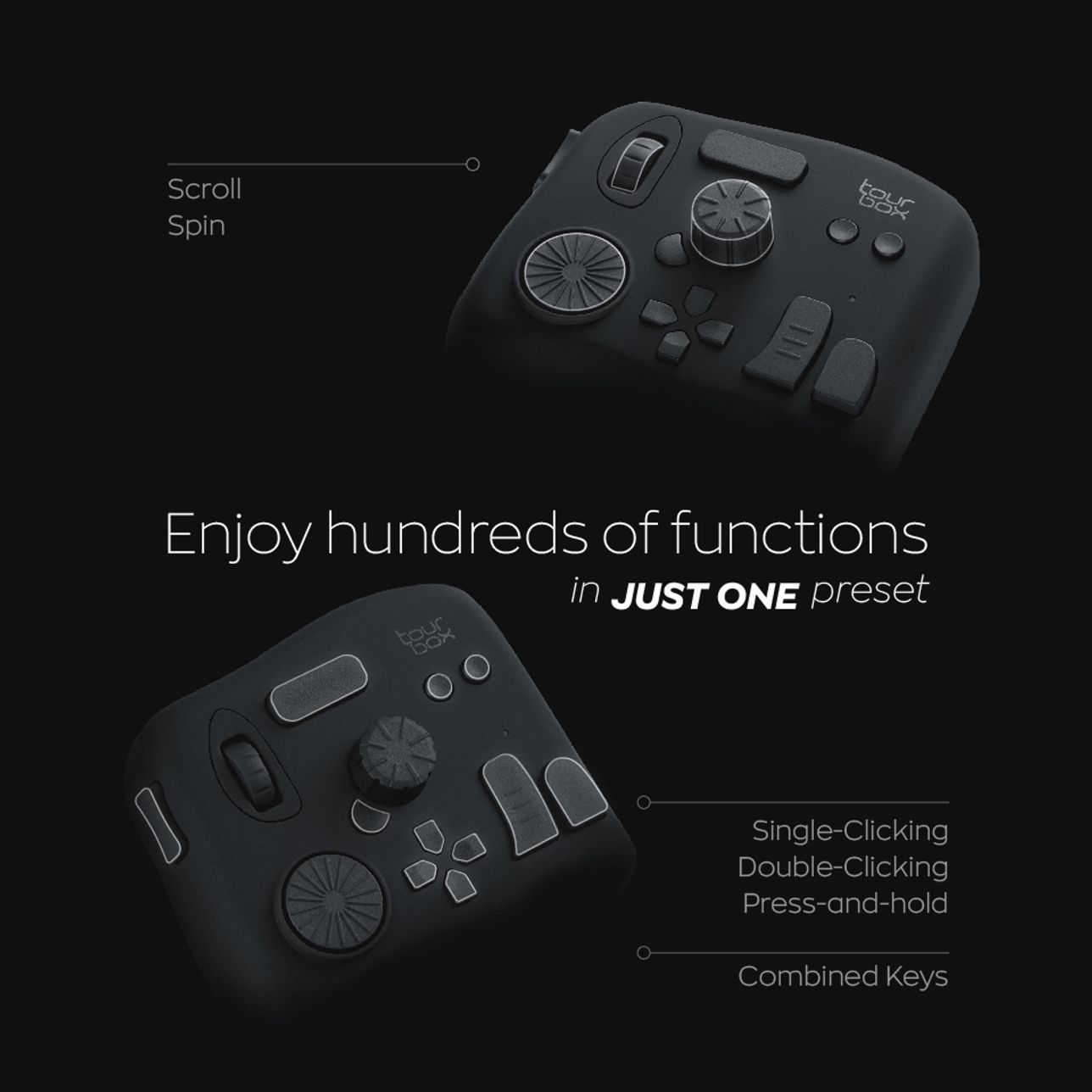
Unique control mechanism, highly customizable freedom, diverse button forms, and multi-dimensional input methods...all these form the unique one-handed eye-free control.
Use the knob for timeline control, easy color grading, canvas rotation, and brush adjustment. Fully customize keyboard and mouse shortcuts, plugins, and macros. Also, utilize TourBox's unique TourMenu to create a dedicated color grading panel and simplify complex native software interfaces.
TourBox NEO
+
TourBox Console
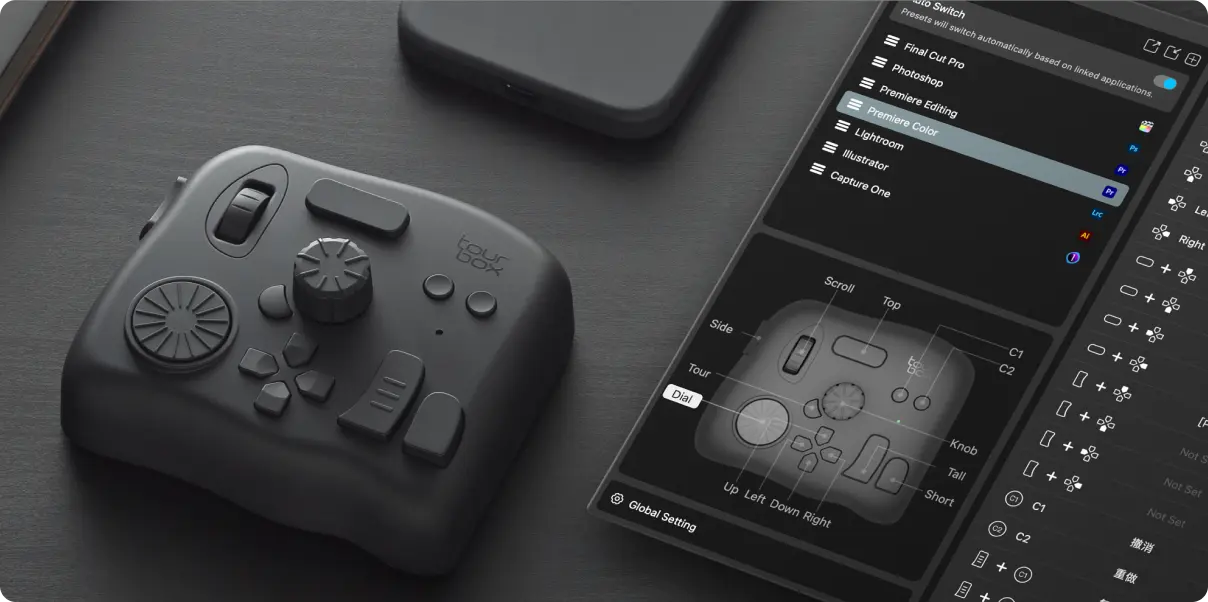
Customize your TourBox freely in TourBox Console. Simplify, streamline, and enhance your creative process.
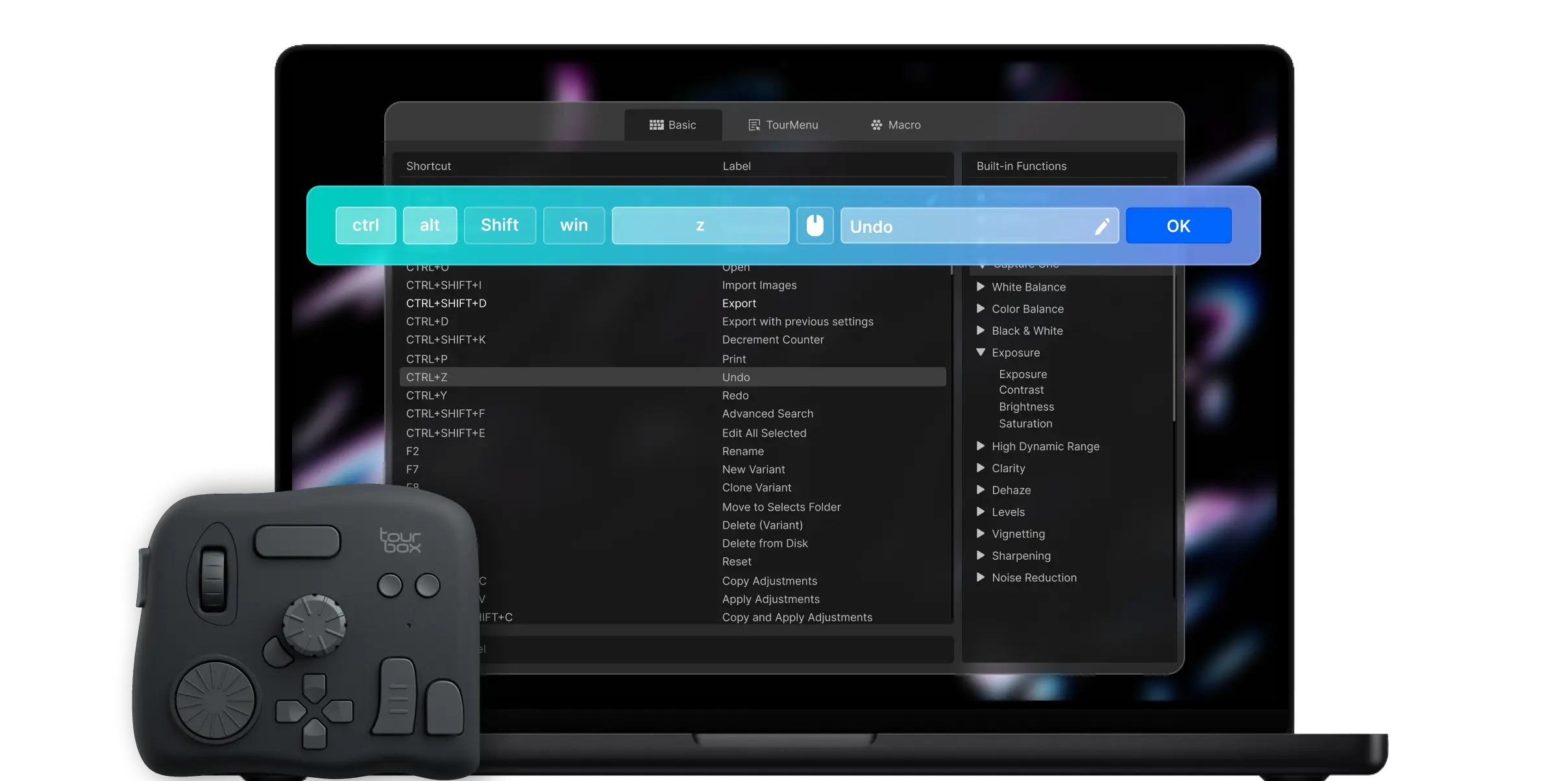
Not Just Mapping Keyboard and Mouse Shortcuts!
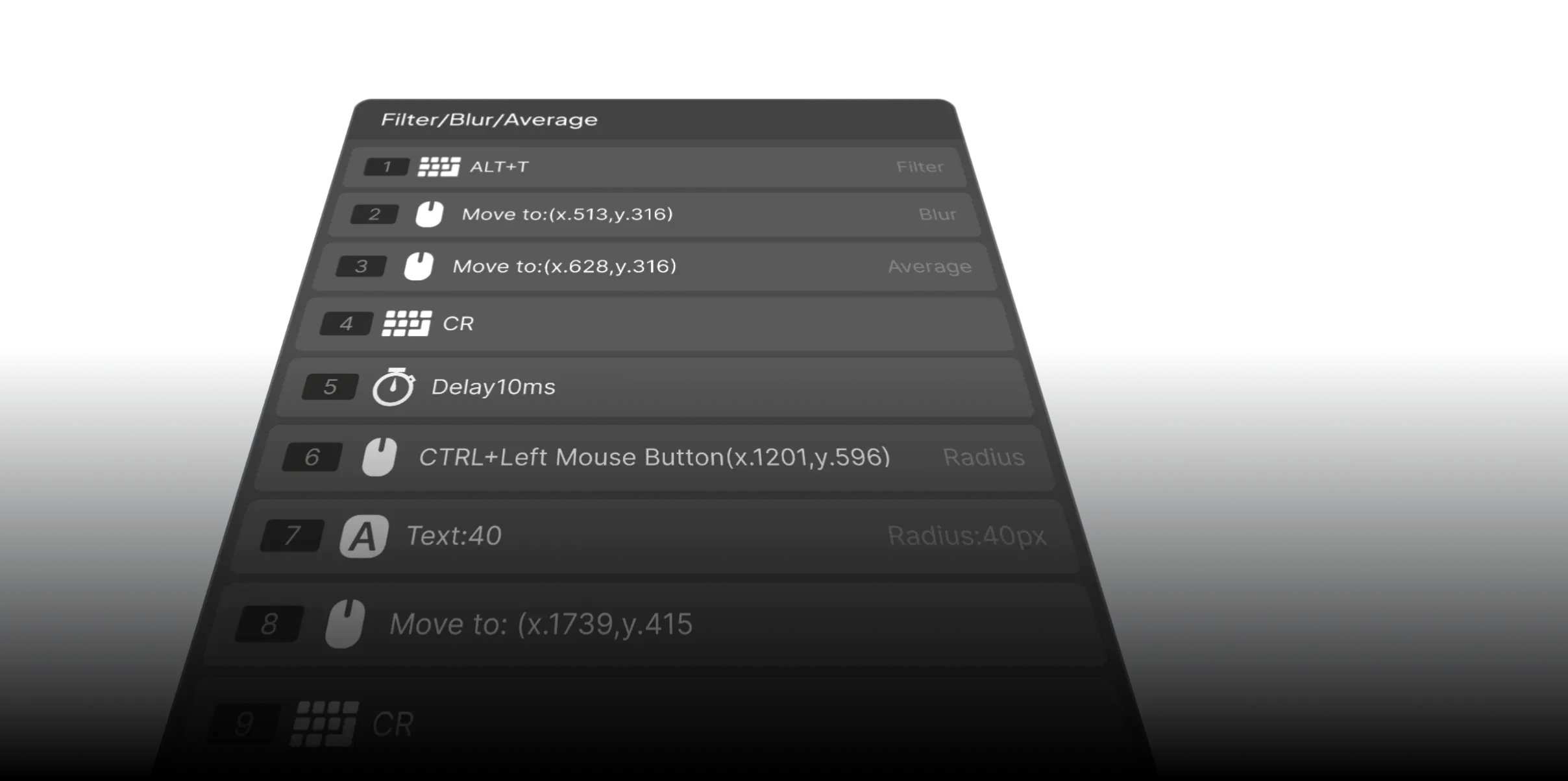
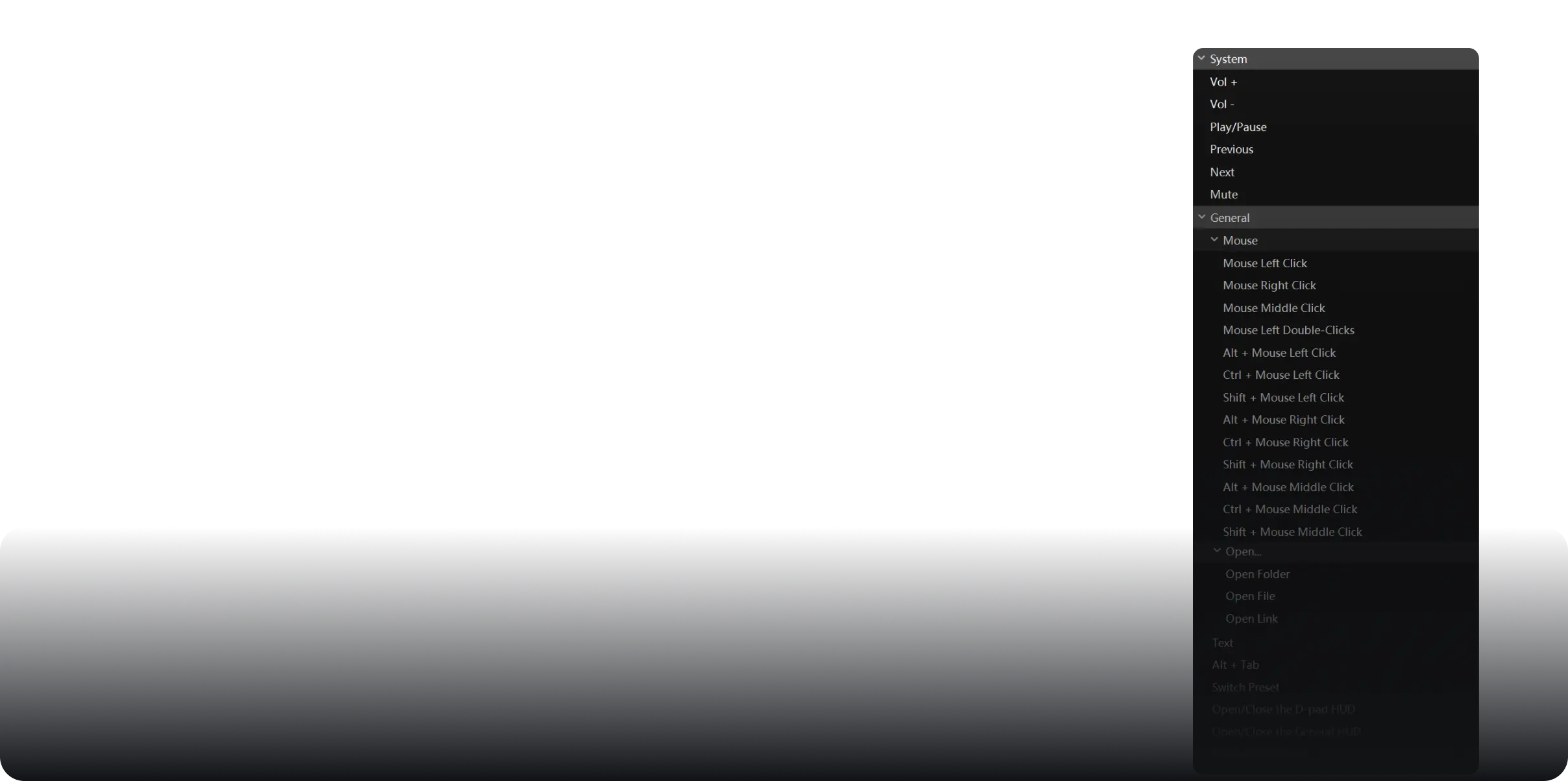
Whether it's Shift+Alt+Ctrl+X or keyboard plus mouse, any complex shortcut can be mapped to TourBox!


Discover More
Seamless Video & Audio Editing
Intuitive Responsiveness Highly Aligned Input and Editing Actions
3 Different Speed Modes
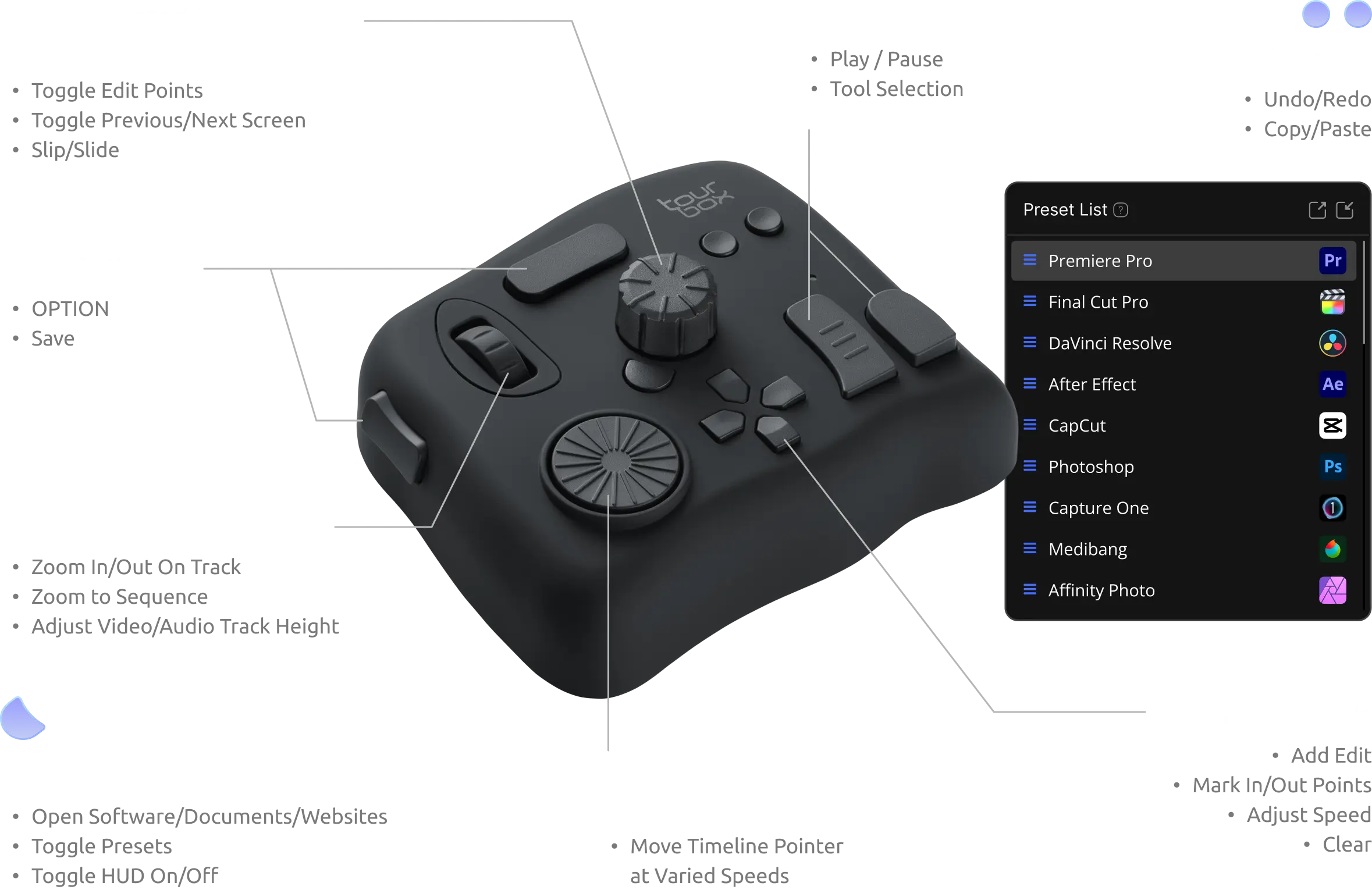
Knobs, dials, and scrolls come with fast, medium, and slow speed modes, allowing for flexible switching based on different scenarios and editing habits.
Seamless One-Handed Editing
Mark in/out points, previous/next segments, scroll through, fine-tune, trim, delete, undo, redo, and more, all seamlessly done with one hand.
Configured Built-In Feature for Variable Timeline Movement
Different from the uniform movement of a keyboard, the built-in acceleration algorithm allows the timeline to move according to the hand speed. Fast twists mean fast movement; slow twists mean slow movement.
TourMenu
Configure Your Workspace with TourMenu
Macros
Create Footage Folders, Through Macros with a Single Click
More Applications
- Convenient Volume Adjustment
- Quickly Establish Color Grading Nodes
- Efficient Color Grading, Bid Farewell to Dragging
Experience New Editing Styles Quickly
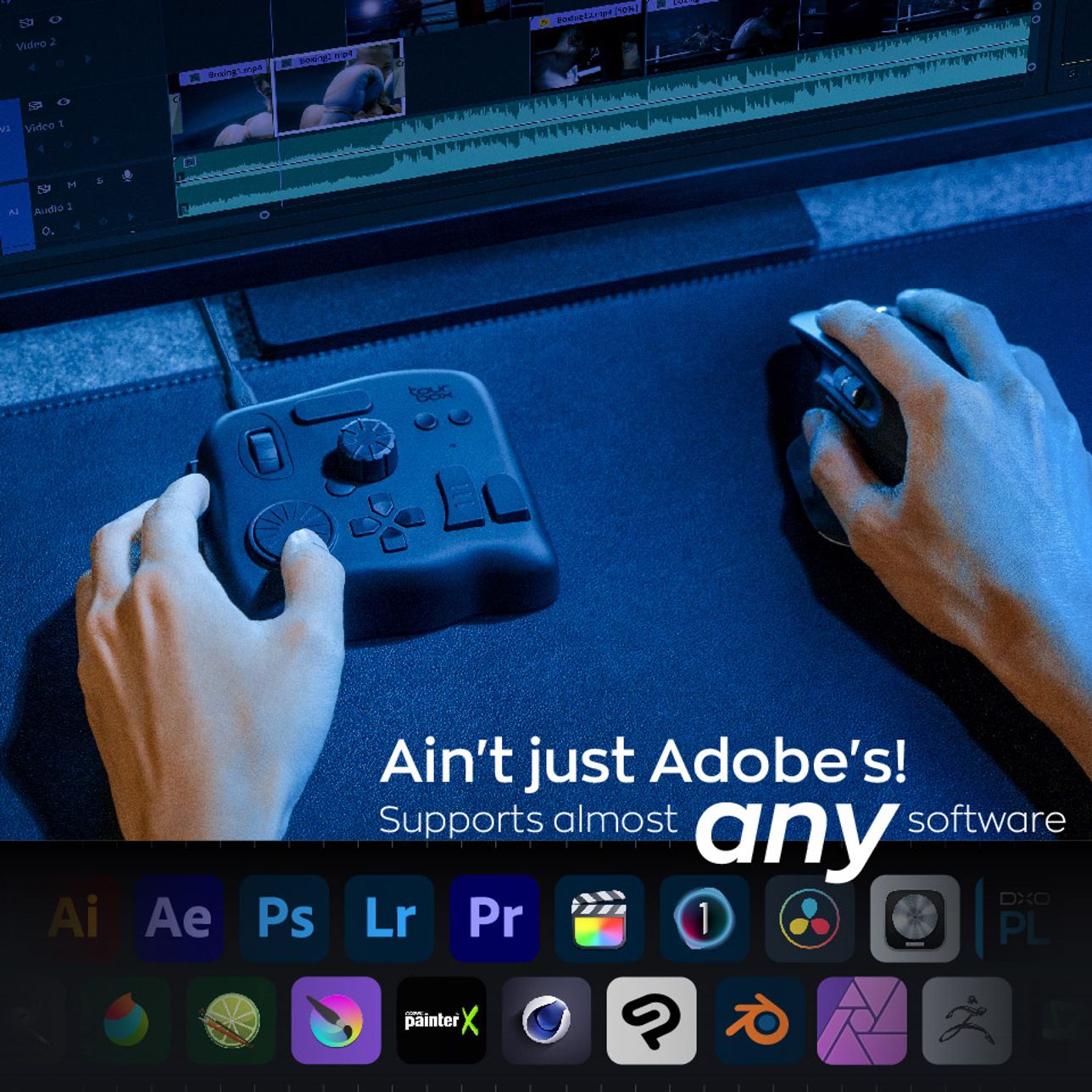
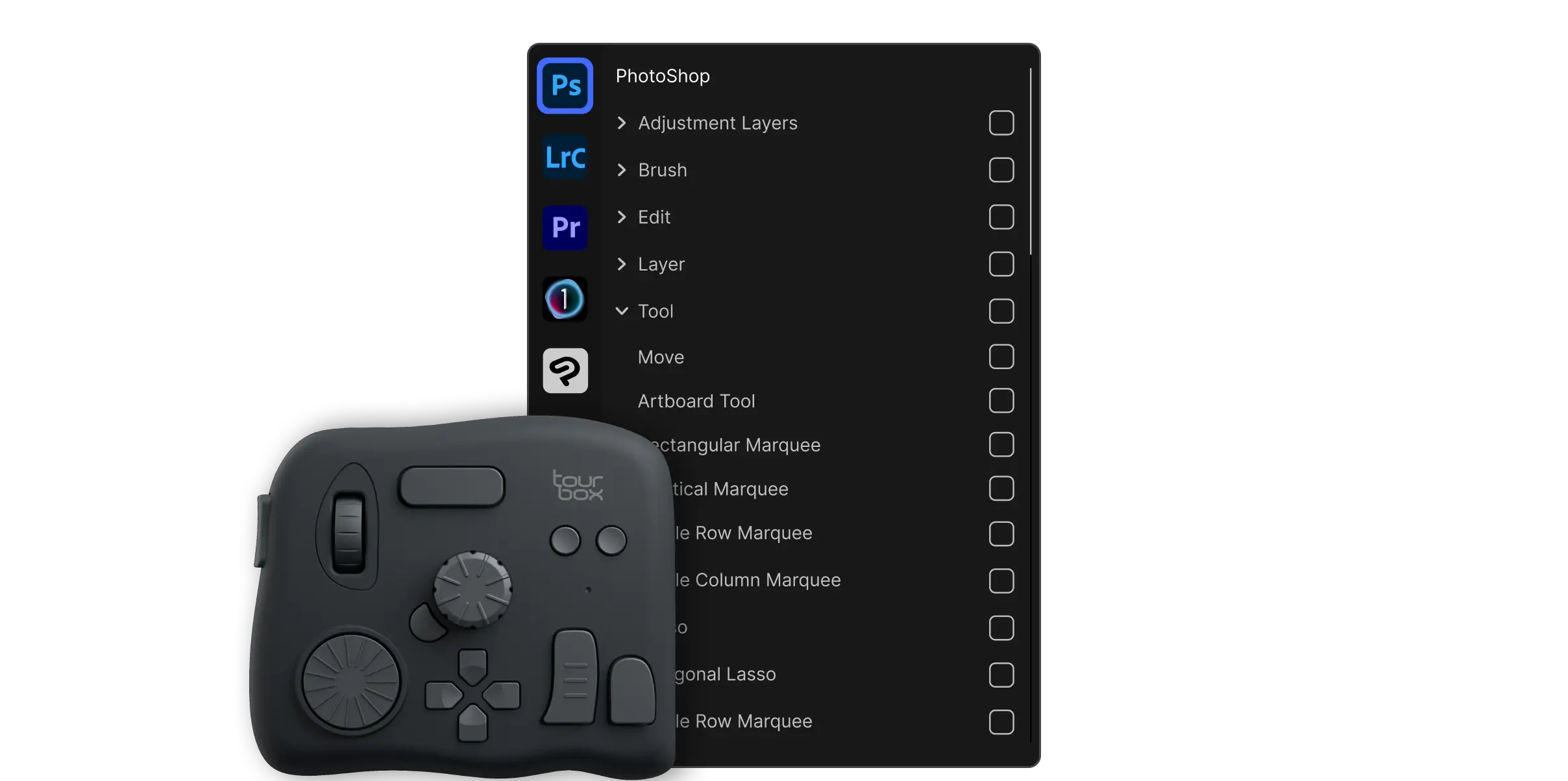
Utilize a variety of default preset templates and user presets, ready to use. It will automatically switch to the corresponding preset based on the software you're using.
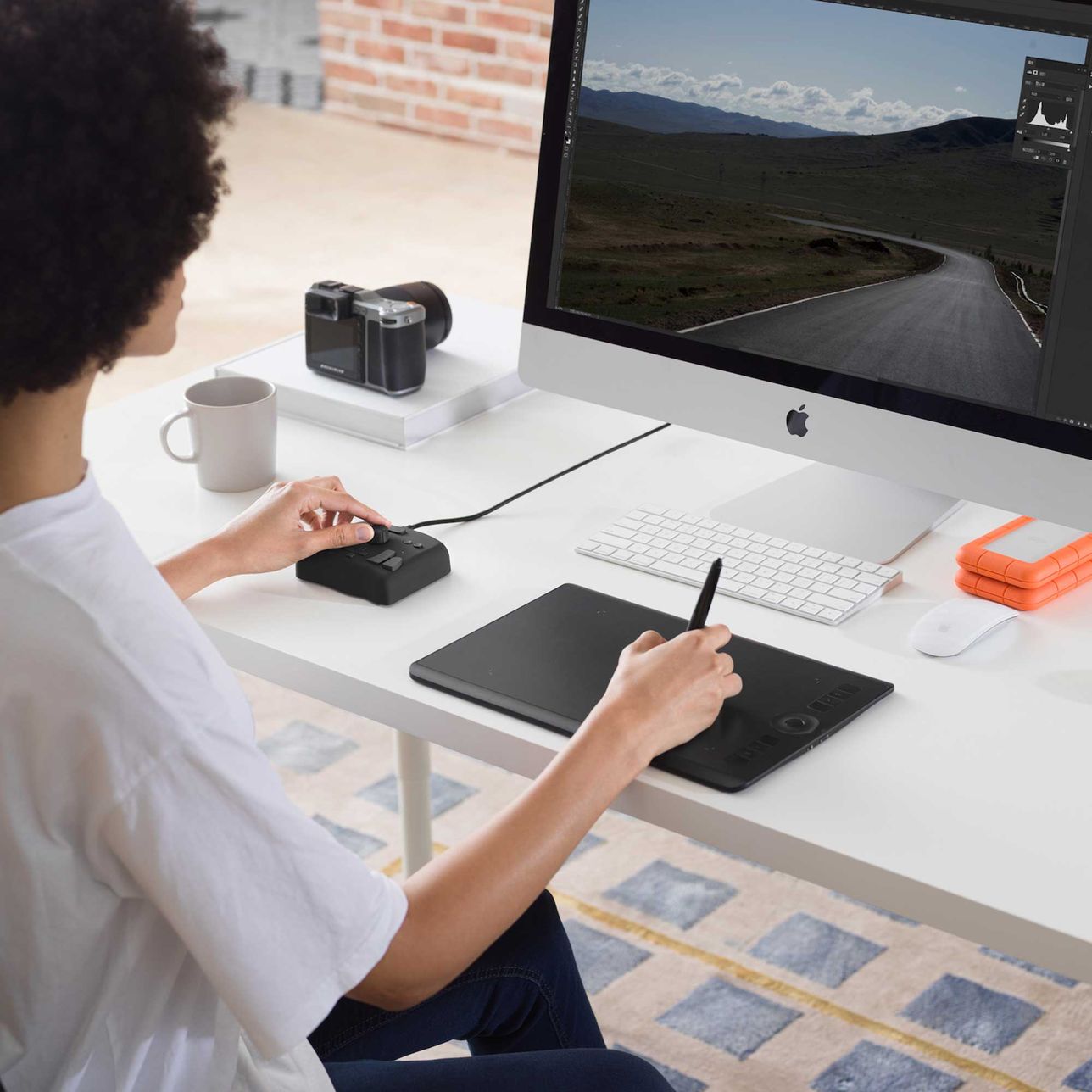
Enhancing Efficiency in Photography Post-Processing
Eyes on Color Changes Only
All Parameter Sliders, Just One Knob Needed
Quickly switch sliders using different buttons, and gently turn the knob to change parameters.
Unique H/S/L Plugin Panel
Click, scroll, twist.
Say goodbye to complex searching, and create a simple and easy creative environment.
Reshape Color Grading Process with TourMenu
Select commonly used parameters for TourMenu to create a dedicated color grading panel!
Configure Built-In Function to Apply Filter Presets to Photos
Whether default filters or custom ones, they can be set on TourBox for one-touch access.
Use Macro for One-Click Batch Color Grading
Editing - from Start to Finish
Watch the full video
More Applications
- Quickly Switch Layouts
- Mark Keywords Without Typing on Keyboard
- Simplify Layer Management
Efficiently and Easily Complete Post-Processing Work
In Lightroom Classic, Capture One, Camera Raw, Photoshop, and Affinity Photo, using TourBox to simplify every step of photo editing and significantly enhance efficiency and creative experience.
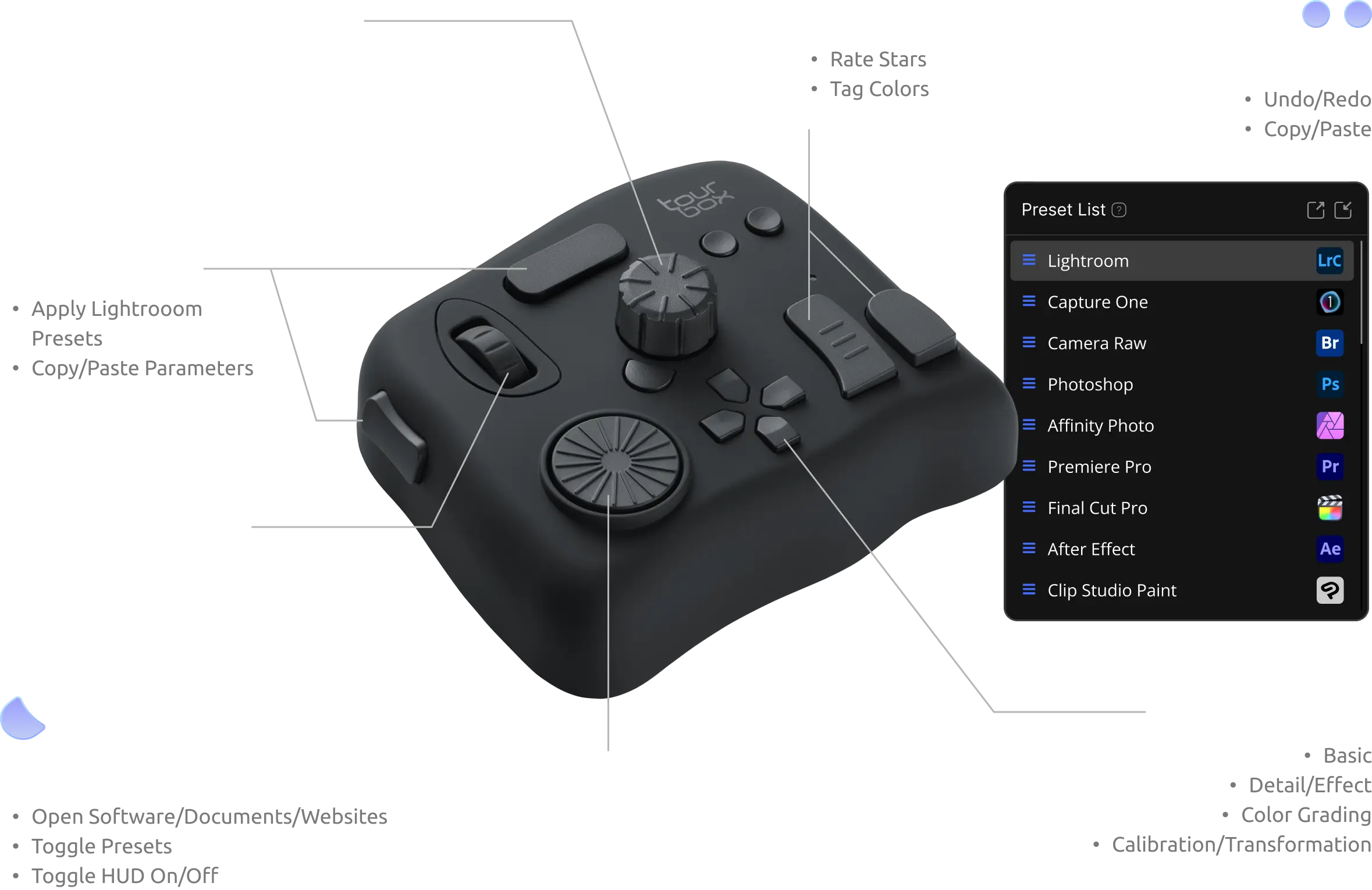
Drawing - Let Your Creativity Flow
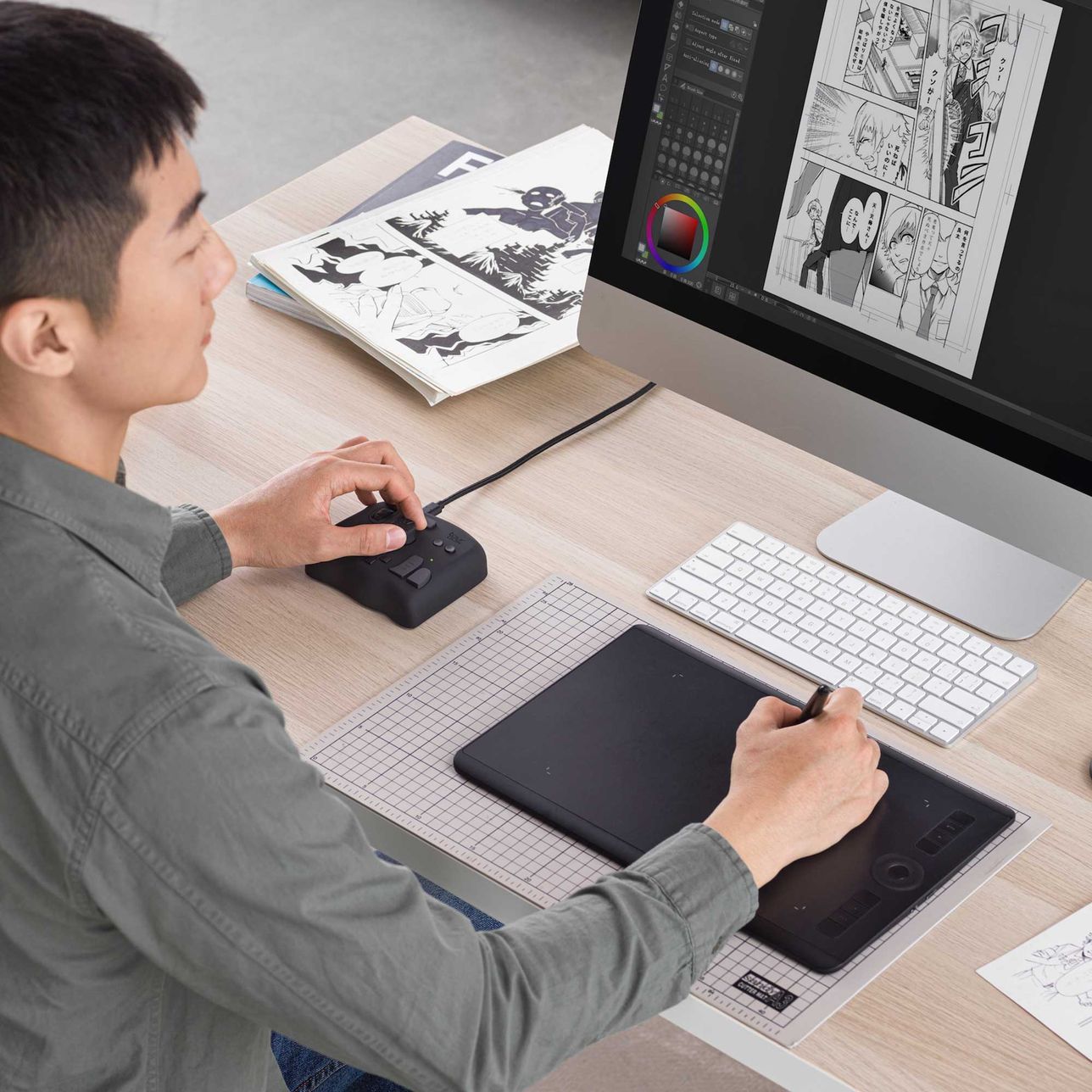
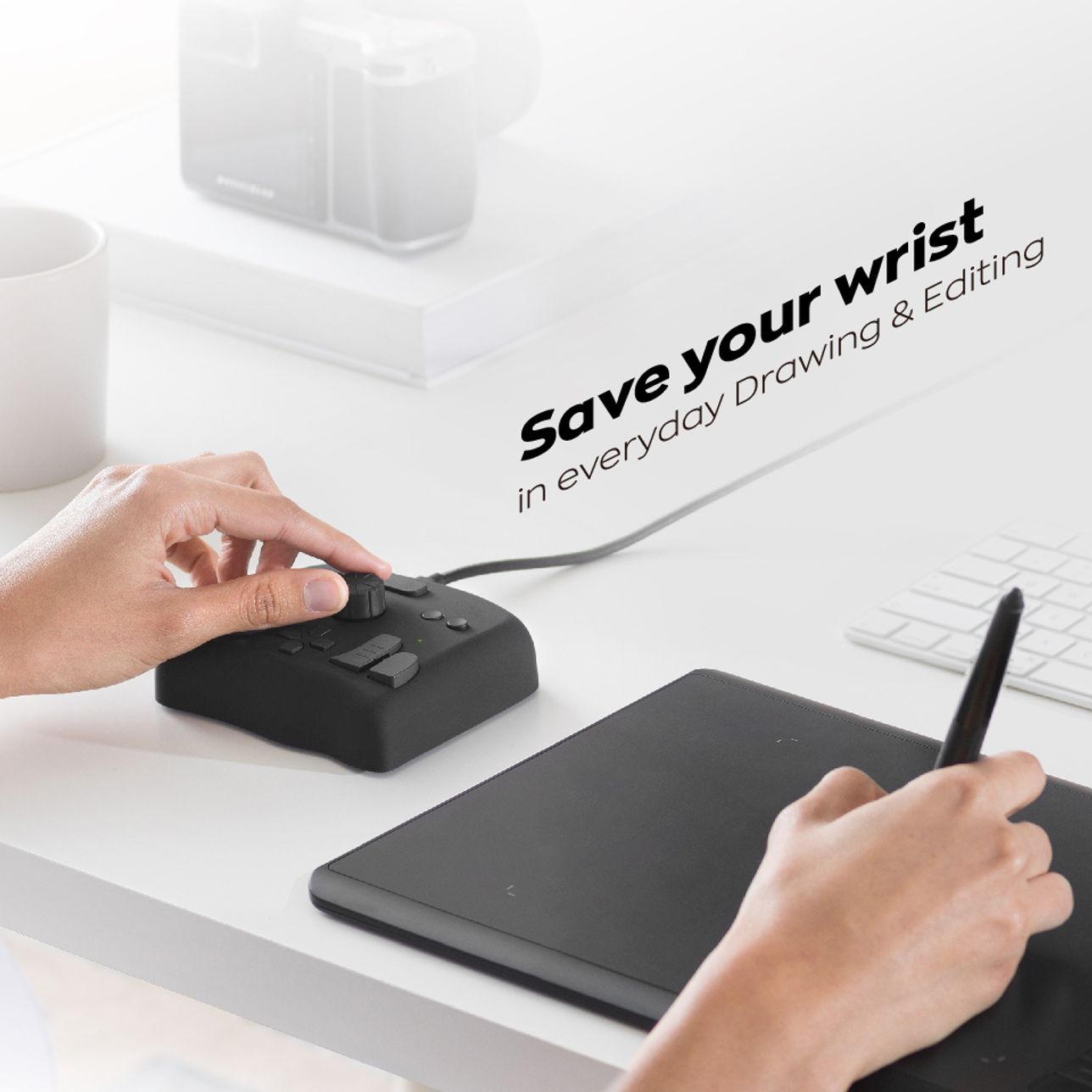
Control Smoothly with One Hand
One Knob Handles All Brush Adjustments
Personalize Tool Drawer with TourMenu
Set frequently-used tools on TourMenu for easy one-click access and scroll selection; also accessible via mouse clicks.
Smooth Layer Management with Built-in Functions
Easily manage various layer adjustments, such as curves, hue saturation, color balance, and customizable colors, accessible and adjustable through personalized panels with a simple one-click action.
Automate Line Art Extraction with Macro Command
Fewer Actions, Higher Efficiency
Utilizing hand-tracking technology, we measured the movement of Green322's left hand during art creation(who is a professional illustrator), and visually displayed it in a digital format.
TourBox + Graphics Tablet
Total painting time
79.5minTotal track length (left hand)
213.4mTotal track length (right hand)
413.9m
Keyboard + Graphics Tablet
Total painting time
219.5minTotal track length (left hand)
470.5mTotal track length (right hand)
1154.3m
*Until the time of measurement, Green322 had been using TourBox for less than three months. *Using both the keyboard and TourBox to draw the same picture; first using TourBox, then the keyboard.
More Applications
- Rapid Brush Selection
- 3D Model Manipulation
- Quick Tool Switching
Tailor Your Painting Presets
Whether using Clip Studio Paint, Photoshop, Paint Tool Sai, or Medibang, you can not only access official and user-shared presets but also create custom presets adapted to your workflow preferences.
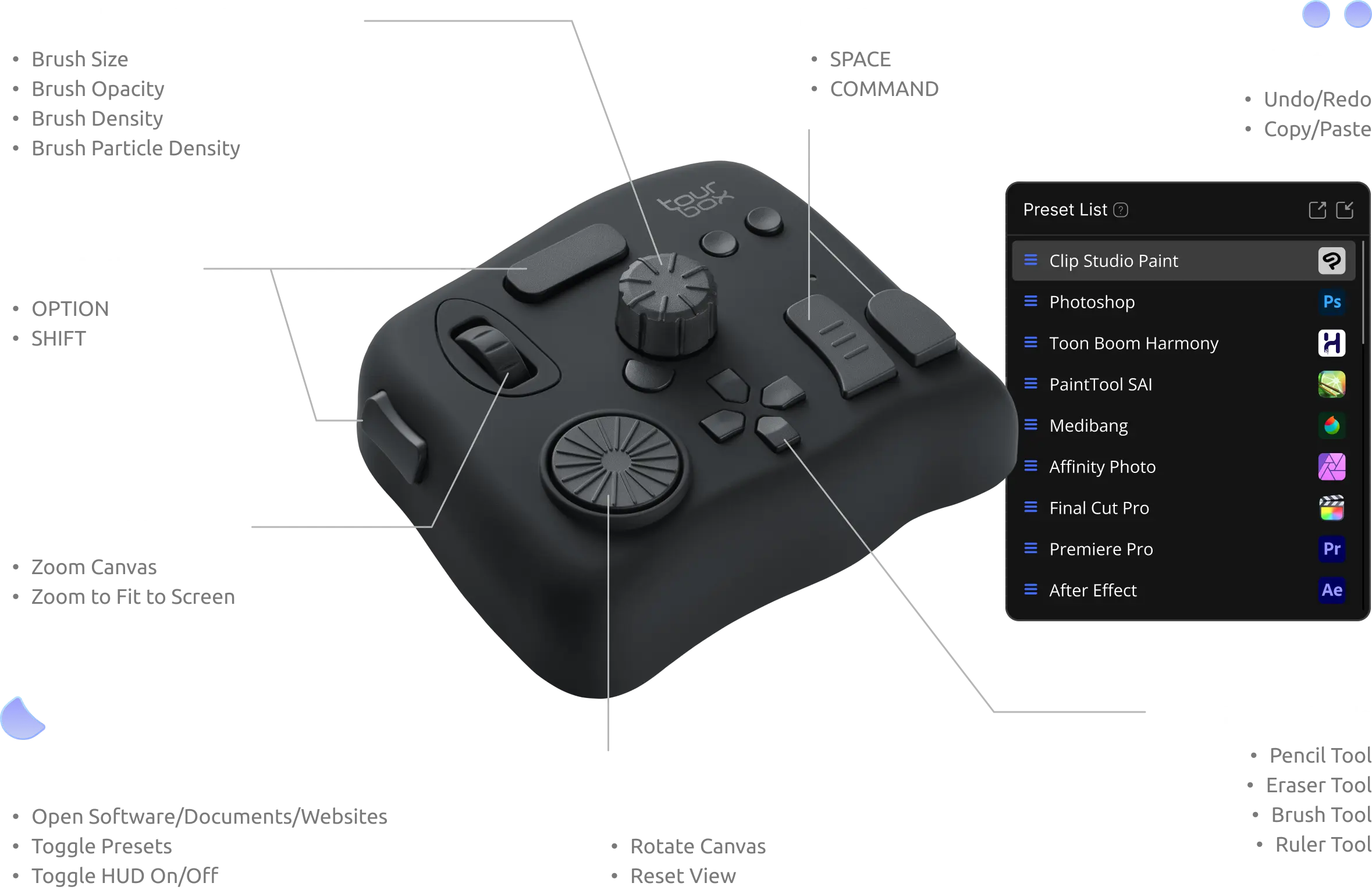
Real-Time HUD,
Easy to Use on the Go!
No Need to Memorize!
Pin the interactive HUD on the screen. Enjoy real-time reminders for commands throughout the creative process, no need to memorize!
Just Remind Me of Some Commands
The Genral HUD allows you to display selected commands and place them anywhere on the screen for easy access.
Only D-Pad Commands Prompts Needed?
D-pad HUD occupies less space on the sscreen, and shows the relevant commands when you press the Top button, Side button, or any other button that has a combined action with the D-pad.
It's a Smart HUD!
When the mouse moves over the HUD area, it automatically reduces opacity. You can also adjust the opacity manually.
Genuine 'One-Hand, Eye-Free' Control
Unparalleled Smooth Management
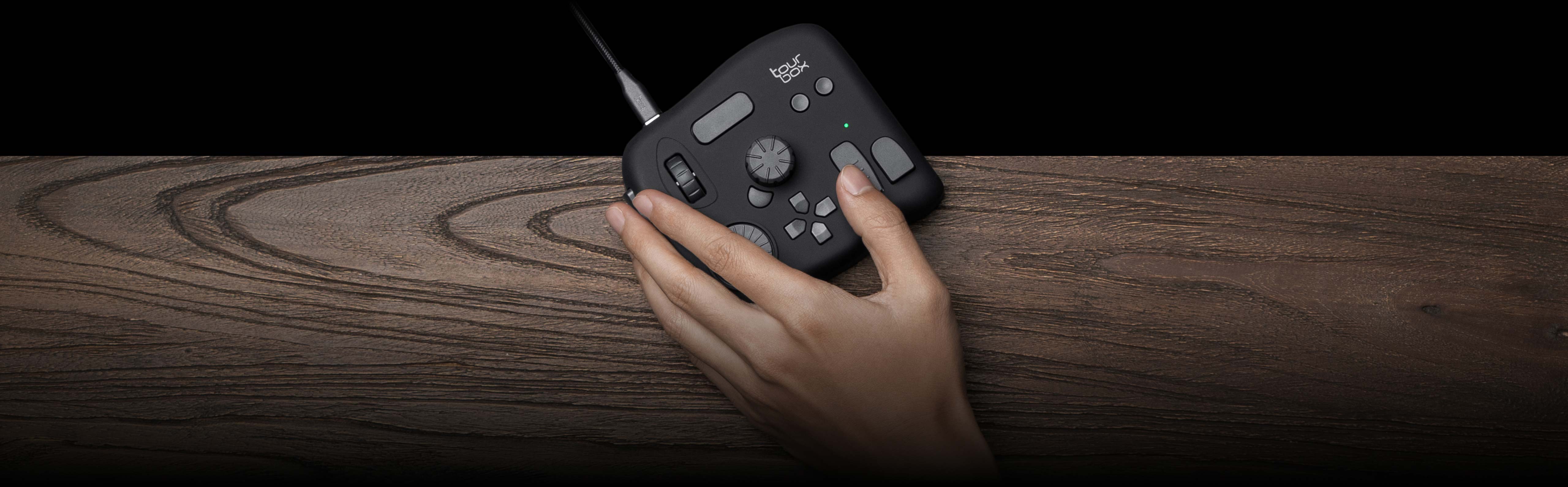
Multi-Dimensional Input Actions
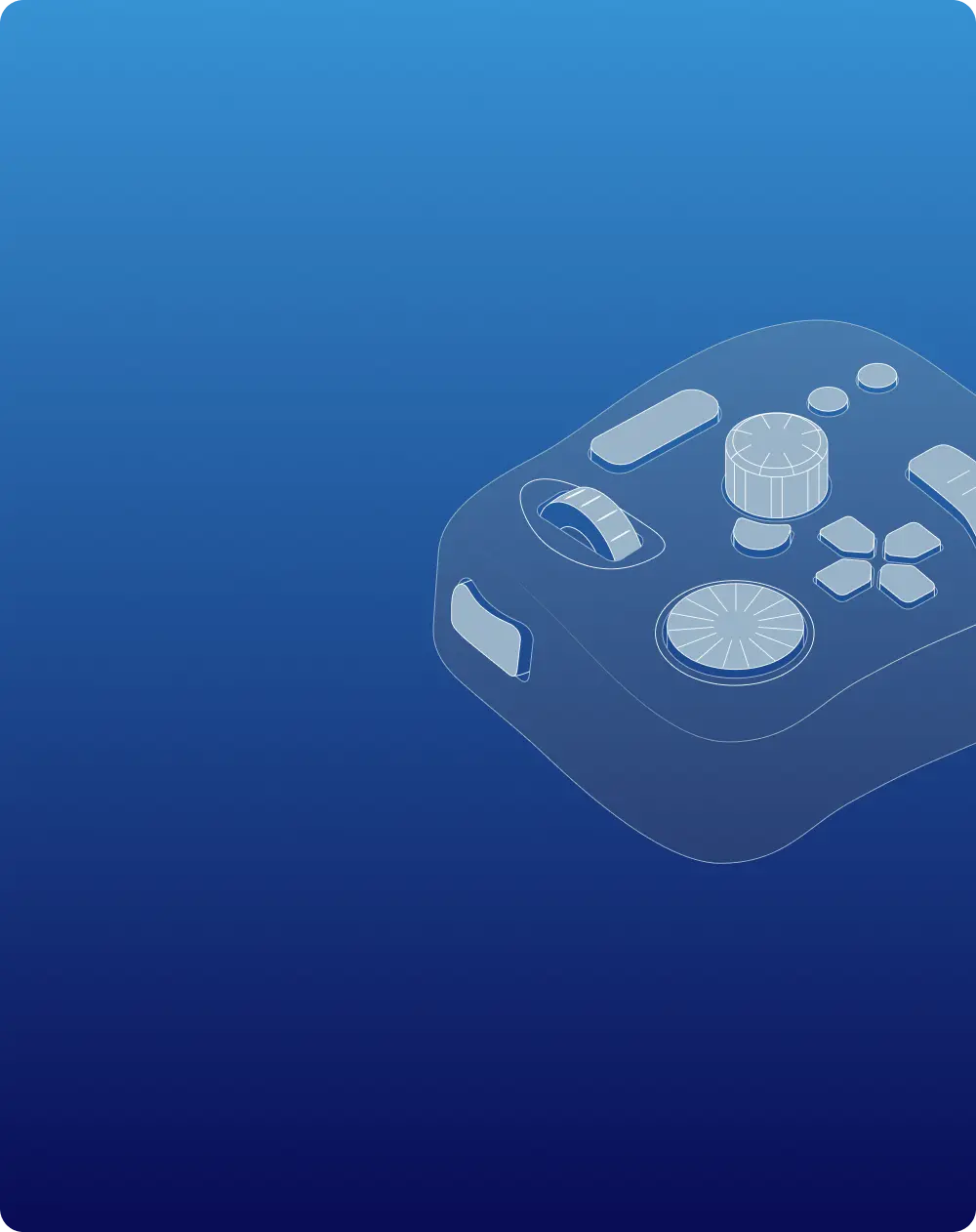

Meet All Your Diverse Editing Needs.
Modular Grid Design Controller
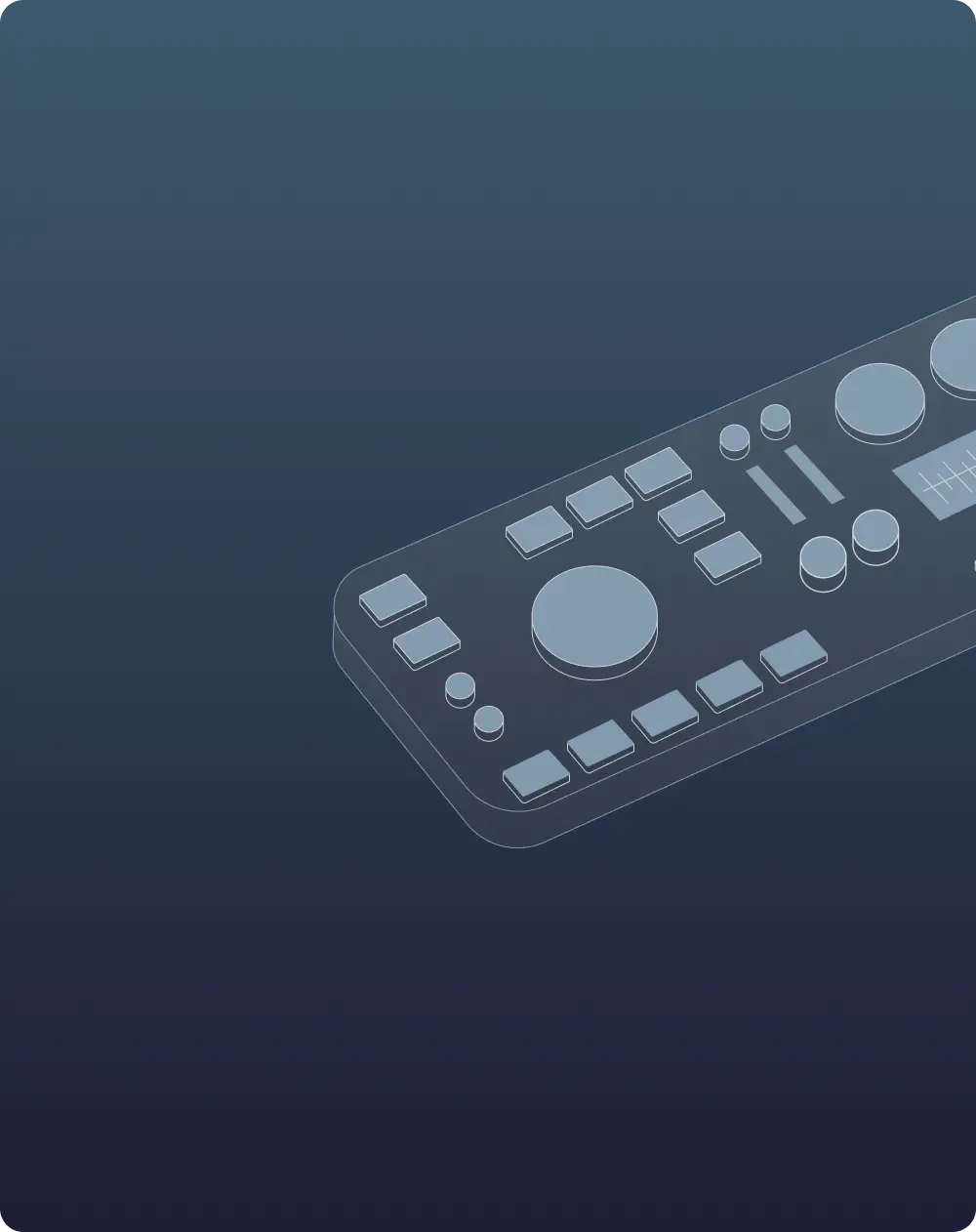
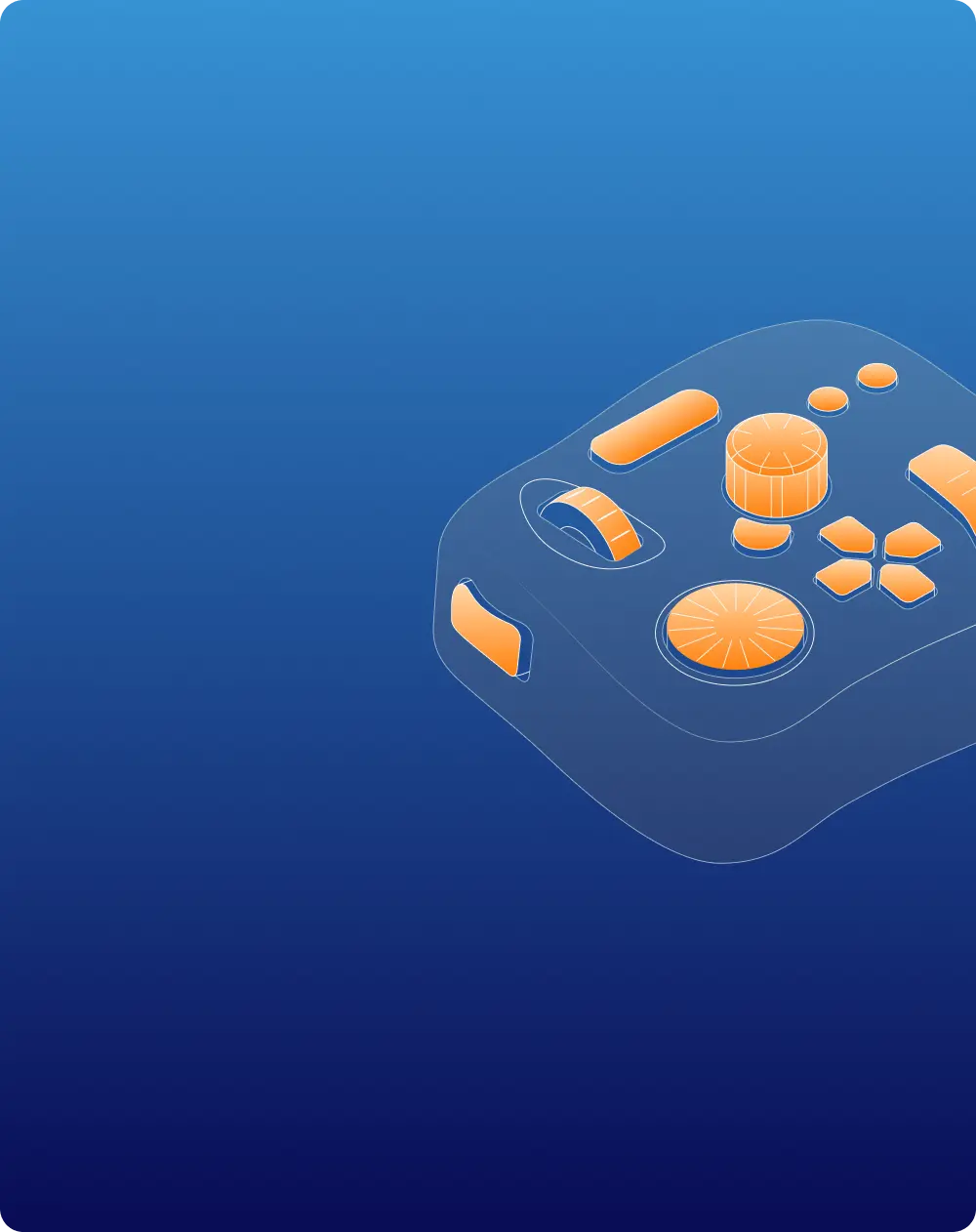
Unique Tactile Touch
Controller with Screen
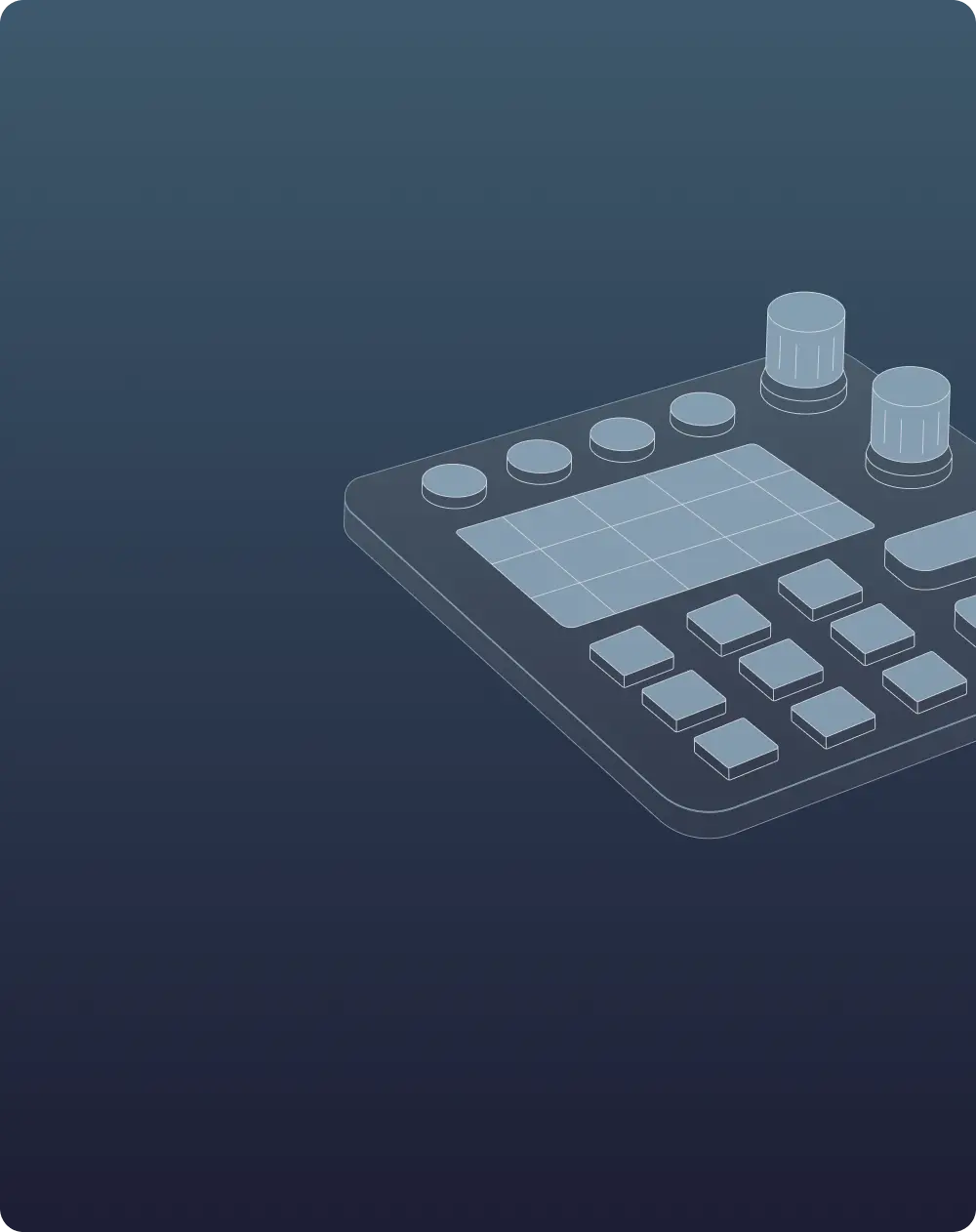
Accessible Key Layout
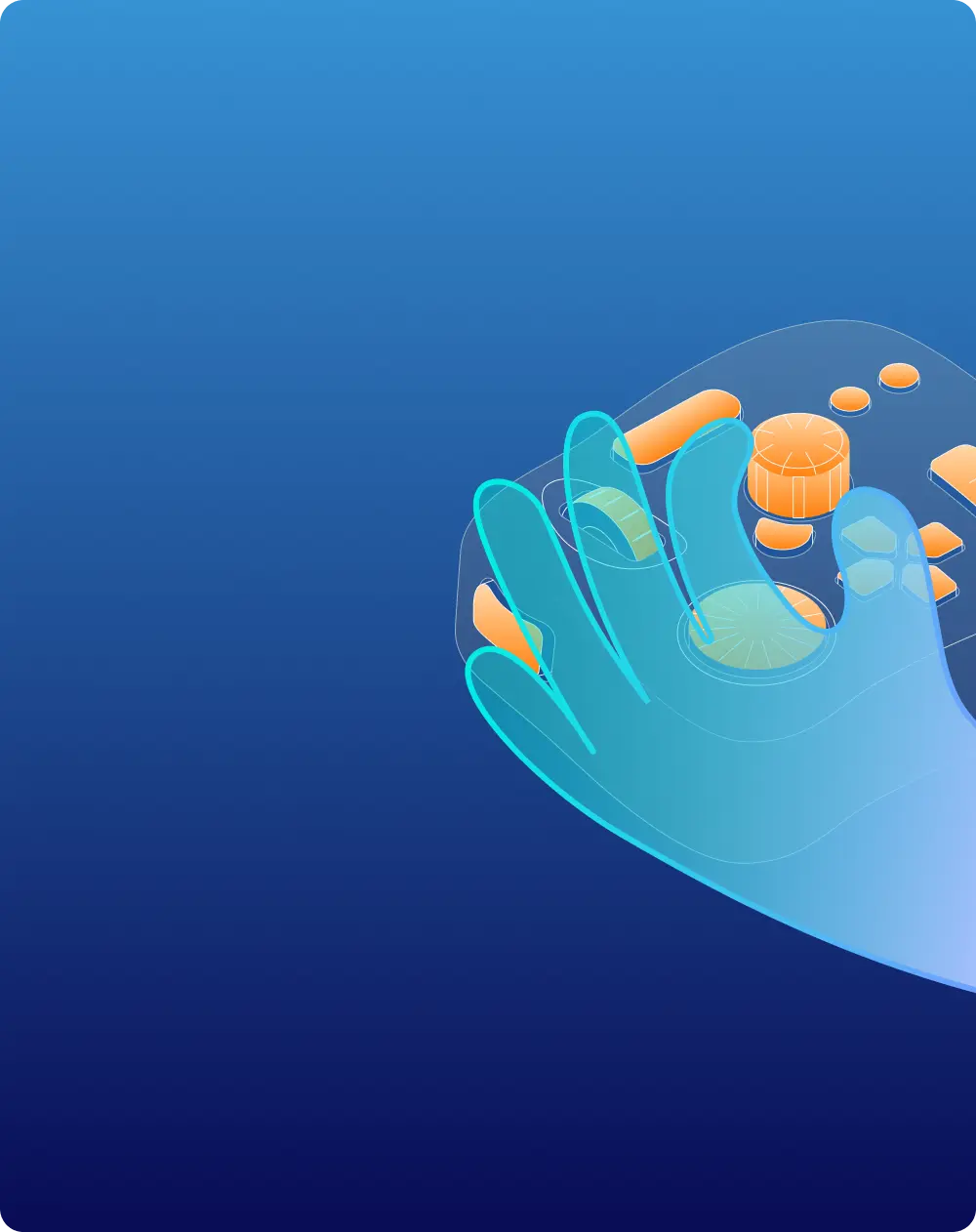
Hand-Hold Controllers
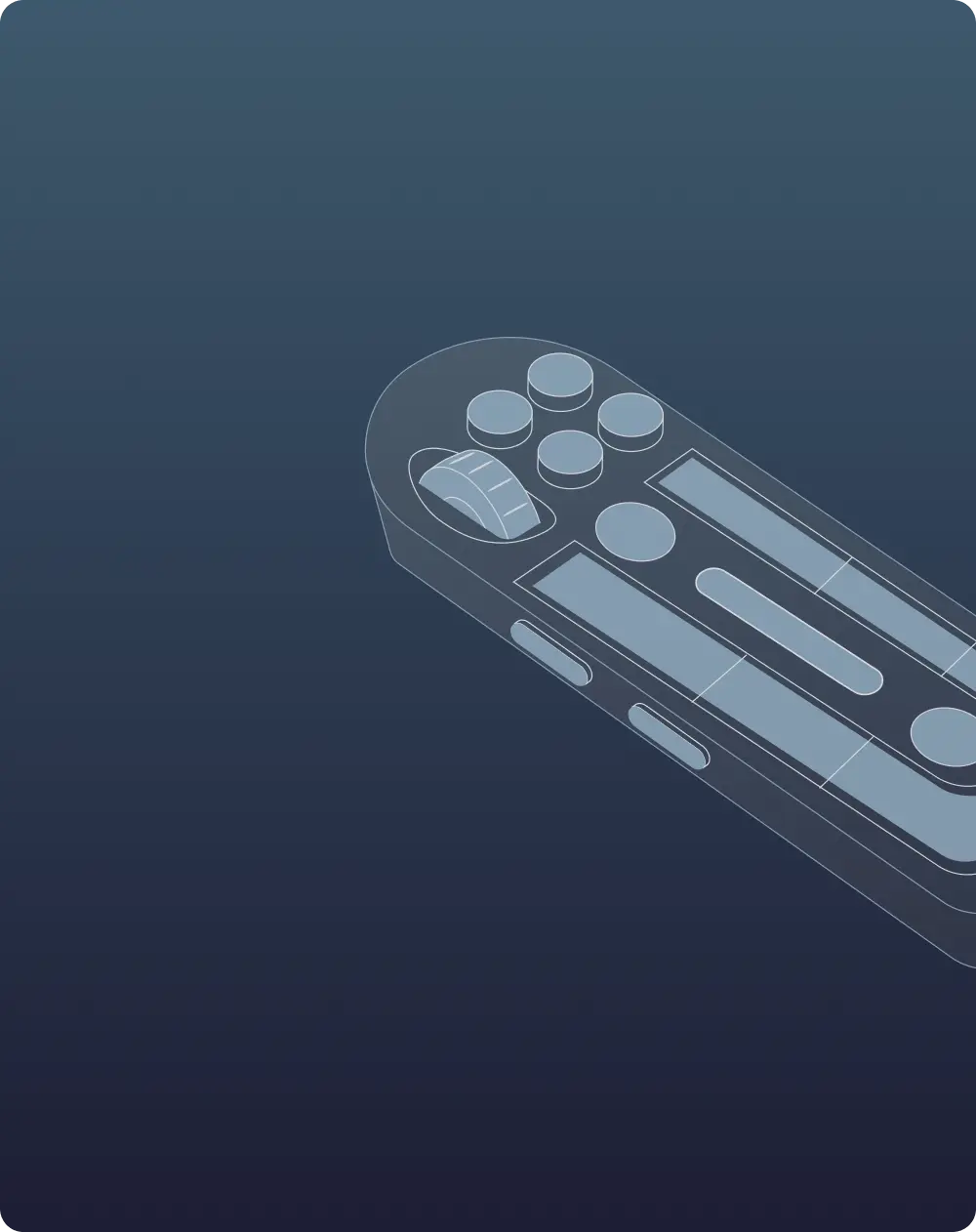
Looking for product
that suits you best
TourBox Elite
CAD$378
TourBox NEO
CAD$238
Currently viewing