Best seller
TourBox Elite Plus
Bluetooth
Haptic
iPad
Android
Learn More


TourBox embodies “Freedom to Create, Equality in Access”, empowering creators to simplify workflows, focus on art, and embrace a sustainable creative lifestyle.
By valuing user feedback and enhancing software and algorithms, TourBox delivers intuitive, efficient, and immersive solutions tailored to diverse creative needs.



Global Free Shipping
Free shipping from the US.

Payment Guarantee
Free cancellation before shipping or within 30 days of receipt.

Free Replacement
1-year FREE NEW-REPLACEMENT for faulty devices

Support Team Standby
Customer service within 24 hours on weekdays.


One-click macro function to create various asset folders.
Scroll to zoom clips, no need for repeated presses.
Quickly categorize footages; one-click add keywords using Macro.
Quickly browse and set in and out points.
Quick adjustment on timeline zoom in & out, track height, or frame-by-frame movement
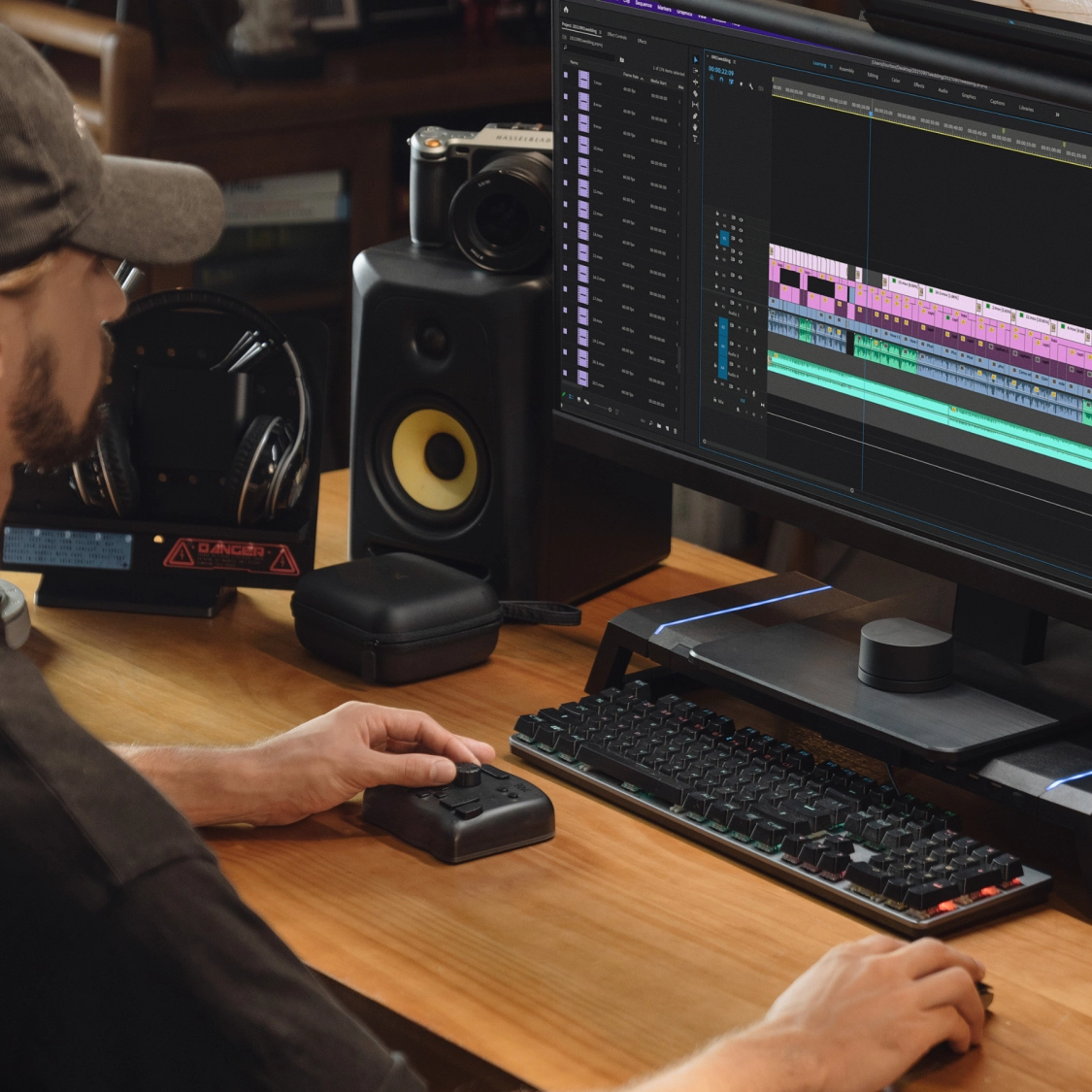
Seamless editing with one hand, no more hassile jumping around keyboard
Quickly toggle clip attributes and adjust media positions
Efficiently adding transitions; speed up, slow down, all done with one click
Quickly switch/show/hide workspace
Quickly establish your color nodes
Diverse color correction plugins for precise adjustments, all adjustable via Knob!
Premiere Basics
Premiere Pro Expert, focusing on Professional Editing Tutorials
Will Hall
Video editing professional, sharing useful tutorial & tips for editing.
BROKEN STUDIO
Expert focus on filmmaking, VFX and motion design.
Rudy Visuals
Professional specializing in photography and videography
Chris Brockhurst
Professional in both photo & editing field.
Daniel Chiang
DaVinci Resolve Expert, also a director & cinematographer.
Enam Alamin
Premiere Pro Expert, providing useful filmmaking & editing tips.
TourBox offers a growing library of plug-ins for software without shortcut support, ensuring seamless access and increasing its value over time.
Different photo styles demand unique color grading.
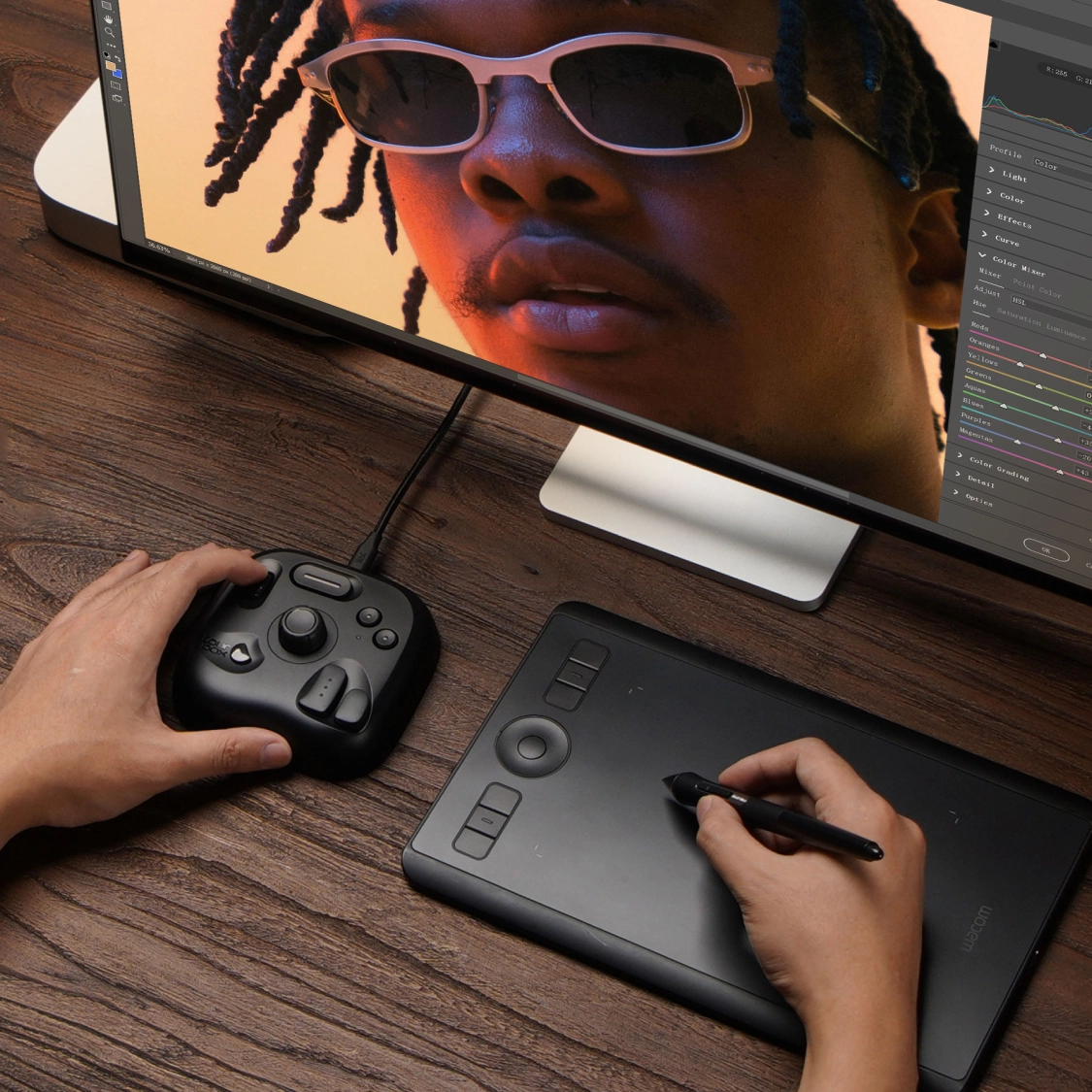
Use TourMenu to group frequently used sliders from Lightroom Classic, Capture One, and more into a custom color grading panel. Simplify adjustments and say goodbye to complex native panels.
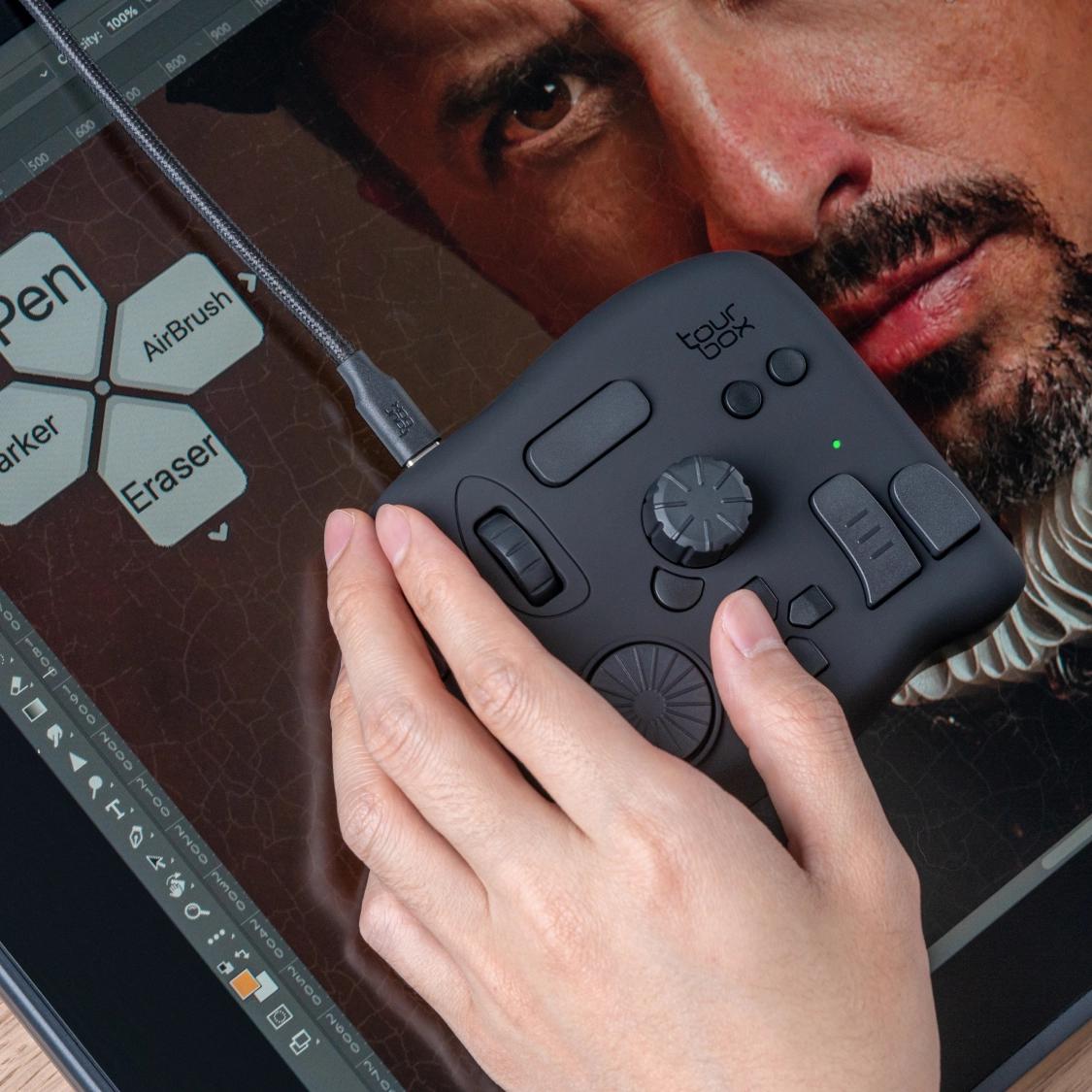
This interactive HUD can reside on the screen throughout the creative process, reminding you of functions in real-time, eliminating the need for memorization!
Left, right, and middle click; Single-click, double-click, and wheel scroll;
Even Combination of keyboard and mouse operations.
You can also set Mouse movement, buttons, scroll, drag, and more using Macro function.
Direct adjustment on system functions
TourBox's enhanced system plug-ins allows you to directly adjust volume, fast forward/rewind, play/pause/mute, next/previous track, screen brightness, keyboard backlight brightness, and more.
Comprehensive universal functions supported
One-click to open files, folders, URLs, and software; One-click to output text, and more.
New features,catch up now!
(For Photoshop)
(For Photoshop)
(For Photoshop)
(For Photoshop)
(For Illustrator)
(For Capture One)
Get the latest news from TourBox