

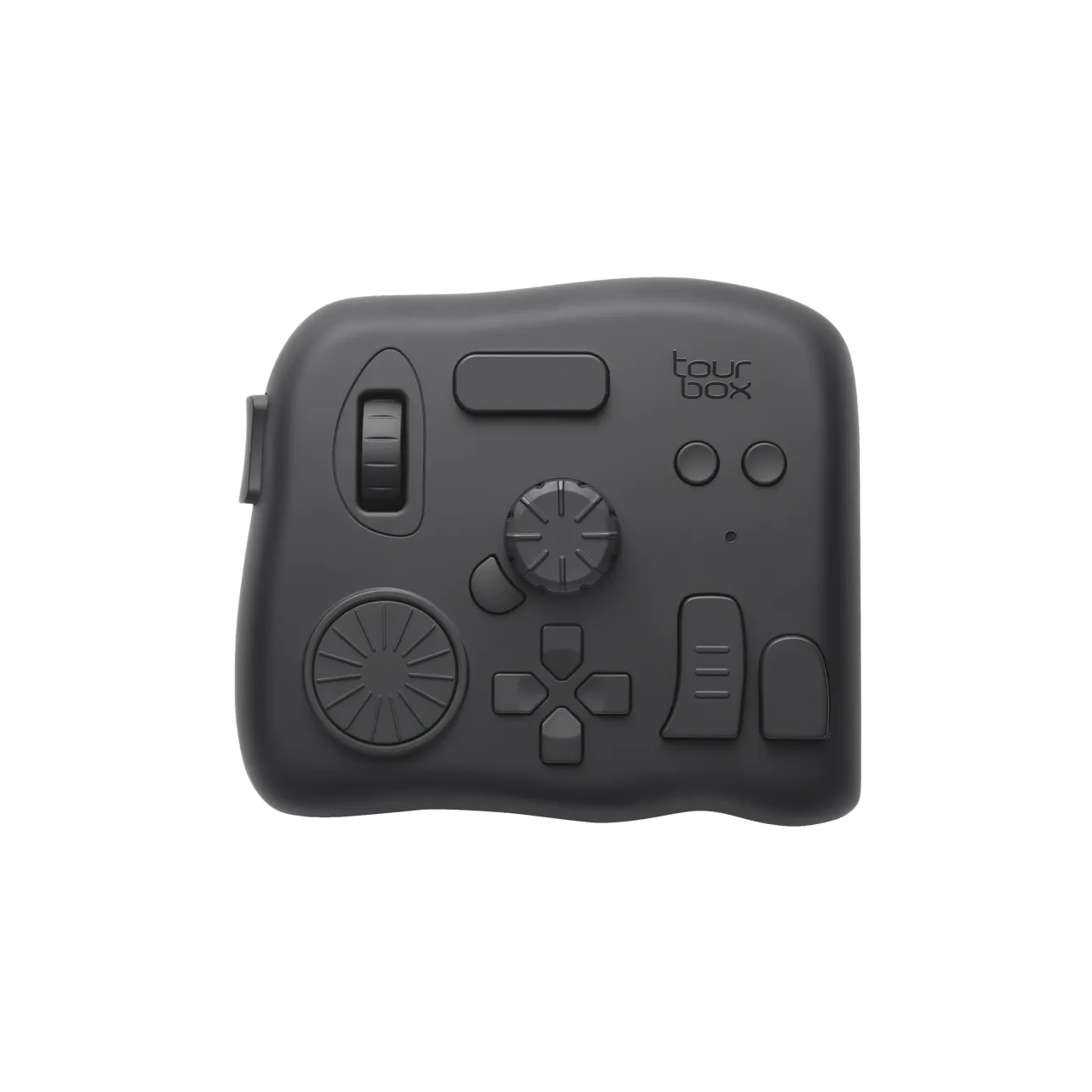
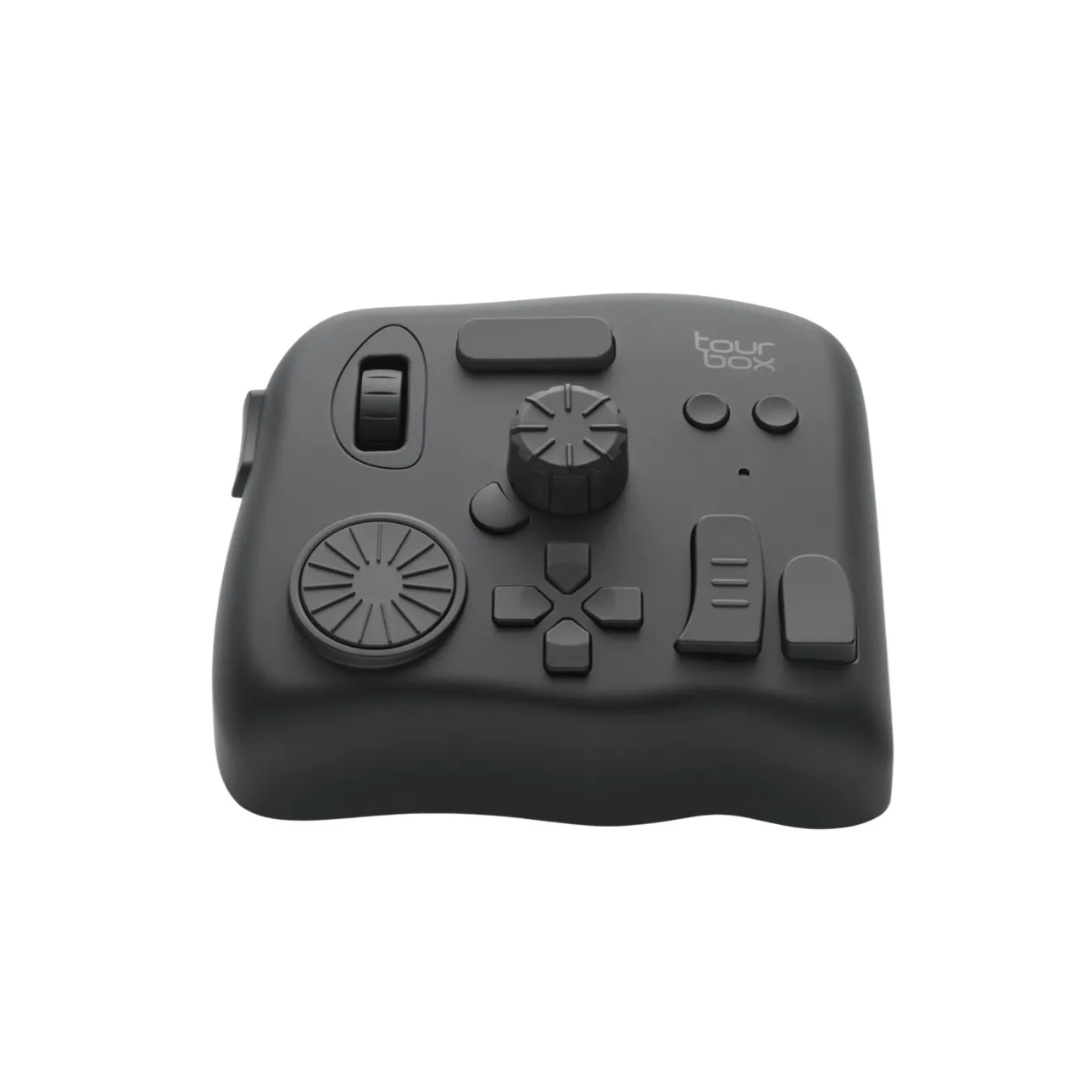
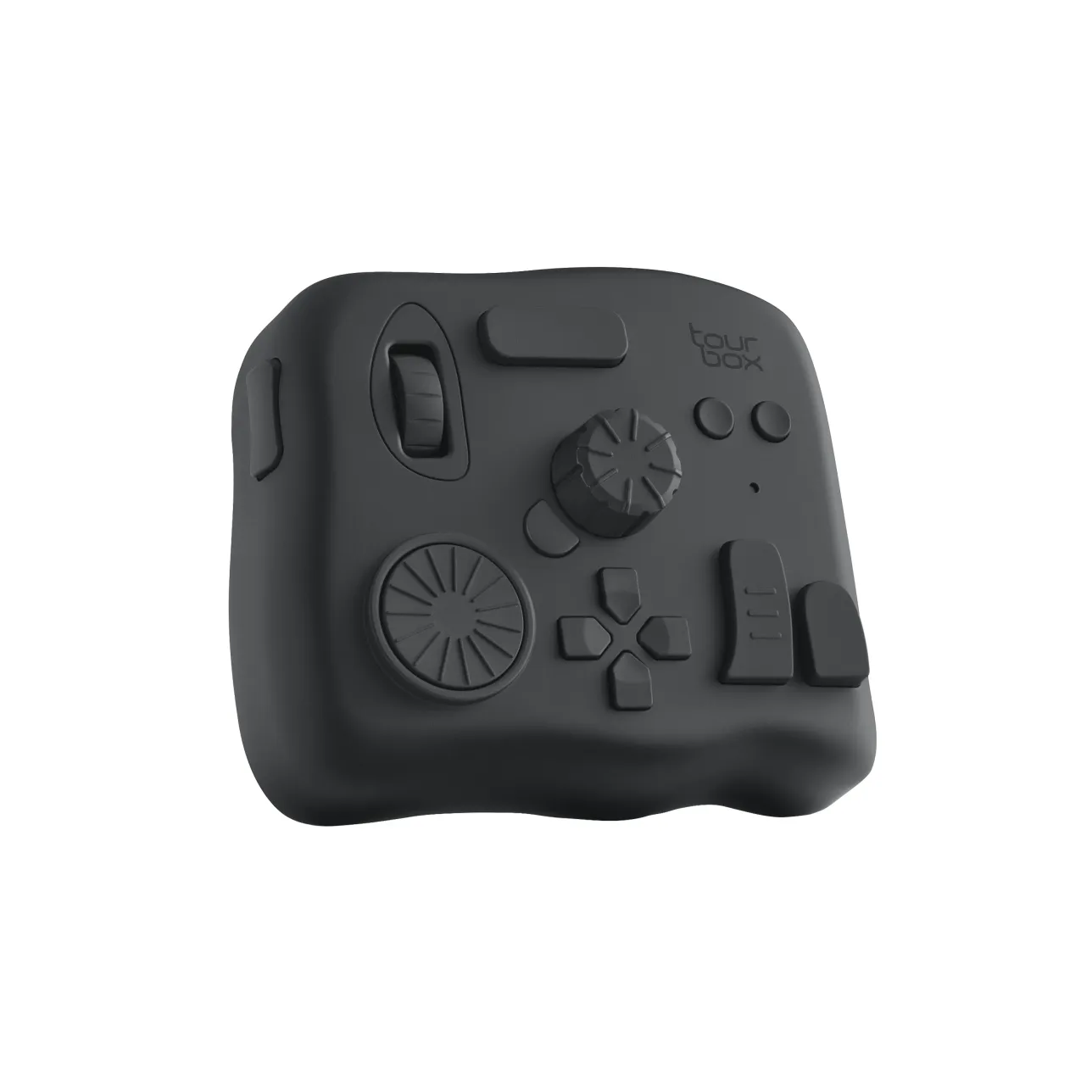
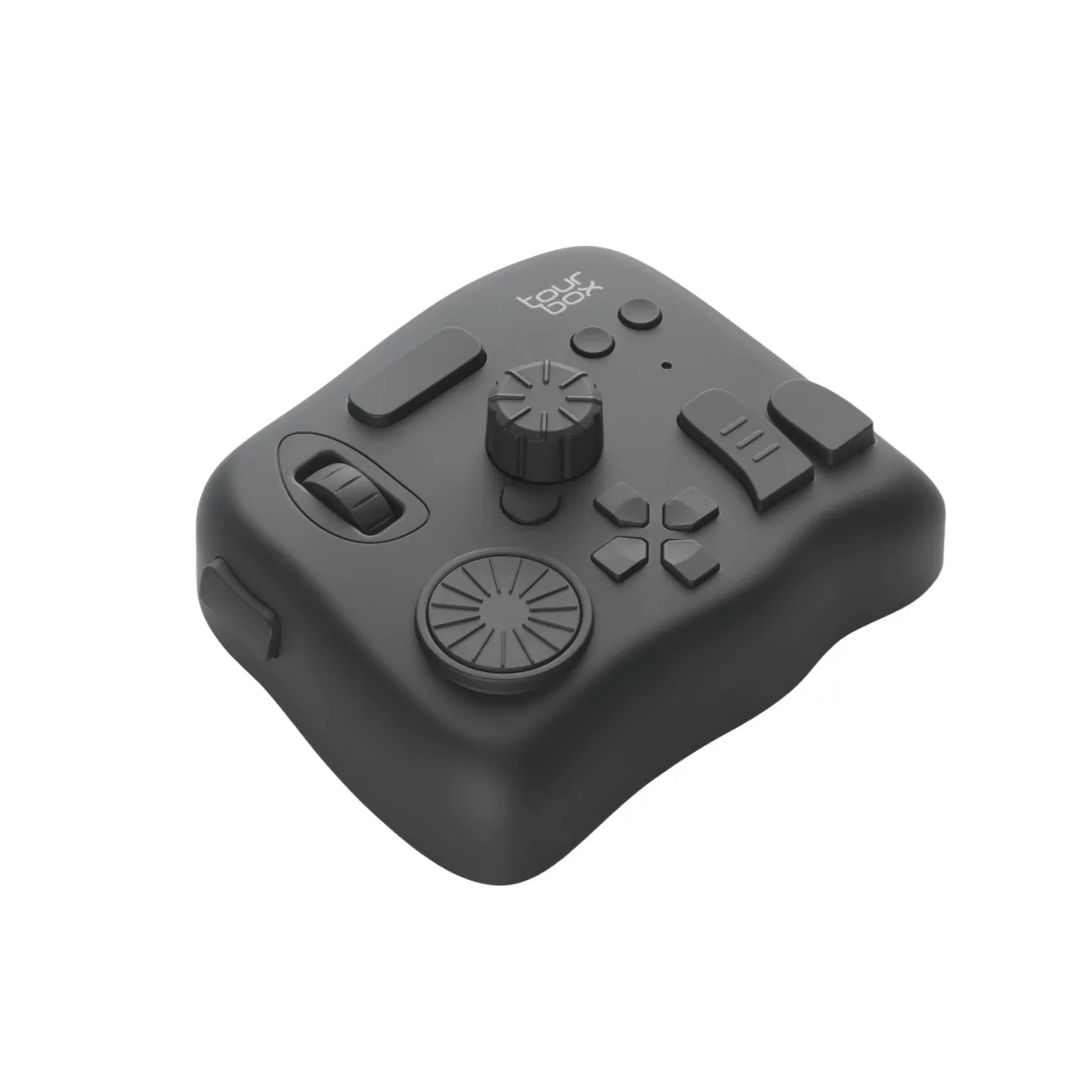

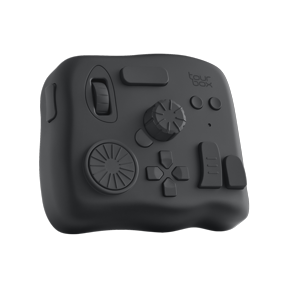
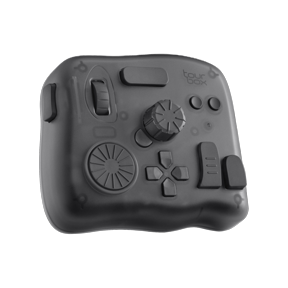
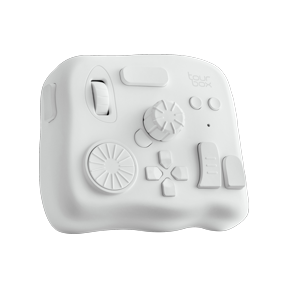


TourBox Elite

USD$239USD$268

Promotion

Save USD$29 Instantly

Free Shipping
30-day Refund Guaranteed
1-year FREE NEW-REPLACEMENT for faulty devices
Customer service within 24 hours on weekdays.

Choose a Color

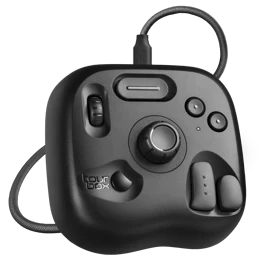
Classic Black

Classic Black
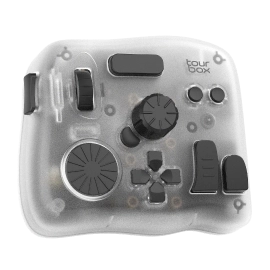
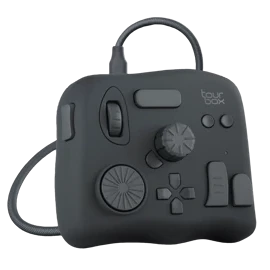
Modern Smoke-Black Translucent
Ivory White

Bundle Now, Save Big.

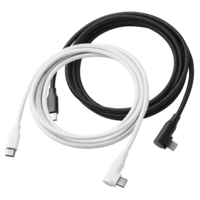
1* typeC-typeC Cable(Color match device)

1* typeC-typeC Cable(Color match device)

USD$12

USD$20

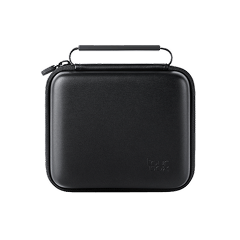
Travel Case

Travel Case

USD$18

USD$35

Frequently Bought Together

Naoki Saito - 1 month illustration improvement program《Complete set》

Naoki Saito - 1 month illustration improvement program《Complete set》

USD$9.9

USD$30

Naoki Saito - Improves illustration in 6 days -《The Secret of Illustration》

Naoki Saito - Improves illustration in 6 days -《The Secret of Illustration》

USD$9.9

USD$20

TourBox Elite Only
USD$239
Save USD$29

Total

USD$268

USD$239

Estimated dispatch within 2 business days

Multiple payment methods: PayPal, Credit/Debit cards

You may also like

elitePlus

TourBox Elite Plus

Best Seller

Learn More

Top-tier model with added iPad support and enhanced components for ultimate cross-platform control.

lite

TourBox Lite

Entry-Level

Learn More

The lite-edition creative console easy to adapt and feel the change instantly.

neo

TourBox NEO

Standard

Learn More

A versatile creative console for emerging professionals seeking precision and control.

TourBox Elite

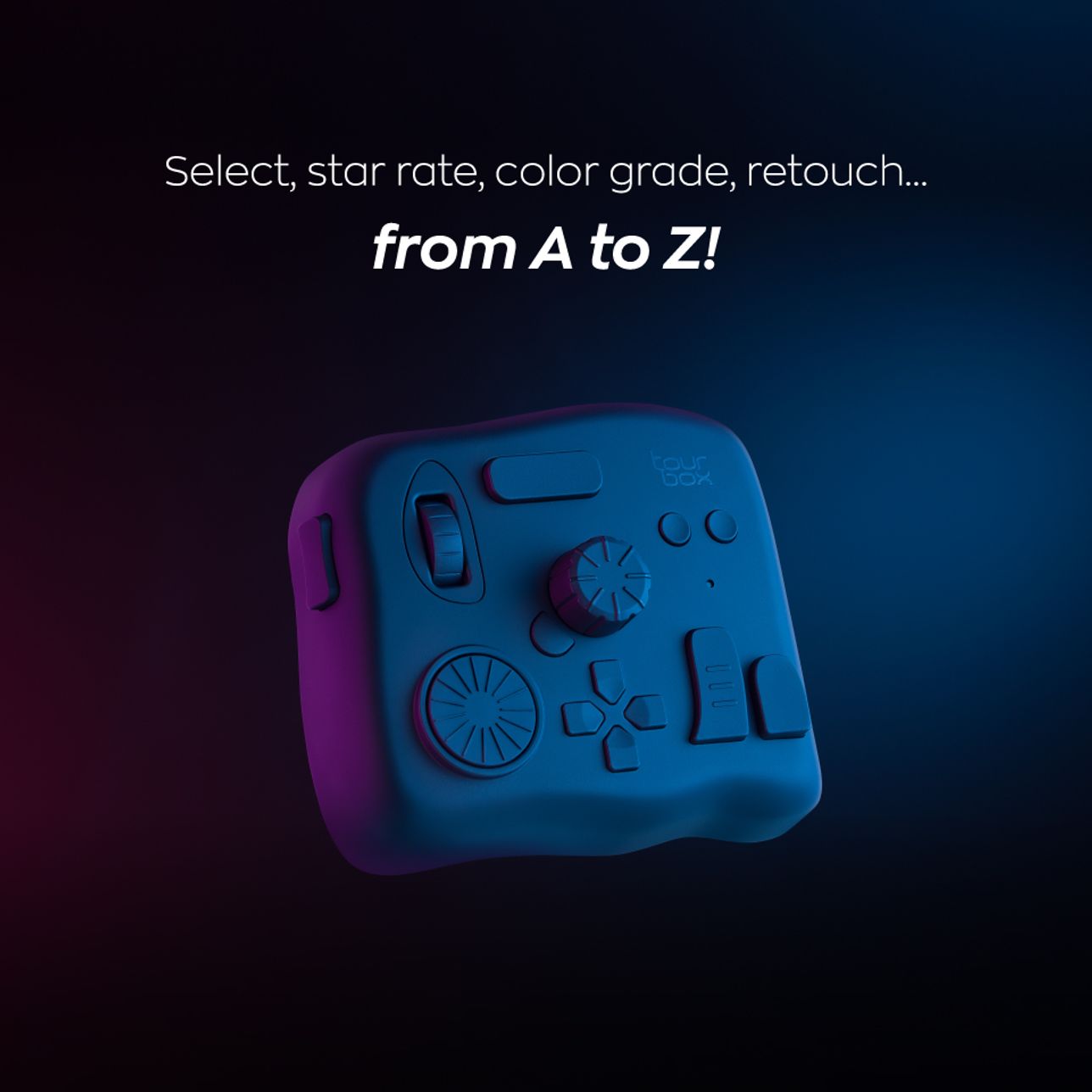
TourBox Elite, A high-performance Bluetooth left-handed console for eye-free control. Keyboards focus on typing, while other controllers offer limited input actions and functions, leading to disruptive wrist movements and interruptions.

TourBox Elite innovates professional creative processes like editing, color grading, drawing, and design with intuitive software and hardware synergy, unique screen interactions, and immersive tactile feedback.

Intuitive Responsiveness
Highly Aligned Input and Editing Actions
Fully customize all shortcuts, mouse actions, plugins, and macros.
Intuitive Timeline Control
Perfectly Aligned with Editing Actions
No More Dragging or Searching
One Knob
Masters All Brush Adjustments
A Toolbox at Your Fingertips
Remarkably Productive with Easy Toggling
Control the Canvas
Like Holding the Paper in Your Hand
The Very First Design for Full-Process Eye-Free Control
11Buttons and 3Knobs Each One Meticulously Designed
Multi-dimensional Input Actions
Click, scroll, spin, twist, single-click, double-click, any combined actions, meet all your diverse editing needs.
Creativity has its own flow!
Swift switching, smooth rotations, and undulating scrolls.This is the Workflow brought by TourBox.

Consistent fingertip movements bring diverse sensory feedback. Closeness, ease, and fluctuation. It's the flow of operation, and also the flow of the heart.

Advanced Vibration Motor for Immersive Tactile Feedback
2 Levelsof Feedback Intensity
Low Vibration
For fast browsing and wide-ranging adjustments, such as footage viewing, volume adjustments, etc.
Strong Vibration
Clear tactile for precise and delicate adjustment, like frame-by-frame editing, precise parameter adjustments, etc.
3 Different Speed Modes
Varying Degrees of Density
Compatible with WinOS and macOS.
Unlocking Creative Workspace
Handles Multiple Programs And Projects
Supports switching between two computers, enabling simultaneous collaboration across multiple projects. When switching connections, it automatically connects to the software in use and swiftly switches to the corresponding preset.
See details of TourBox in various creative fields?
Video Editing
Learn More
Digital Painting
Learn More
Photo Editing
Learn More
Responsive Screen Interaction
Reshape Editing Interface, Rebuild Creative Process
Colorgade in DynamicPanel
Select commonly-used parameters to create a dedicated color grading panel! Say goodbye to complex searches, create a simple and easy creative workspace.
Easy-to-Use Tool Drawer
Gather different tools in the TourMenu. One click to pull out, scroll to select, access when needed just like a drawer.
Real-Time Prompts, Easy to Use on the Go!
With our interactive screen HUD, get real-time reminders throughout your creative journey. Forget memorization, focus on creation!
Choose whatever actions and commands you want to display, put it anywhere on the screen for easy viewing.
Smart Evasion to Reduce Distractions
When the mouse moves over the D-pad HUD area, it automatically reduces opacity.
Software
Customize Freely Within the TourBox Console

Unlock a New Way of Working, Faster and Easier!

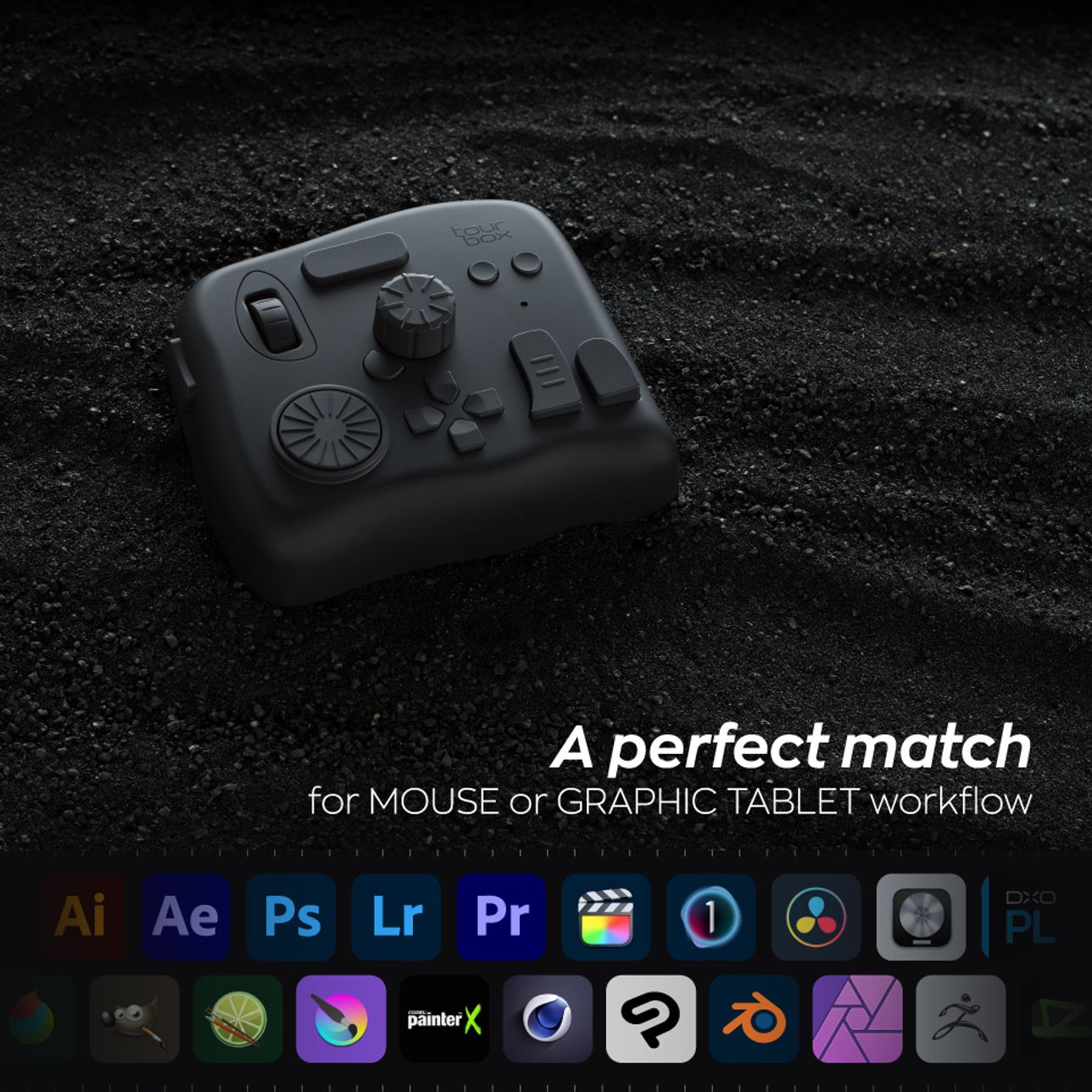
Utilize a wealth of default presets templates for efficient operation across various applications, Adobe Photoshop®, Adobe Lightroom Classic®, Adobe Premiere Pro, Final Cut Pro, Capture One, DaVinci Resolve, Clip Studio Paint, Google Chrome™, Safari, and more.

Create up to 30 presets for different software applications!

Customize According to Your Preferences

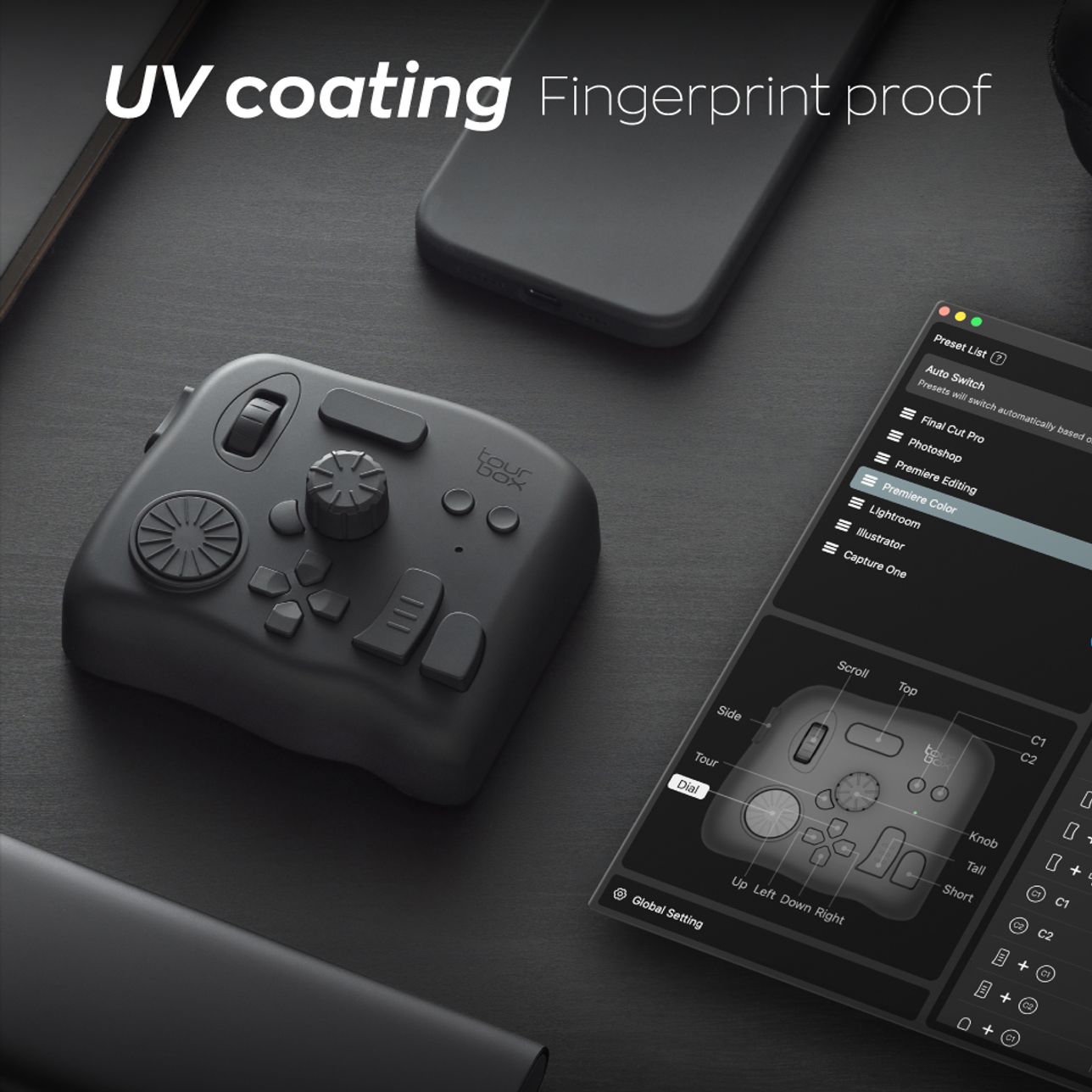
The TourBox's powerful user interface allows you to instantly and intuitively configure more functions via shortcuts and menus.

Shortcut

Map any complex shortcut commands to TourBox!

Mouse Action

Whether it's mouse clicks, double clicks, scrolling, or combined use with the keyboard, you can easily set them up on TourBox.

Application Plugins

Still missing shortcuts for many functions? TourBox continues to provide deep integration solutions and plugins for various applications, offering the user tools that would otherwise be impossible with the keyboard and mouse.

General Plugins for Everyday Convenience

You can also configure general plugins such as MIDI and system plugins to adjust computer volume, playback progress, and more.

Macro Command,
Automate Your Workflow

All knobs and buttons can be set with macro, allowing for the automatic execution of multiple commands at once or in sequence.

Simplify complex tasks such as batch coloring, line extraction to a one-click action.

Up to 30 Layers of Control

150+Actions in One Preset

Single Click, Double Clicks, Combination of Buttons and Knobs

Create Any Combined Actions

Discover More User Presets

Learn More

Fewer Actions, Less Time, Higher Efficiency

Utilizing hand-tracking technology, we measured the movement of Hugo's left hand during retouching (who is a professional retoucher), and visually displayed it in a digital format.

TourBox + Graphics Tablet

  • Total Time

    15.2min

Keyboard + Graphics Tablet

  • Total Time

    24.4min

*Until the time of measurement, Hugo had been using TourBox for less than three months.

*The image edited using the keyboard and TourBox is the same.The sequence was first edited using TourBox and then edited using the keyboard.

More Upgrades

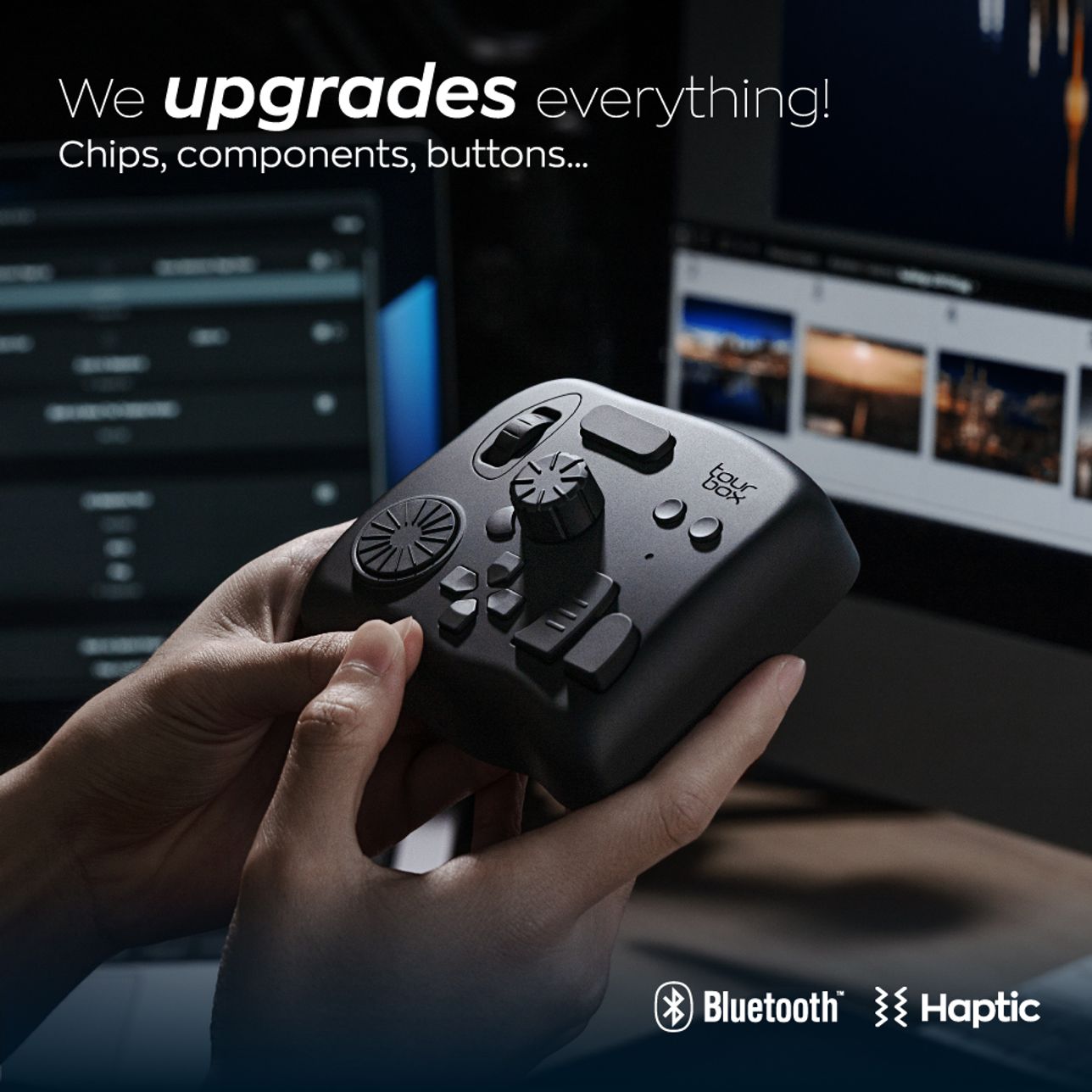
Chip Upgrade

More powerful performance, smoother process, and more possibilities.

Newly upgraded components and buttons

4 different switch encoders have been selected according to different key layouts to cater to the strength and tactile needs of different fingers.

UV antibacterial and fingerprint-resistant coating.

Looking for product
that suits you best

TourBox Elite

USD$ 268

Currently viewing

TourBox NEO

USD$ 169

EliteNEO
Bluetooth connection
Cable connection
Control two devices at the same time(such ascontrolling both your Mac and Windows PC and laptop)
Haptic feedback and different strength levels
Upgraded chip
Upgraded component
Supports all software

What's Included

TourBox Elite
Safety Instructions
Quick Start Guide
Battery

Specification

Model Name:
TourBox Elite
Dimension:
116X 101 X 44mm376g without batteries
Weight:
batteries weigh 48g
Outer Material:
ABS
Button Material
PC+ABS
Dial & Wheel Material
PC+ABS+TPU
Coating:
Translucent version, no extra coating; black and white version, UV anti-fingerprint coating.
Connection:
Dual-channel BLE5.0 & USB-C cable
Motor:
Linear motor
Processor
Low energy consumption
Power Input:
For cable connection, 5V DC, 100mA; Bluetooth connection, 3V DC, 50mA
Bluetooth Connection Requirement:
Computer OS - macOS10.13 and above,Windows 10 and above Hardware - Computer or Bluetooth adapter supports BLE4.2 and up
Cable Connection Requirement.
macOS 10.13 and above,Windows 7 and above(64 bit only)(extra driver needed for Windows 8)
Battery Life:
Up to 2 months
Product Review

Get the latest news from TourBox

TourBox
Explore
Downloads
Support
Policy
2026 TourBox Tech Inc. All Rights Reserved.